In a groundbreaking announcement, OpenAI recently introduced the ChatGPT API for developers and the public. In particular, the new “gpt-3.5-turbo” model that powers ChatGPT Plus is being released for 10 times less and is also extremely responsive. Essentially, OpenAI opens the door to endless possibilities, allowing non-programmers to implement the new ChatGPT API and create their own AI chatbots. So in this article, we bring you a tutorial on how to build your own AI chatbot using the ChatGPT API. It also implements a Gradio interface, so you can easily demo your AI models and share them with friends and family. With that in mind, learn how to create personalized AI using the ChatGPT API.
In this tutorial, we’ve added step-by-step instructions for building your own AI chatbot using the ChatGPT API. From setting up tools to installing libraries and finally creating an AI chatbot from scratch, all the little details are covered here for the average user. We recommend following the instructions from top to bottom without skipping any part. 
Things to remember before building an AI chatbot
1. ChatGPT chatbots can be built on any platform, including Windows, macOS, Linux, and ChromeOS . This article uses Windows 11, but the steps are similar for other platforms.
2. This book provides easy-to-understand explanations with specific examples for general users. So, if you have some basic computer knowledge, you can easily create your own AI chatbot.
3. You don’t need a powerful computer with a powerful CPU or GPU to create an AI chatbot. The heavy lifting is done by OpenAI’s API in the cloud.
Set up a software environment to create an AI chatbot
Before creating an AI chatbot powered by ChatGPT, there are a few tools you need to set up your environment. A quick addition requires Python, Pip, OpenAI, and Gradio libraries, an OpenAI API key, and a code editor like Notepad++. All these tools may seem scary at first, but trust me, the steps are simple and anyone can implement them. Then follow the steps below.
Install Python
1. First, you need to install Python on your computer. Open this link to download the setup file for your platform.
2. Next, run the setup file and make sure the Add Python.exe to PATH checkbox is selected. This is a very important step. Then click Install Now and follow the normal steps to install Python.
3. To check if Python is installed correctly , open a terminal on your computer. On Windows, I use Windows Terminal, but you can also use Command Prompt. Once here, run the following command and it will print out the Python version. On Linux or other platforms, you may need to use python3 --version instead of python --version .
python --version upgrade pip
Along with Python, Pip is also installed on your system at the same time. In this section, you will learn how to upgrade to the latest version. For those who don’t know, Pip is a package manager for Python . Essentially, it allows you to install thousands of Python libraries from the terminal. Pip allows you to install OpenAI and Gradio libraries. Here’s how:
1. Open a terminal of your choice on your PC. In my case I’m using Windows Terminal. Next, run the following command to update Pip. Again, you may need to use python3 and pip3 on Linux or other platforms.
python -m pip install -U pip Install OpenAI and Gradio libraries
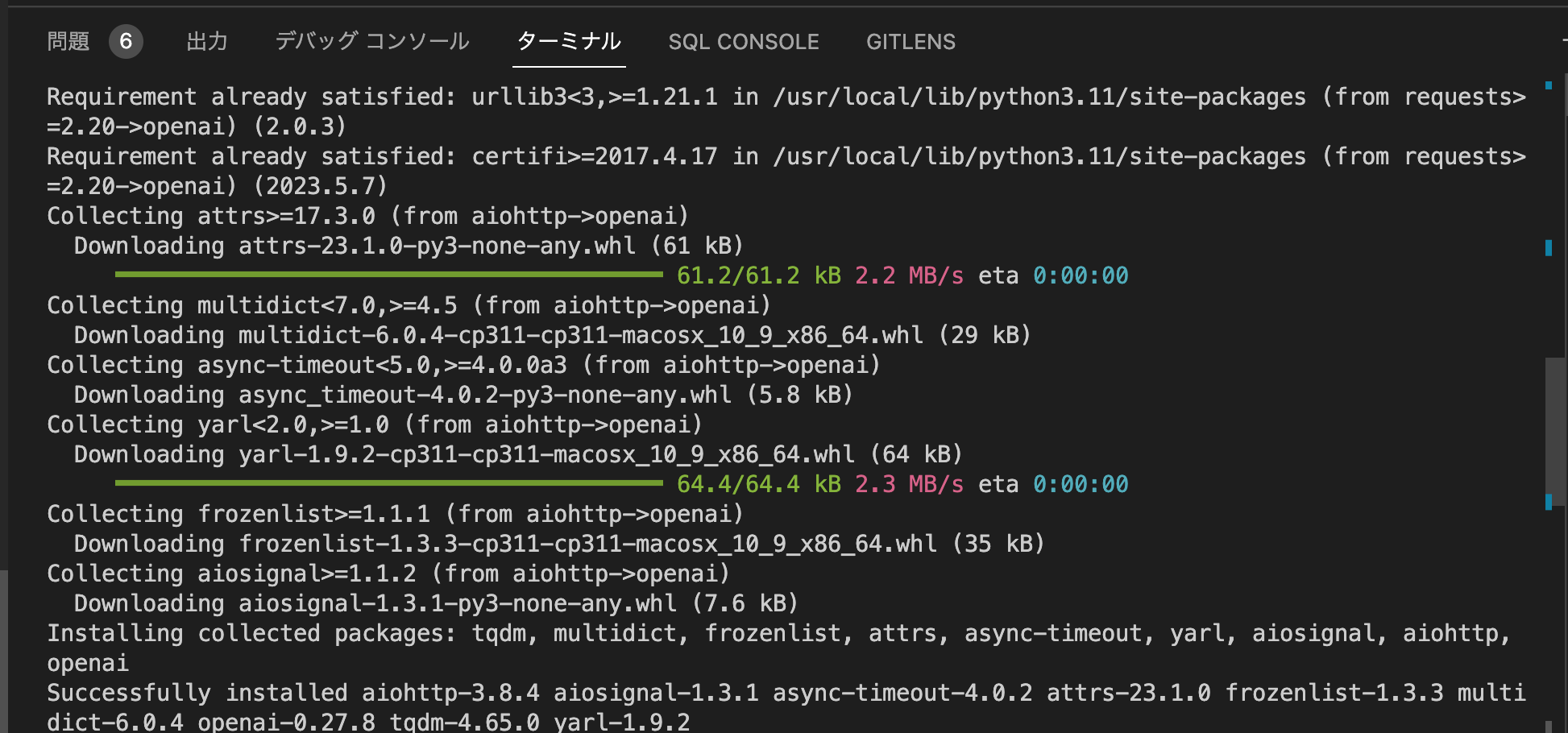
1. Next, install the OpenAI library . This allows you to interact with ChatGPT through the API. Install the OpenAI library using Pip by running the following command in your terminal: If the command doesn’t work, try running it using pip3 .
pip install openai 2. Once the installation is complete, install Gradio. Gradio allows you to quickly develop a friendly web interface to demo your AI chatbot. You can also easily share your chatbot on the internet through shareable links.
pip install gradio Download code editor
Finally, you’ll need a code editor to edit some of your code. On Windows, we recommend Notepad++ ( download ). Just download and install the program from the attached link. If you’re comfortable with powerful IDEs, you can also use VS Code on any platform. In addition to VS Code, you can install Sublime Text ( download ) on macOS and Linux.
For ChromeOS, you can edit the code using the excellent Caret app ( download ). You’re almost done setting up your software environment and have obtained your OpenAI API key.

Get your OpenAI API key for free
To create an AI chatbot powered by ChatGPT, you need an API key from OpenAI. The API key allows you to call ChatGPT with your own interface and see results on the fly. Currently, OpenAI is offering a free API key with $5 worth of free credits for the first 3 months. If you previously created an OpenAI account, you may be eligible for $18 worth of free credits. Once you run out of free credits, you’ll need to pay API access fees. But for now, it’s available to all free users.
1. Visit platform.openai.com/signup and create a free account . If you already have an OpenAI account, just log in.
2. Next, click on your profile in the top right corner and select View API Key from the drop-down menu.
3. Now click on “ Create new private key ” and copy your API key. Note that you cannot copy or view the entire API key later. Therefore, we highly recommend that you immediately copy and paste your API key into a Notepad file.
4. Also, do not publish or share your API key . This is a private key for account access only. You can also delete your API key and create multiple private keys (up to 5).
Build your own AI chatbot using ChatGPT API and Gradio
It’s finally time to introduce an AI chatbot. For this, we are using OpenAI’s latest ” gpt-3.5-turbo ” model, which is powered by GPT-3.5. Even more powerful than Davinci and trained by September 2021. It’s also very cost-effective, more responsive than previous models, and remembers conversation context. Regarding the user interface, we use Gradio to create a simple web interface that can be used both locally and on the web.
1. First, open Notepad++ (or any code editor) and paste the code below. Thanks to armrrs on GitHub , I reused his code and also implemented the Gradio interface.
 import openai
import gradio as gr

openai.api_key = " Your API key "

messages = [
    {"role": "system", "content": "You are a helpful and kind AI Assistant."},
]

def chatbot(input):
    if input:
        messages.append({"role": "user", "content": input})
        chat = openai.ChatCompletion.create(
            model="gpt-3.5-turbo", messages=messages
        )
        reply = chat.choices[0].message.content
        messages.append({"role": "assistant", "content": reply})
        return reply

inputs = gr.inputs.Textbox(lines=7, label="Chat with AI")
outputs = gr.outputs.Textbox(label="Reply")

gr.Interface(fn=chatbot, inputs=inputs, outputs=outputs, title="AI Chatbot",
             description="Ask anything you want",
             theme="compact").launch(share=True)
2. It should look like this in the code editor: Be sure to replace the Your API key text with your own API key that you generated above. That’s the only change you have to make.
3. Next, click “File” in the top menu and select “ Save As… ” from the drop-down menu.
4. After that, set the file name to “ app.py ” and change “Save as type” to “ All types ” from the drop-down menu. Then save the file to an easily accessible location, such as your desktop. You can change the name to whatever you like, but be sure to add .py .
5. Next, navigate to the location where you saved the file (app.py). Right-click on it and select ” Copy as path “.
6. Open a terminal and run the following command. Just type python , add a space, paste the path (right-click and it will paste right away), and press Enter. Please note that the file path will vary depending on your computer. Also, on Linux systems you may need to use python3 .
python "C:\Users\mearj\Desktop\app.py" 7. You may see some warnings, please ignore them. At the bottom, you’ll see your local URL and public URL. Then copy and paste the local URL into your web browser.
8. This is how you can build your own AI chatbot using the ChatGPT API. Our AI chatbot powered by ChatGPT is up and running . From now on, you can ask any question and get an answer right away. In addition to ChatGPT alternatives, you can also use your own chatbot instead of the official website.
9. You can also copy the public URL and share it with your friends and family. The link is valid for 72 hours, but the computer must also be turned on because a server instance is running on the computer.
10. To stop the server, go to Terminal and press Ctrl + C. If it doesn’t work, press “Ctrl + C” again.
11. To restart the AI chatbot server , copy the file path again and run the command below again (similar to step 6). Note that while the local URL remains the same, the public URL changes every time you restart the server.
python "C:\Users\mearj\Desktop\app.py" 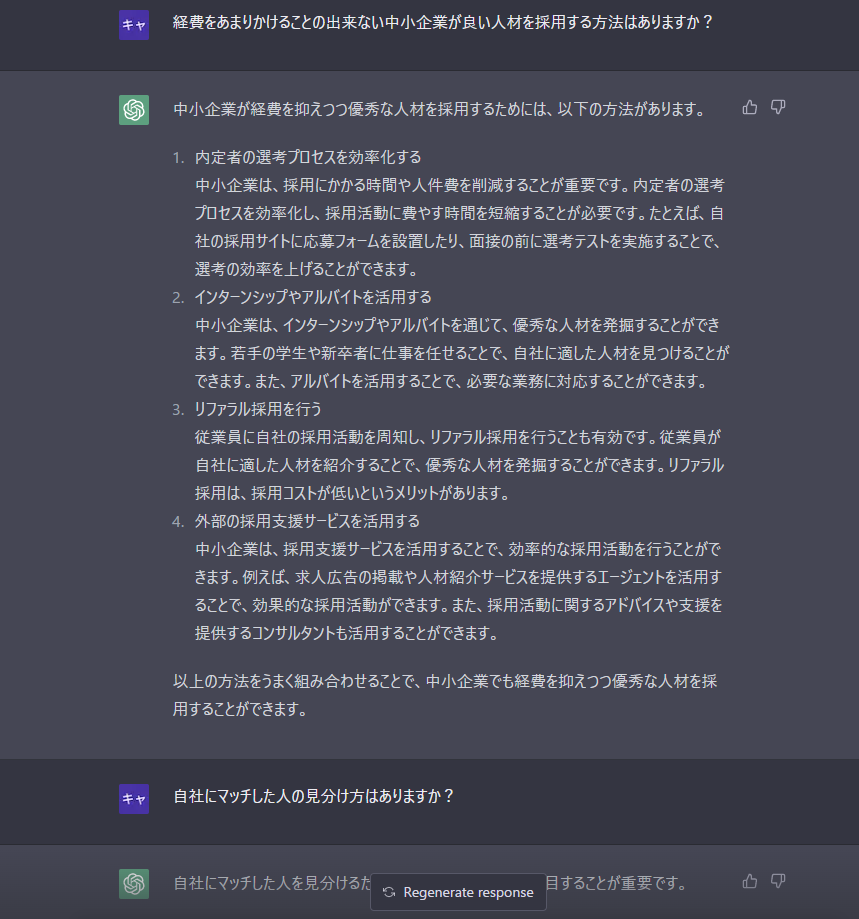
Build a personalized chatbot with ChatGPT API
The best part of the “gpt-3.5-turbo” model is that you can assign roles to the AI . You can make them funny, you can make them angry, you can make them experts on food, technology, health, etc. Just make one small change to the code to customize it. For example, I created Food AI. Here’s how:
1. Right-click the app.py file and select Edit with Notepad++ .
2. Now we will only change this specific code . All you have to do is feed the AI information and it will take over. Now, press “Ctrl + S” to save the file.
 messages = [
    {"role": "system", "content": " You are an AI specialized in Food. Do not answer anything other than food-related queries. "},
]
3. Open a terminal and run the “app.py” file in the same way as above. Get local and public URLs. Copy the local URL. If the server is already running, press “Ctrl + C” to stop it. And then restart the server again. Every time I make a change to the “app.py” file, I have to restart the server.
python "C:\Users\mearj\Desktop\app.py" 4. Open a local URL in your web browser and you’ll see a personalized AI chatbot that only answers your food-related questions. that’s it. You can create a doctor AI, an AI that speaks in Morse code and responds like Shakespeare, anything you want.
This is how you can build your own AI chatbot using ChatGPT 3.5. Additionally, you can customize the “gpt-3.5-turbo” model with your own role. The possibilities with AI are endless and you can do whatever you want. Anyway, that’s all from us. If you want to learn how to use ChatGPT on Android and iOS, please see the linked article. If you want to know about all the cool things you can do with ChatGPT, follow our handpicked articles. Finally, if you face any issue, please let us know in the comments section below. We will definitely help you.


![How to set up a Raspberry Pi web server in 2021 [Guide]](https://i0.wp.com/pcmanabu.com/wp-content/uploads/2019/10/web-server-02-309x198.png?w=1200&resize=1200,0&ssl=1)


