Although Windows 10 allows for extensive customization, I wasn’t able to try out core features like the Start menu or taskbar. Both of these UI elements are left-aligned and have sat in a corner for nearly 20 years. However, macOS and Chrome OS place the app dock in the center, which feels more practical and symmetrical in the overall theme. So if you also want the taskbar icons to be moved to the center, this is the right place. In this article, we will show you how to center taskbar icons in a very simple app. The best part is that you don’t have to mess with the core system, so you won’t break anything. So, let’s get started. 
Center taskbar icons in Windows 10
We use an app called FalconX developed by Chris Andriessen. This is a great app and doesn’t require any major installation. All you have to do is run the program. Having said that, here are the steps to follow so there is no room for confusion:
1. Download the FalconX ZIP file from here . It’s available for free, but if you want to support the developer, you can install the paid version ( $1.09 ) from the Microsoft Store.
2. Next, unzip the zip file and open the folder. Now, double-click “FalconX” to run the program. Windows may block the installation, so click Advanced and then click Run Anyway.
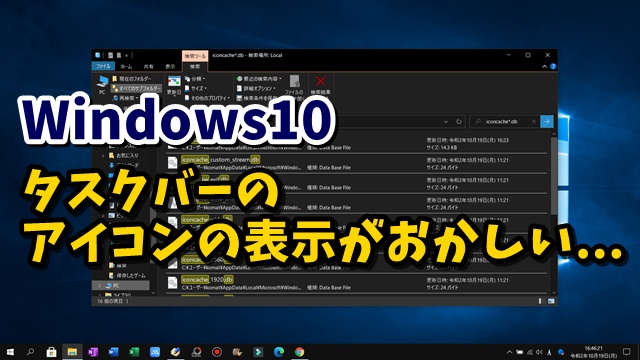
3. All taskbar icons will be moved to the center at once. The best part is that it doesn’t feel like a third-party solution. The animations are really cool and feel very native to the system.
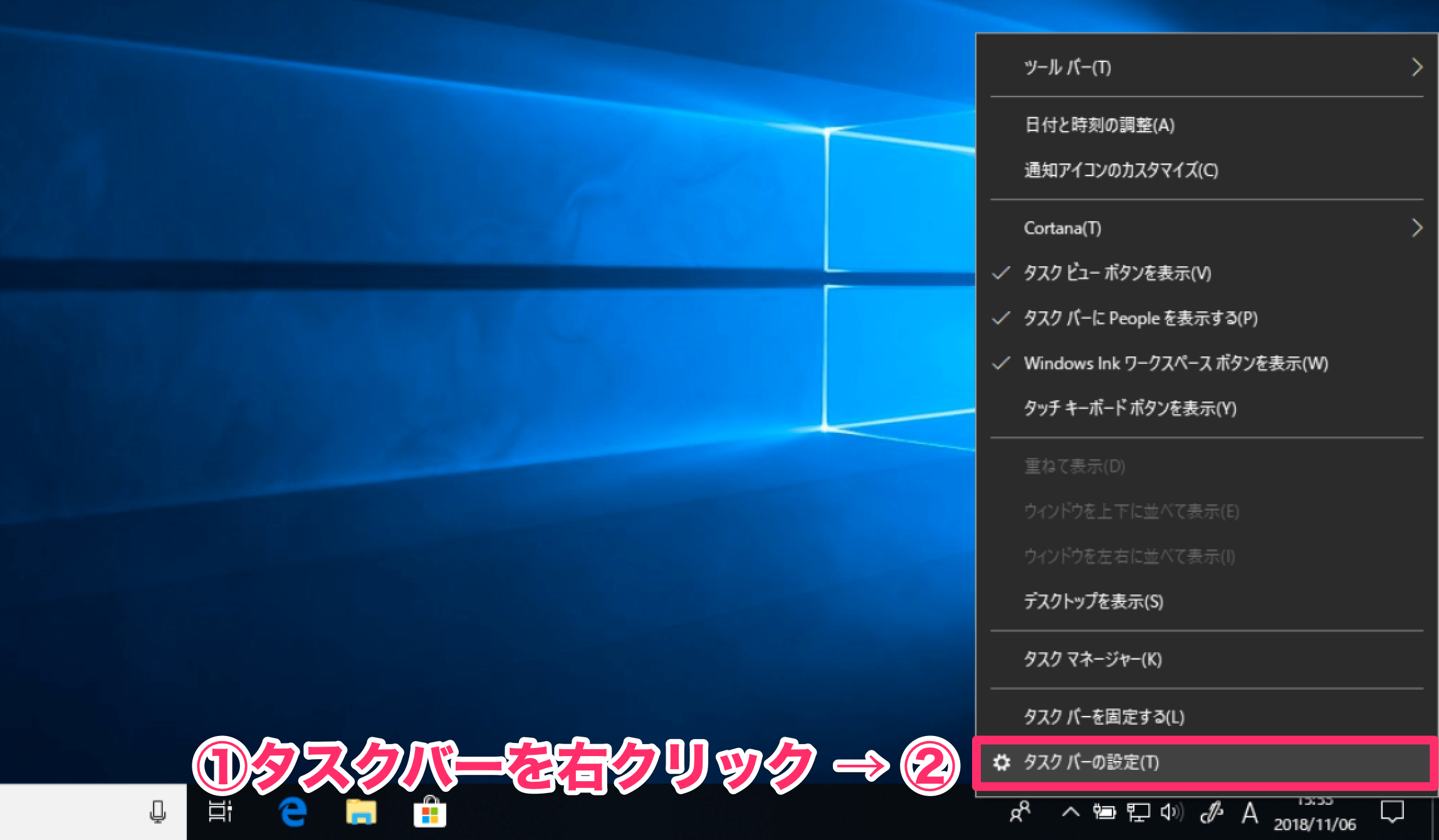
4. If you want to set up the app, it’s located in your system tray. You can experiment with different animations and allow your app to run on startup . The FalconX app also supports multiple screens up to 3 monitors.

See also: How to access the new File Explorer interface in Windows 10
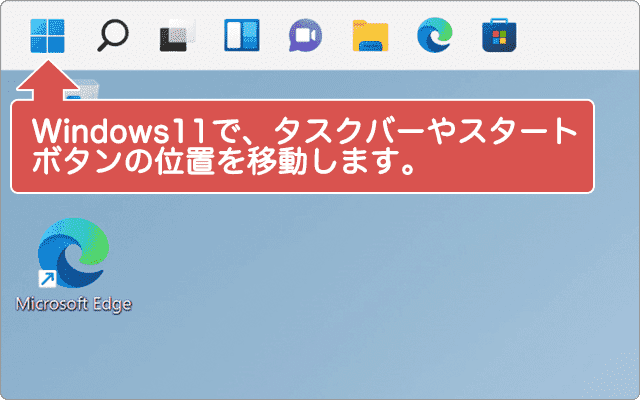
Center Windows taskbar icons
That was a short guide on how to center taskbar icons. Many Windows users have been asking for a native way to do that, but this third-party application feels like it’s built into the system. Needless to say, the support for 42 types of animations is very good. Anyway, that’s it from us. If you found this article helpful, please let us know by commenting below.


![How to set up a Raspberry Pi web server in 2021 [Guide]](https://i0.wp.com/pcmanabu.com/wp-content/uploads/2019/10/web-server-02-309x198.png?w=1200&resize=1200,0&ssl=1)


