OpenAI is finally broadly rolling out DALL-E 3 to ChatGPT Plus users around the world. New text-to-image models from OpenAI can understand nuances and abstract concepts in text, so you can turn them into accurate images. Last month, the company announced its next-generation DALL-E 3 model, which rivals the best AI image generators. And now I can finally access it. So let’s jump right in and learn how to generate AI images using Dall-E 3 in ChatGPT. We also added a way to use Dall-E 3 for free. 
Using Dall-E 3 with GPT-4 with ChatGPT (Paid)
1. First, open ( visit ) ChatGPT and sign in to your OpenAI account. Requires a subscription to ChatGPT Plus ($20/month).
2. Next, go to the “GPT-4″ model and select ” DALL-E 3 ” from the drop-down menu.
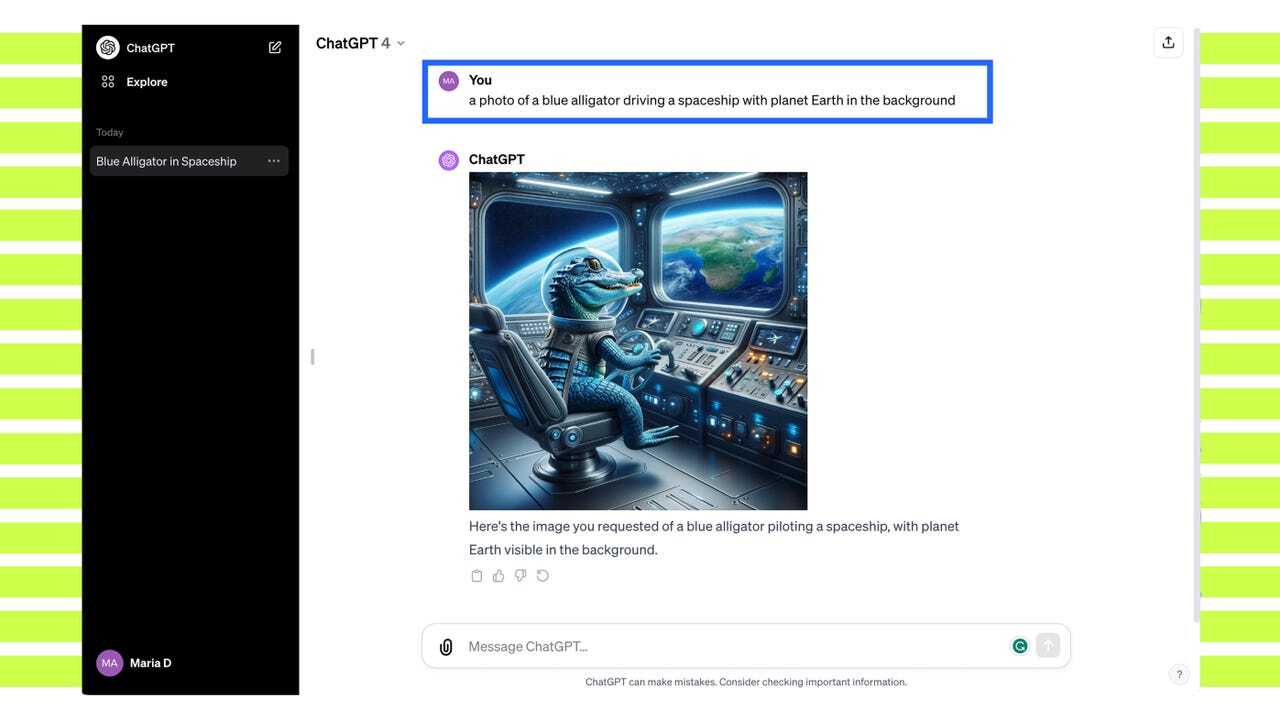
3. Once that’s done, prompt ChatGPT to generate an AI image using the DALL-E 3 model.
4. Use GPT-4 to automatically create detailed prompts and generate images on the fly. These look beautiful, right?
5. Below are some of the prompts I have tried. DALL-E 3 did a great job of creating the prompts and generating images from the prompts. You can try out some Midjourney prompts and compare the results between the two models.
6. Please note that in some cases, especially if you are trying to create an image based on copyright art or violence, DALL-E3 may throw a Content Policy Violation error and refuse to generate the image . 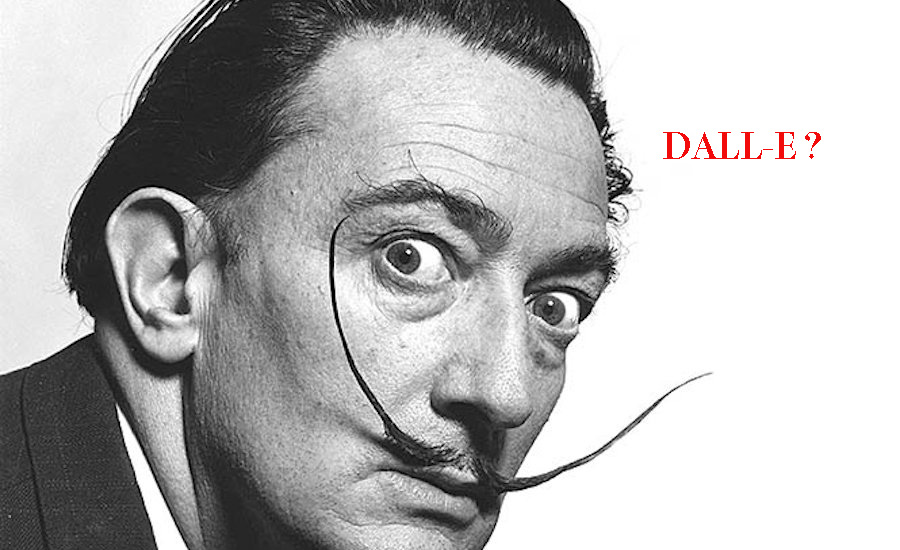
Use Dall-E 3 for free with Bing Image Creator
You can create AI images using DALL-E3 even if you do not subscribe to ChatGPT Plus. For this, you can access DALL-E 3 for free using Bing Image Creator. Just sign in with your Microsoft account and start creating AI images using DALL-E 3.
Additionally, you can also access DALL-E 3 for free with Bing Chat. Note that you can quickly generate 99 images per day , but the process will be a little slower after that. Therefore, the steps you need to follow are:
1. Open Bing Image Creator ( visit ). Next, log in to your Microsoft account .
2. Then enter a short or detailed prompt and an AI image will be instantly generated using the DALL-E 3 model.
3. Create 3 or 4 images at a time , similar to ChatGPT.
This is how to generate AI images using DALL-E 3 with ChatGPT and Bing Image Creator. In my quick tests, I found the new image model to be very powerful, easily ranking it as one of the best Midjourney alternatives. However, in portraits, midjourney still seems to have the upper hand.
Finally, we found that DALL-E 3’s content policy framework was too strict, blocking even benign prompts. OpenAI explains in a technical document that it rejects ” attempts to generate images in the style of living artists .” Nevertheless, be sure to check out DALL-E 3’s image generation capabilities.


![How to set up a Raspberry Pi web server in 2021 [Guide]](https://i0.wp.com/pcmanabu.com/wp-content/uploads/2019/10/web-server-02-309x198.png?w=1200&resize=1200,0&ssl=1)


