Starting October 17th, the Fall Creators Update (version 1709) for Windows 10 will be available to general users. This update will be rolled out in stages, starting with new devices and eventually reaching all Windows 10 users. The new update adds a number of new features, including Story Mix, cloud-based clipboard, and more. That said, if you rely on your system for work, or just want to wait to make sure the update is stable enough, we’ll show you how to easily delay the Windows 10 Fall Creators Update So keep reading this article.
Stopping Windows 10 Fall Creators Update – Recommended method
Note : This method only works on Windows 10 Pro and Enterprise, not Home Edition. This method will delay the Fall Creators Update, but your system will still receive all required security patches. This helps fix security vulnerabilities in the version you are running.
- Press Windows + I to open Windows 10 Settings . Now click Update & Security .
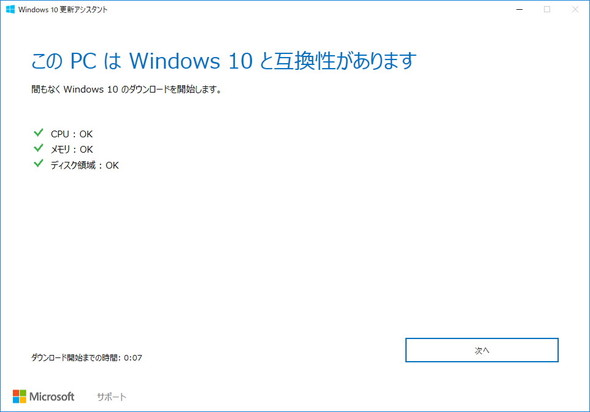
- In the Update Settings section, click Advanced options .
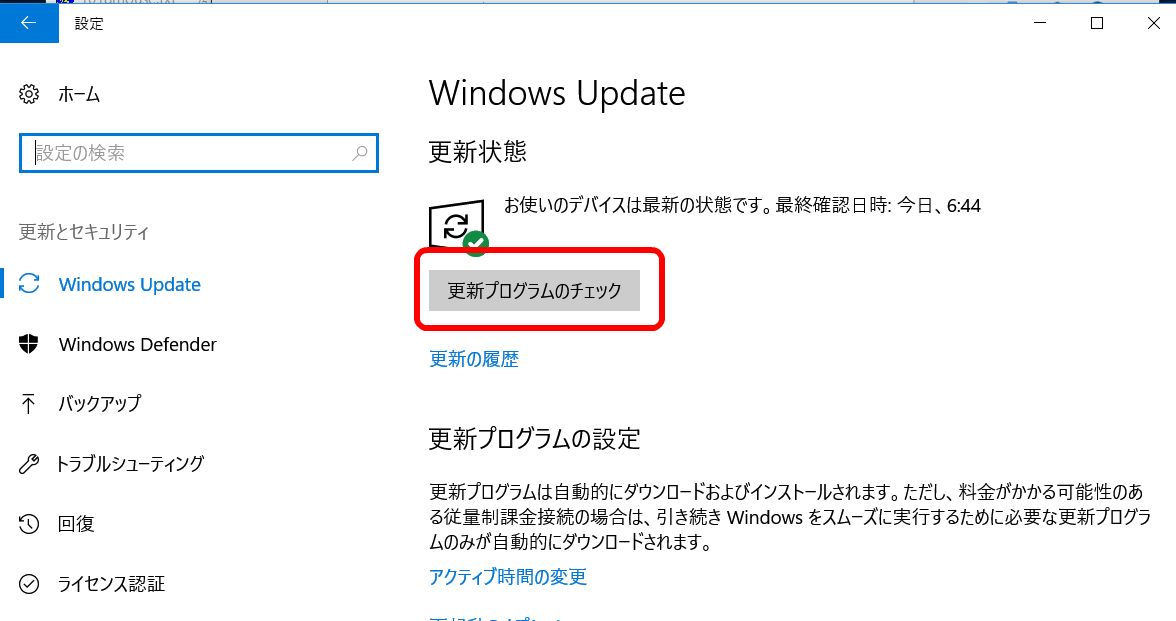
- A new window should open. Scroll down to the “Choose when updates are installed” section. Now, click on the drop-down menu to defer “Feature Updates” as shown in the image below.

- From here, you can choose the number of days you want to postpone the Fall Creators Update . For example, I chose to defer updates for 365 days, but you can choose any number depending on your preference.
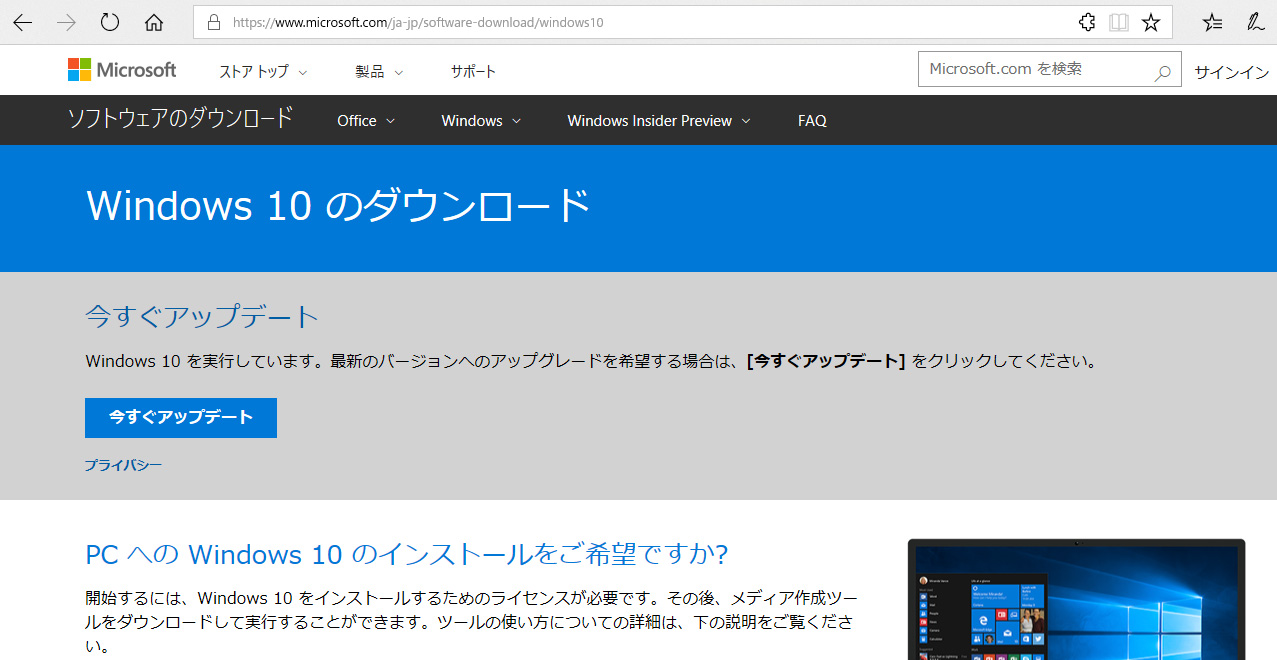
- That’s it. Your device won’t receive the Fall Creators Update until the time you specify or until you change your settings back.
Avoiding Windows 10 Fall Creators Update – Alternative method
Note : This method works on all editions of Windows 10, but it blocks all background network-related tasks, such as Windows Store downloads and Start menu live updates. Priority updates will still be downloaded via Windows Update, but Fall Creators Updates will be blocked.
- Press Windows + I to open computer settings . Now click on Network and Internet .
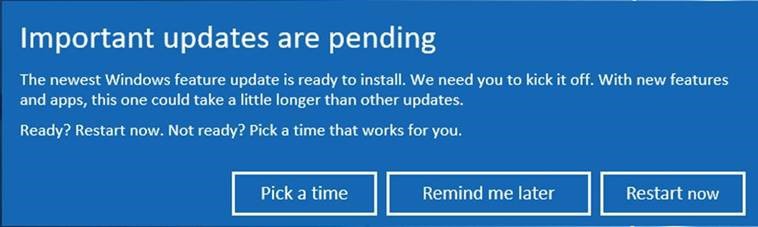
- Under Network & Internet, go to Wi-Fi and click the name of the network you’re connected to . (If you want to do this for a different network, you can click Manage Known Networks and find a list of networks your computer has previously connected to. If you select this option , click the desired network name, then click Properties).
- Here, under “Measured Connections,” there is a toggle called “Set as Metered Connection.” Turn this on and you’re done.
That’s it. Windows 10 assumes your data plan is limited and will not download updates while connected to this WiFi network.
Permanently block all Windows 10 updates
Alternatively, you can block all Windows 10 updates. Whether you have a limited data plan or don’t want to risk updating your device, there are ways to block all updates. I recently wrote a detailed article about this. Please take a look here.
See also: How to remap your keyboard in Windows 10 (guide)
Easily delay Windows 10 Fall Creators Update
All new updates go through the entire Windows Insider Program, but there may be some unreported bugs that may make it into the final release. Therefore, it’s a good idea to wait until new updates are rolled out in large numbers, especially if you rely on your system for work or other important purposes. There are some people in my office who are definitely going to wait a while before renewing. But what about you? Let us know why you’re postponing the Fall Creators Update in the comments section below.


![How to set up a Raspberry Pi web server in 2021 [Guide]](https://i0.wp.com/pcmanabu.com/wp-content/uploads/2019/10/web-server-02-309x198.png?w=1200&resize=1200,0&ssl=1)


