Steps to disable binary logging for MariaDB and MySQL databases.
A few days ago, became unavailable. The reason was simple: there was no free space left on your device. I was receiving hundreds of alerts and emails from viewers saying the website was down, but since I was traveling, I couldn’t take action on time.
This was recorded in Google Cloud logs.
 Feb 13 15:58:35  snapd[1308]: daemon.go:379: started snapd/2.37.1 (series 16; classic) ubuntu/18.04 (amd64) linux/4.15.0-1027-gcp.
Feb 13 15:58:35  snapd[1308]: main.go:123: system does not fully support snapd: mkdir /tmp/sanity-mountpoint-464926152: no space left on device
Feb 13 15:58:35  systemd[1]: Started Snappy daemon.
This was a surprise to me since it’s just a simple blog and doesn’t store or process huge amounts of data. So I started investigating and found that /var/log/mysql was taking up about 50% of the total storage.
 root@:/var/log# du -sh mysql
9.4G	mysql
root@:/var/log#
And after listing the files.
 -rw-rw---- 1 mysql adm 104860436 Feb 10 19:05 mariadb-bin.000105
-rw-rw---- 1 mysql adm 104869270 Feb 10 22:12 mariadb-bin.000106
-rw-rw---- 1 mysql adm 104868195 Feb 11 01:41 mariadb-bin.000107
-rw-rw---- 1 mysql adm 104859088 Feb 11 04:44 mariadb-bin.000108
-rw-rw---- 1 mysql adm 104862187 Feb 11 07:22 mariadb-bin.000109
-rw-rw---- 1 mysql adm 104860386 Feb 11 09:25 mariadb-bin.000110
-rw-rw---- 1 mysql adm 104867622 Feb 11 11:22 mariadb-bin.000111
-rw-rw---- 1 mysql adm 104871043 Feb 11 13:18 mariadb-bin.000112
-rw-rw---- 1 mysql adm 104873816 Feb 11 15:07 mariadb-bin.000113
-rw-rw---- 1 mysql adm 104858814 Feb 11 17:09 mariadb-bin.000114
-rw-rw---- 1 mysql adm 104858302 Feb 11 19:18 mariadb-bin.000115
-rw-rw---- 1 mysql adm 104859019 Feb 11 21:33 mariadb-bin.000116
-rw-rw---- 1 mysql adm 104860830 Feb 12 00:05 mariadb-bin.000117
-rw-rw---- 1 mysql adm      3298 Feb 12 02:58 mariadb-bin.index
-rw-rw---- 1 mysql adm 104873697 Feb 12 02:58 mariadb-bin.000118
-rw-rw---- 1 mysql adm 104259584 Feb 13 15:24 mariadb-bin.000119
-rw-rw---- 1 mysql adm         0 Feb 13 15:25 mariadb-bin.state
root@:/var/log/mysql#
It was a binary log.
You might think of deleting them to recover your system, but be aware that they will fill up again. Therefore, the best way to prevent this is to tell MariaDB not to log. Since there is no replica implementation, it is safe to disable binary logging.
It’s a simple one-line configuration .
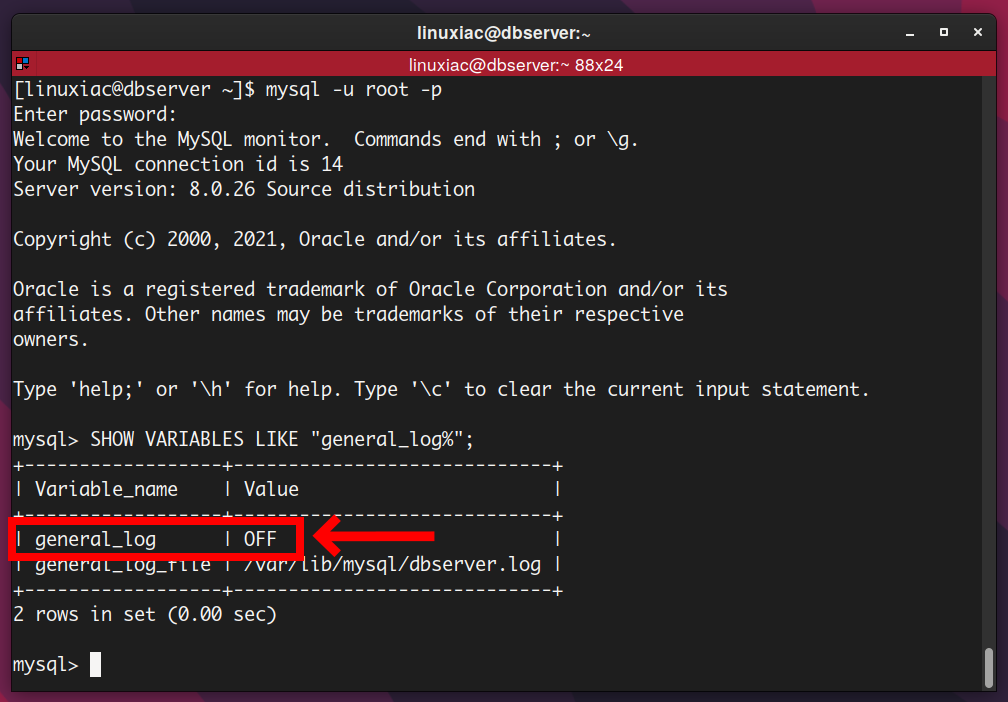
When using MariaDB
- Log in to the server where MariaDB is running.
- Go to
/etc/mysql/conf.d - Take a backup of
mariadb.cnf. - Add the following under the [mysqld] directive
skip-log-bin- Save the configuration file
At this point, you can delete these binary log files and restart the database.

If you are using MySQL
- Login to MySQL server
- Navigate to /etc/my.cnf.d/.
- Add the following to the
[mysqld]directive inmysql-server.cnffile
skip-log-bin- Save the file and restart your MySQL server.
 service mysqld stop
service mysqld start
Now you can delete the binary files located in /var/lib/mysql . I hope it helps.
If you’re running critical applications, you might consider using managed MySQL hosting to optimize performance.


![How to set up a Raspberry Pi web server in 2021 [Guide]](https://i0.wp.com/pcmanabu.com/wp-content/uploads/2019/10/web-server-02-309x198.png?w=1200&resize=1200,0&ssl=1)


