Counter-Strike 2 is finally released, and after nearly six months, it has exited its limited beta testing phase. CS2 is built using the Source 2 engine and brings a set of exciting new features. This includes new smokes, updated visuals, an overhaul of some popular maps, a new UI, and more. If you want to play Counter-Strike 2, we’ve shared a step-by-step process on how to download CS2 and start playing the tactical shooter right away. 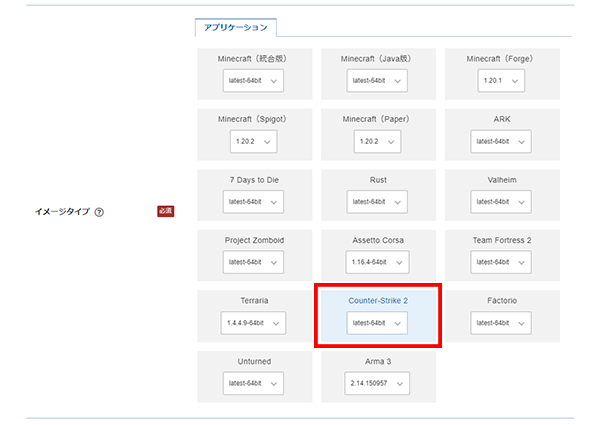
How to download Counter-Strike 2 on your Windows PC
For those wondering, is Counter-Strike 2 free? Do I have to pay to upgrade from CS:GO to CS2? Well, Counter-Strike 2 is a free-to-play game . So, you don’t have to spend any money to start playing CS2, but there is a Prime Status Upgrade that we will discuss later in this article. For Counter-Strike 2 system requirements, we recommend that you refer to the releases linked here.
Now that we have the basics out of the way, let’s check out the steps to install and play CS2 on your system.
- First, you’ll need a Steam account and a Steam client ( download here ). If you do not already have an account, please create one by following the instructions provided on the website. If you already know about Steam, please skip reading.
- After you launch Steam on your Windows PC, go to the Steam Store. Now, search for ” Counter-Strike 2 ” and click on the result that appears. You can also visit this link to go directly to the Counter-Strike 2 Steam page.
- When accessing the Counter-Strike 2 page, make sure you are inside the Steam client . Next, click Play and you will be prompted to configure your CS2 installation in the Steam app. If you open the link in a browser window, clicking “Play Game” will prompt you to open Steam, so click ” Yes, Steam is installed ” when asked.
- Counter-Strike 2 is free to play , but consider purchasing the Prime Status Upgrade later to gain access to Counter-Strike 2 exclusive Prime matchmaking. Prime will improve your CS2 experience and reduce your chances of encountering hackers.
- Proceed with the installation option and the game will begin downloading. Here you can click the “Settings” button to configure the drive you want to install on Steam. , you can consider purchasing a ” Prime Status Upgrade ” to reduce your encounters with hackers and gain Prime-only CS2 matchmaking.
- Once your game has finished downloading, click Library within the Steam app. Here, find Counter-Strike 2 and click on it.
- Then click “Play” to start the game. It will install some required components such as DirectX and Visual C++ and start immediately.
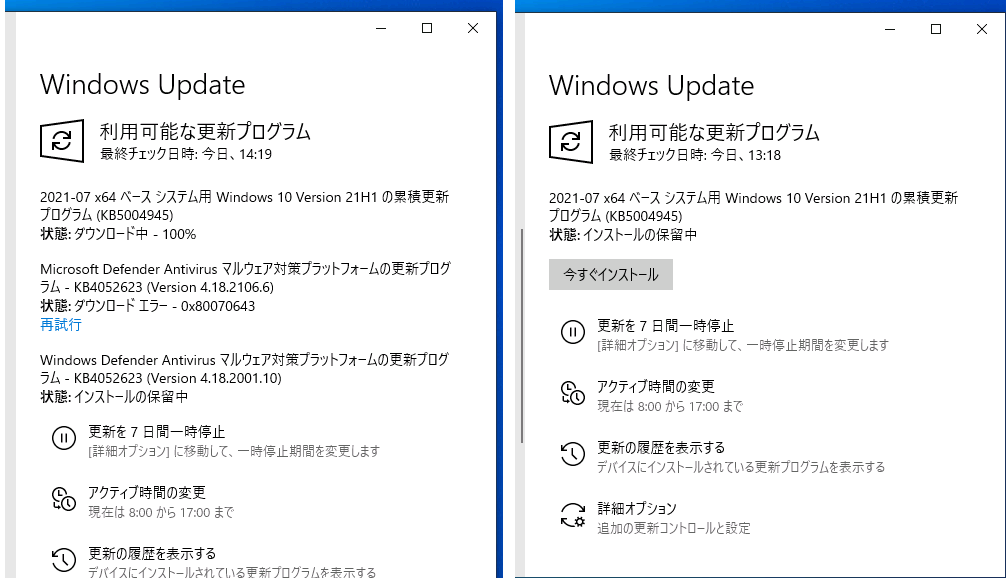
How to fix “ Executable File Not Found Error” in CS2 on Steam?
Can’t download Counter Strike 2 on Steam? Are you getting a missing executable (CS2.exe) error when installing CS2 on Steam? If so, we recommend uninstalling the game. Next, restart your Steam client. We also encountered this error, but we quickly resolved the issue by following these steps: Many people are currently trying to download Counter-Strike 2, but the servers are definitely overloaded. Various games slowly got updates on Steam on PC.
Everyone can enjoy Counter-Strike 2 now that the game is no longer restricted by the beta. If you’re having FPS issues, check out our guide on optimal CS2 settings to maximize FPS and performance. You can also learn how to use FPS and net graph commands in Counter-Strike 2. Finally, let us know what you think about the Source Engine 2 upgrade in the comments below.


![How to set up a Raspberry Pi web server in 2021 [Guide]](https://i0.wp.com/pcmanabu.com/wp-content/uploads/2019/10/web-server-02-309x198.png?w=1200&resize=1200,0&ssl=1)


