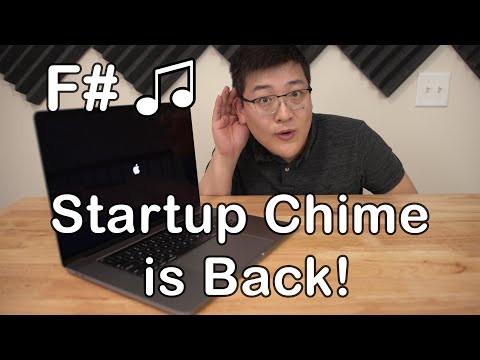
I don’t necessarily want to enable the classic startup chime on my new Mac, but I’ve really missed this unique sound ever since Apple removed it in 2016. A few hacks have surfaced online to bring back chimes on macOS, but the joy was short-lived. Because updates to macOS have made them useless. But lo and behold, a brand new Terminal command trick that pretty reliably brings back the startup chime has been getting a lot of attention over the past few days. If you want to get this iconic sound on your Mac, let’s unravel this hack right away.
Enable classic startup chime on new Macs
For those unfamiliar, this startup chime sound (in C major) was developed to let macOS users know that a diagnostic test found no software or hardware issues. And it’s been present in nearly every Mac boot since 1991 . Another thing worth noting is that the modern F-sharp code was first introduced in the iMac G3 (1998). The iMac G3 (1998) was the first consumer product launched under the recently returned CEO. Steve Jobs. Additionally, the G3 proved to be a game-changer for Apple, saving the company from impending financial ruin in the late 1990s. Now that you understand quite a bit of history behind this iconic sound, let’s move on to the simple steps.
1. Launch the Terminal app on your Mac.
Note: Make sure your Mac’s volume is turned up to hear the nice chime sound.
2. Type the following command and press Enter/Return.
sudo nvram StartupMute=%00 3. Next, enter your administrator password.
4. Next, close the Terminal app and restart your Mac (Apple Menu -> Restart).
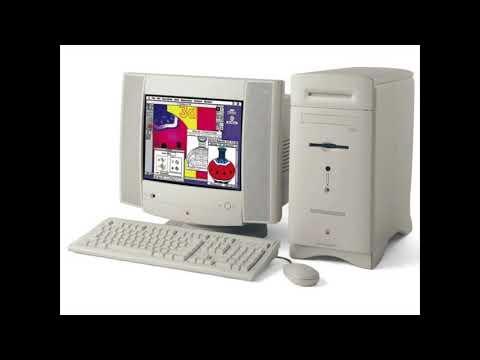
Then, wait until you hear the familiar chime sound you hear when your Mac starts up.
Disable the classic startup chime on new Macs
If you want to turn off the chime sound, you can do so easily as well.
1. Open the Terminal app on your macOS device. Then paste the following command and press Enter/Return.
sudo nvram StartupMute=%01 2. You will now need to enter your administrator password.
3. Next, quit the Terminal app and restart your Mac.
Get a classy startup chime on your new Mac
Here’s how to enable the iconic chime startup sound on your new Mac. I hope future macOS updates don’t make it useless. Quite a few macOS users love this sound, so it would be nice if Apple provided an option to turn it on/off from System Preferences. What do you think about it? And more importantly, did you think this trick is worth trying? Share your feedback in the comments section below.


![How to set up a Raspberry Pi web server in 2021 [Guide]](https://i0.wp.com/pcmanabu.com/wp-content/uploads/2019/10/web-server-02-309x198.png?w=1200&resize=1200,0&ssl=1)


