- Lego Fortnite has already broken the record for most active players in a Fortnite game mode.
- Due to the sudden increase in players lining up together, the game started showing matchmaking error messages.
- To resolve this issue, players can change the game mode via the Epic Games Launcher or restart the game.
When the LEGO Fortnite update arrived, LEGO and Epic Games’ servers were overwhelmed with millions of players. Naturally, when a server faces such a load, a classic matchmaking error occurs. We also experienced the same matchmaking error in LEGO Fortnite and decided to resolve it once and for all. If you are one of the players who want to fix it, keep reading as we will show you how. 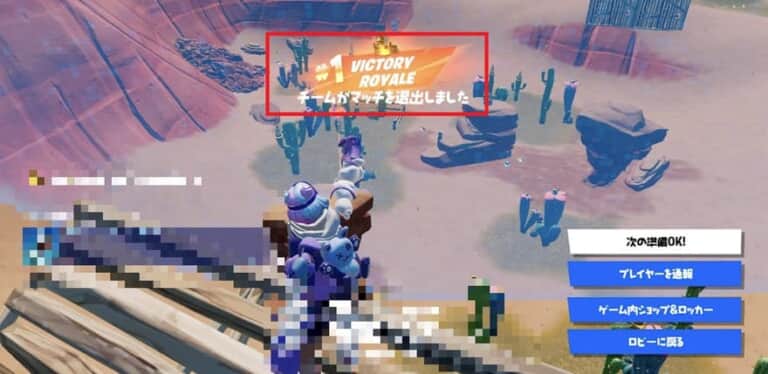
Causes of matchmaking errors in LEGO Fortnite
Player login queues have been getting longer since the Fortnite x Eminem event. This is due to the game mode’s popularity and server load. Players can now get into the game faster using the normal login queue, but some players are seeing an error message that effectively locks them out.
The error message is: “Matchmaking Error #1: There is a problem with matchmaking, so turn it off and then turn it back on.” Stay strong! It will be restored soon. (service.shutting_down_2) . You may also receive a “#3” error. Don’t worry, they both indicate the same problem.
When this error occurs in Lego Fortnite, matchmaking will either stop or you will be redirected to the lobby. Most of the time, this error bothers players because it occurs frequently.
As mentioned earlier, Fortnite has already provided an update on the error and promises to fix the situation soon. This may take some time depending on how the process progresses. The company also promised to share updates with the community once the matchmaking error is fixed on the server side.
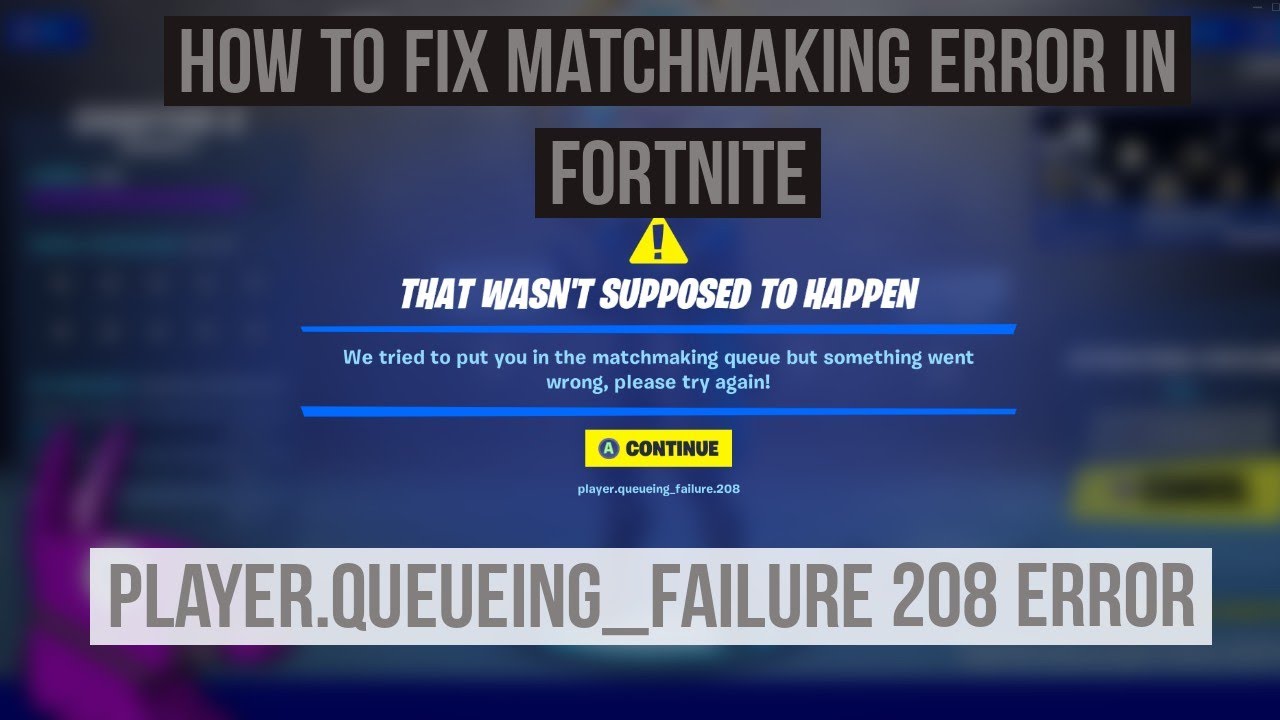
Fix LEGO Fortnite matchmaking error
There aren’t many fixes for LEGO Fortnite matchmaking errors at this time, but there are a few that have worked well for us.
1. Change Fortnite game mode
This method is most effective when the error occurs repeatedly. Sometimes just changing the game mode a few times can help. This method worked immediately for me and I hope it works for you too. To resolve it yourself, follow these steps:
- First, cancel your matchmaking queue and proceed to Fortnite Battle Royale mode.
- Then start your queue in BR mode and join a new game.
- Once inside, exit the game and return to the lobby.
- Now, if you try to rejoin LEGO Fortnite World, you’ll see a matchmaking message that says “Waiting for matchmaking to comment.”
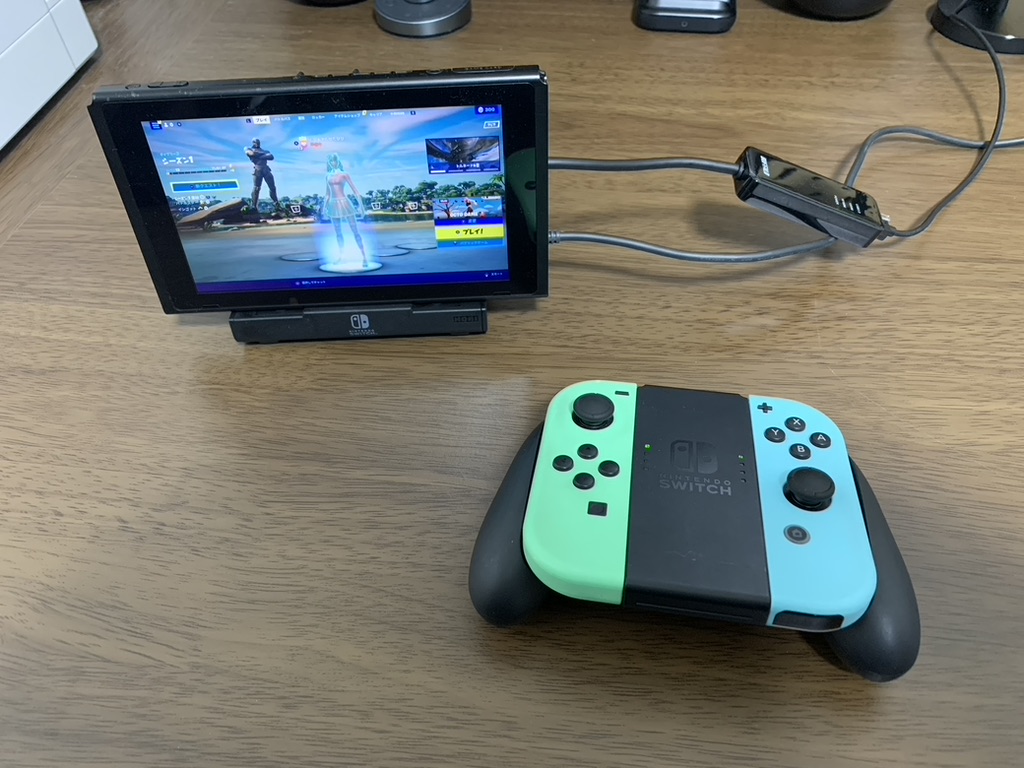
Fortnite Battle Royale Matchmaking Change game mode and play 
LEGO Fortnite matchmaking options Go to LEGO Fortnite and click Play. 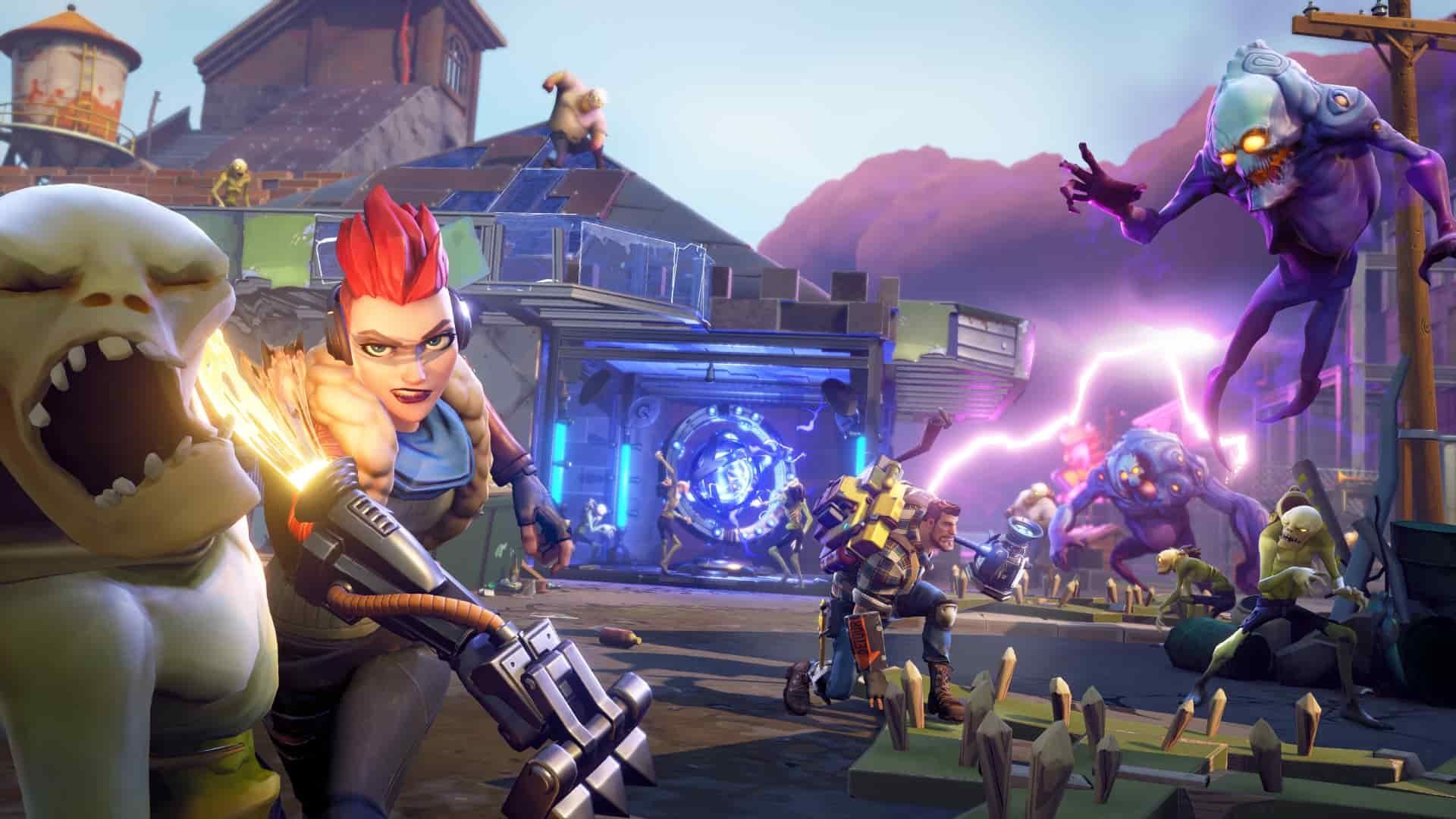
Matchmaking started message wait until you join
2. Restart Fortnite and Epic Launcher
If the steps above don’t work, the next best thing is to restart both Fortnite and Epic Games. Be sure to completely close Epic Launcher before reopening it.
Launch Fortnite again and you should see your matchmaking and login queue status return to normal. If you’re playing on Playstation or Xbox, try restarting Fortnite a few times before launching LEGO Game Mode.
We hope the methods above will help you fix the annoying LEGO Fortnite matchmaking error. Now that that’s out of the way, it’s time to check out the Explorer Emilie skin that Fortnite is giving away for free. Still having trouble with matchmaking errors? Please share your concerns in the comments section below.


![How to set up a Raspberry Pi web server in 2021 [Guide]](https://i0.wp.com/pcmanabu.com/wp-content/uploads/2019/10/web-server-02-309x198.png?w=1200&resize=1200,0&ssl=1)


