Android 10 introduces dark mode to Android smartphones. This is a feature our users have been asking for, and we’re glad it’s finally here. However, the sad truth is that most Android smartphones currently on the market won’t be getting the Android 10 update anytime soon. If your phone is not on the update list, you are out of luck. That’s why we’re always trying to find alternative ways to bring new Android features to older Android devices. For dark mode, we found an app that can bring dark theme to older Android Oreo and Nougat devices. As a result, apps that already have dark mode may be forced to apply the dark theme even on older devices. With that said, let’s go ahead and find out how to enable dark mode on Android Oreo and Nougat.
Note: This app has been updated to support older devices with Android Jelly Bean (4.3), Android KitKat, and Android Lollipop. However, I haven’t tested it on these versions of Android, so I can’t comment on performance. That being said, you can download the app, install it, and see if it works. 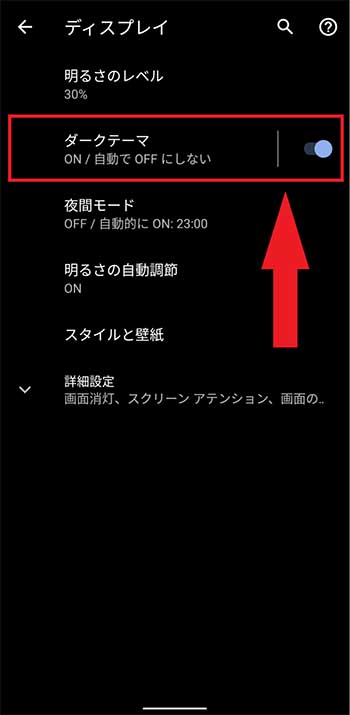
Dark mode for Android Oreo and Nougat
Dark mode on older devices works better if the Android skin is close to stock Android . I tested it on a Mi A1 running Oreo and it worked fine. However, many users report that it also works very well on MIUI running Android 7, ColorOS, and other Android skins. So, follow the steps and check if it works well for you.
1. Download the Dark Mode ( free , with in-app purchases) app from the Play Store and install it on your device. This app was developed by Julian Eggers.
2. Then just open it and select “Night Mode”. that’s it. The dark theme should now be applied to many apps, including Google Photos, Instagram, Play Store, and more. Unfortunately, dark mode in Gmail doesn’t work at this time, but as the app continues to introduce dark mode natively, it will be available on older devices.

3. If you want dark theme automatically based on time , you can select “Auto” mode. It maintains light mode during the day and switches to night mode after sunset.
4. If the app is not working on Android Pie , connect your device to your PC, run the below command in ADB and press Enter. After that, restart your smartphone and enable dark mode through the app. If you don’t know how to set up ADB, follow this guide.
adb shell settings put secure ui_night_mode 2 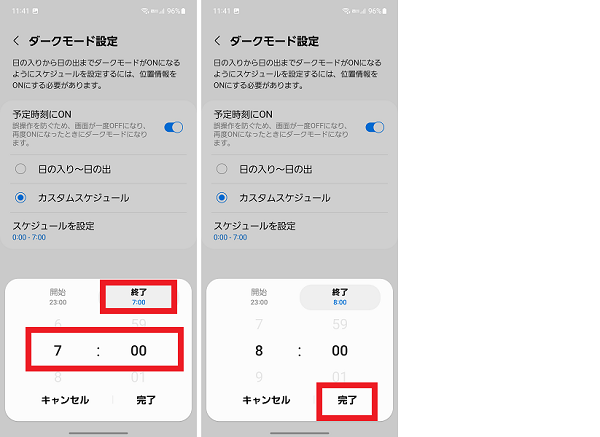
See also: How to enable dark mode everywhere (complete guide)
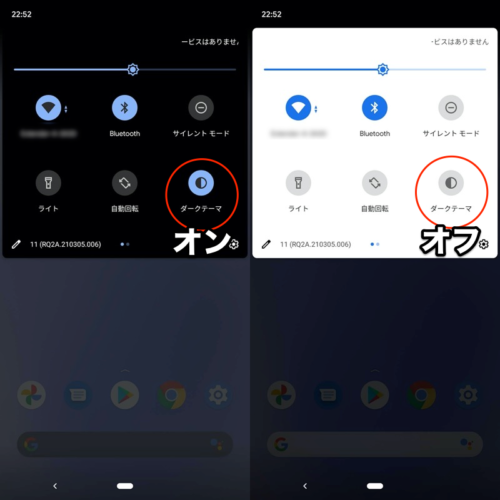
Switch to the dark side even on older phones
That was a short article on how to get dark mode on older devices like Android Oreo (8.0 and 8.1) and Nougat (7.0). Dark mode has become an industry-leading trend, so why should older devices shy away from the new transition? So try it on your older device and see if it works. If so, please comment below and let us know your device and OS version.


![How to set up a Raspberry Pi web server in 2021 [Guide]](https://i0.wp.com/pcmanabu.com/wp-content/uploads/2019/10/web-server-02-309x198.png?w=1200&resize=1200,0&ssl=1)


