In 2021, Instagram introduced the ability to hide the number of likes on photos and videos users interact with. This was done to allow users to interact with posts based on quality rather than popularity. You can also hide likes from your Instagram posts for a healthier, more positive social media experience. So, if you were looking for a way to do that, look no further. In this article, we will show you how to hide likes on Instagram. Let’s get straight to the point! 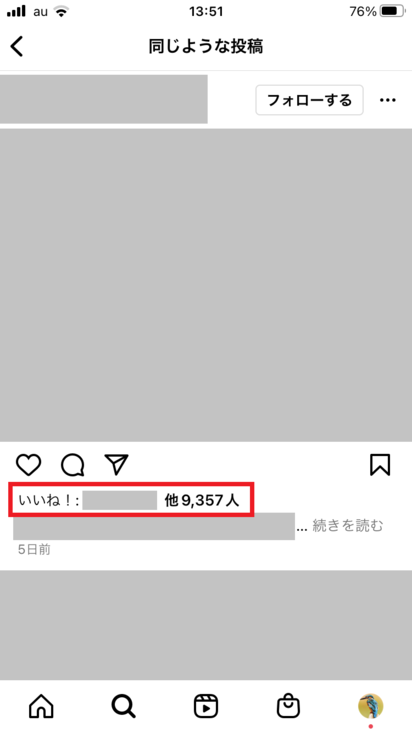
Hide likes on other people’s Instagram posts on Android/iOS
In this segment, we’ll focus on hiding all Instagram post likes from your Instagram feed and Explore page. Moreover, the process is the same for Android and iOS devices. However, things are a little different on Instagram Web. Don’t worry. All steps are outlined.
1. From your Instagram profile, tap the hamburger menu in the top right corner of the screen and select the Settings & Privacy option.
2. Now, scroll down to find and select the “ Likes ” option in the “What to see” section and turn on the “Hide likes” setting.
That’s it! From now on, like counts will be hidden on all Instagram posts that appear in your feed and explore page. If you want to see these Instagram posts again, just toggle this setting off.

Hide likes on other people’s Instagram posts on your website
Whether you use Windows or macOS, you can also log in to your Instagram account over the web and toggle off likes on the posts of other people you interact with. To do this, follow the steps below.
1. Click on the hamburger “More” menu in the bottom left corner of the Instagram web page. Select Settings from the pop-up menu.
2. Inside the settings menu, click the Show What option and toggle on the Hide Like Count option. You can now hide the number of likes on other people’s Instagram posts. 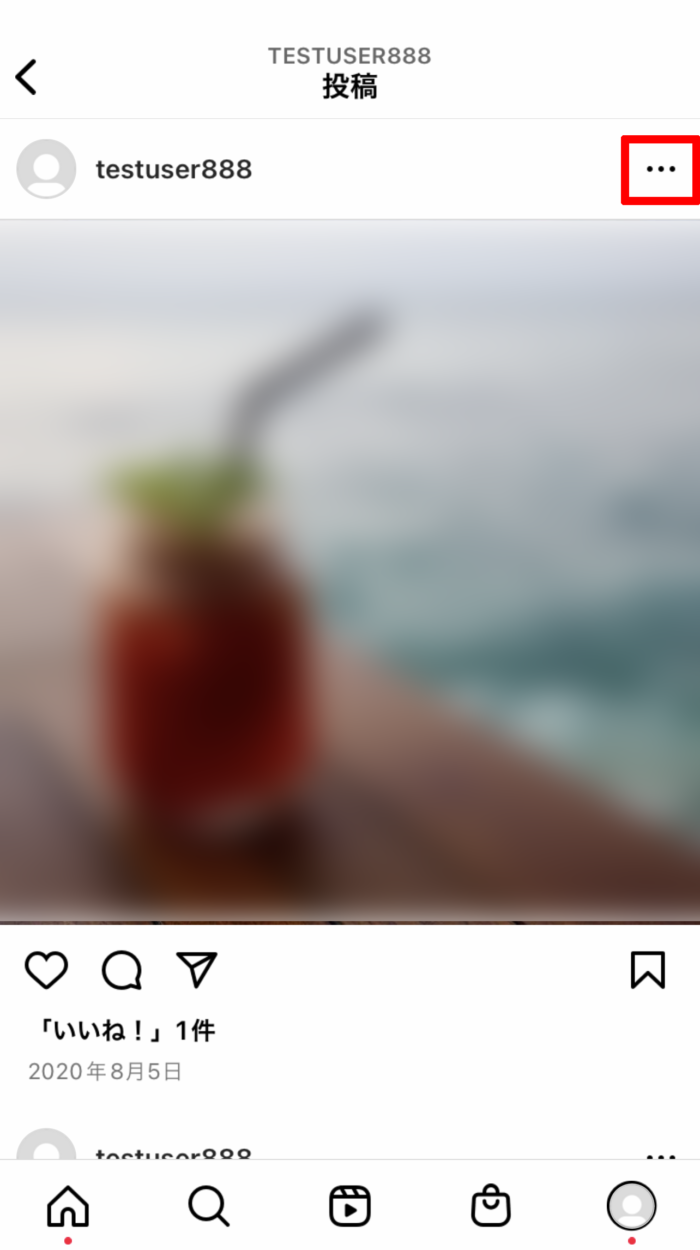
Hide likes on existing posts on Instagram
If you want to hide the number of likes on your existing posts on Instagram, you can also do that. However, the biggest drawback to this method is that you have to individually hide likes for every post you’ve ever made on the platform. There is no way to do the same thing in batch.
1. First, go to your Instagram profile and select the post you want to hide likes from. Once you open a post, tap the vertical three-dot menu in the top left corner of this post.
2. Next, you will see an option to “Hide Like Count” . Once you tap on it, you’ll see a prompt that says “Likes have been hidden” indicating that this step was successful.
2. You will see a prompt that says “Like count has been hidden” indicating that this step was successful. This is a great way to hide likes on posts that are already up on your Instagram account.
Just tap “Unhide Likes” to go back and see likes on your post again. 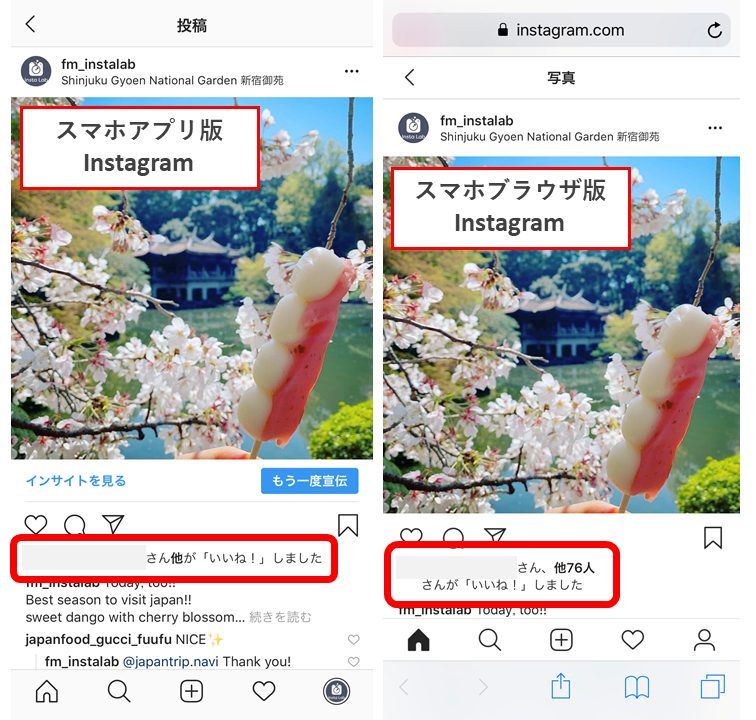
Hide likes on new posts on Instagram
The “hide number of likes” feature is not limited to posts you have already posted. You can also hide likes on Instagram photos and videos before you post them. To do so, you need to adjust certain settings before sharing photos and videos on Instagram. Perform the following steps:
1. Just before you share a post on Instagram, an “Advanced Settings” panel will appear on the new post screen . Tap on it.
2. Now, all you have to do is turn on the option to Hide likes and impressions for this post .
And it was done! By following these steps, you can successfully create posts on the platform with hidden views and likes.
That being said, these are the different steps you can use to hide the different posts you interact with on Instagram, as well as the number of likes on posts you’re about to create or posts you’ve already created. Please try it out for yourself and share your experience in the comments section below. Meanwhile, check out our other guides on how to view Instagram posts without an account and turn on Do Not Disturb mode on Instagram.
FAQ
What do people see when you hide your likes on Instagram?
If you hide the number of likes on a post, your followers won’t be able to see the total number of likes on your post. However, you can view a list of everyone who has liked your post. For videos, you’ll also see the total number of views or plays.
Who can see hidden likes on Instagram?
If you hide your Instagram posts, no one will be able to see the number of likes on your posts. If you have a public account, any Instagram user can see the list of people who have liked your posts, whether or not they follow you. However, if you have a private account, only your followers can see this data.
Why don’t I see all the likes on someone’s Instagram post?
If you don’t see all the likes on someone’s Instagram post, only the list of people who liked the post, then you can see if that person has the number of likes they have. This is because it is hidden. To do the same , go to Profile -> Hamburger menu in the top right -> Settings & Privacy -> Likes -> Turn on Hide Likes setting.


![How to set up a Raspberry Pi web server in 2021 [Guide]](https://i0.wp.com/pcmanabu.com/wp-content/uploads/2019/10/web-server-02-309x198.png?w=1200&resize=1200,0&ssl=1)


