If you’re a Pokemon fan, you’re probably already well aware of what a phenomenon the new Pokemon GO game has become. A new augmented reality game developed by the folks at Niantic (who are responsible for the Ingress AR game ) has become a massive social phenomenon, encouraging game players to go out into the real world in search of Pokémon. However, not everyone has the opportunity to get Pikachu or Charmander. That’s because Pokémon GO is currently only available in three countries: the United States, Australia, and New Zealand.
As a matter of fact, Niantic decided to pause the game’s global rollout citing server overload, which is to be expected seeing how addicted people are to the game. So if you live in India, the UK, Japan, or any country other than the three mentioned above, you won’t be able to find the game on the Play Store or App Store. However, the good news is that there are workarounds for installing the game on your Android smartphone or iPhone.
Android users just need to download the APK file of the game and they’re good to go, while iPhone users need to follow a few steps to get their hands on Pokémon Go. Well, here’s how to install Pokémon Go on your iPhone in any country .
1. Launch the App Store , scroll down and tap your Apple ID . Press ” Sign Out ” in the menu that appears.
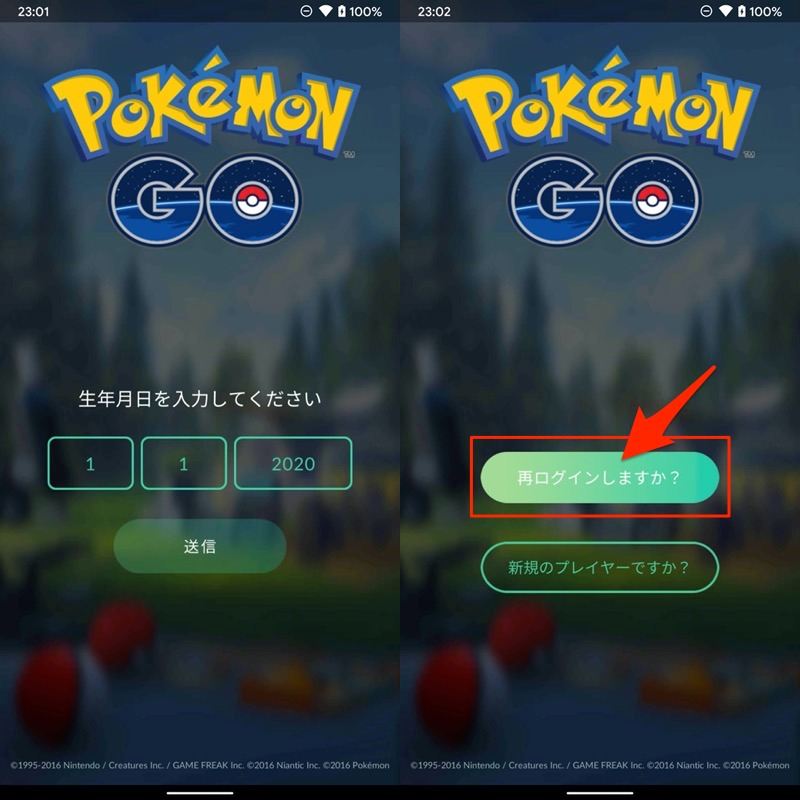
2. Once done, go to “iOS Settings” -> “General” -> “Language & Region” -> “Region ” and check “United States” . Then tap Done and select Change English (United States) .
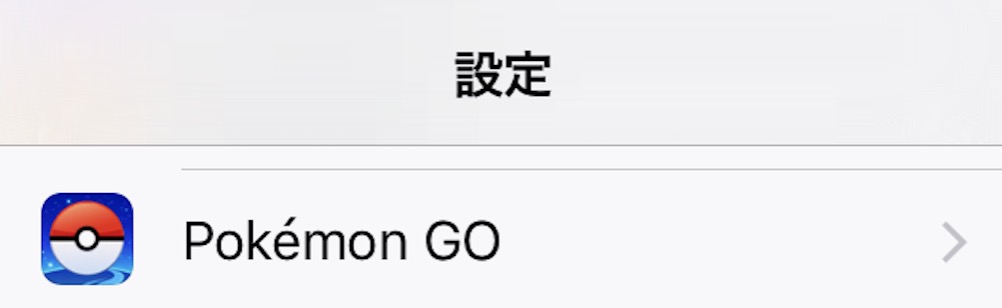
3. Next, go to the Pokemon Go App Store link (search for the game will not show any results). This will open the Pokémon Go page in the App Store. Here, tap ” Get ” and tap ” Install “. Next, you’ll be asked to enter your Apple ID in the App Store, so tap ” Create a new Apple ID .”
4.The Apple ID creation setup will then launch. On the New Account page, select United States as your country or region and tap Next . On the next page , enter all your new Apple ID details . When finished, tap Done .
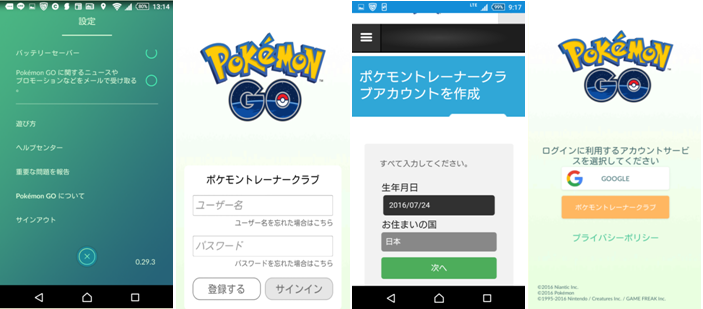
5. Next, select the payment method as ‘None’ , enter the irrelevant details for billing address and tap on ‘ Done ‘. Once completed, you will need to verify your Apple ID through a confirmation email sent to the email account you used to create your ID.

6. After verifying your email account, open the App Store and sign in with your new Apple ID . Then search for Pokemon Go and start downloading the game .
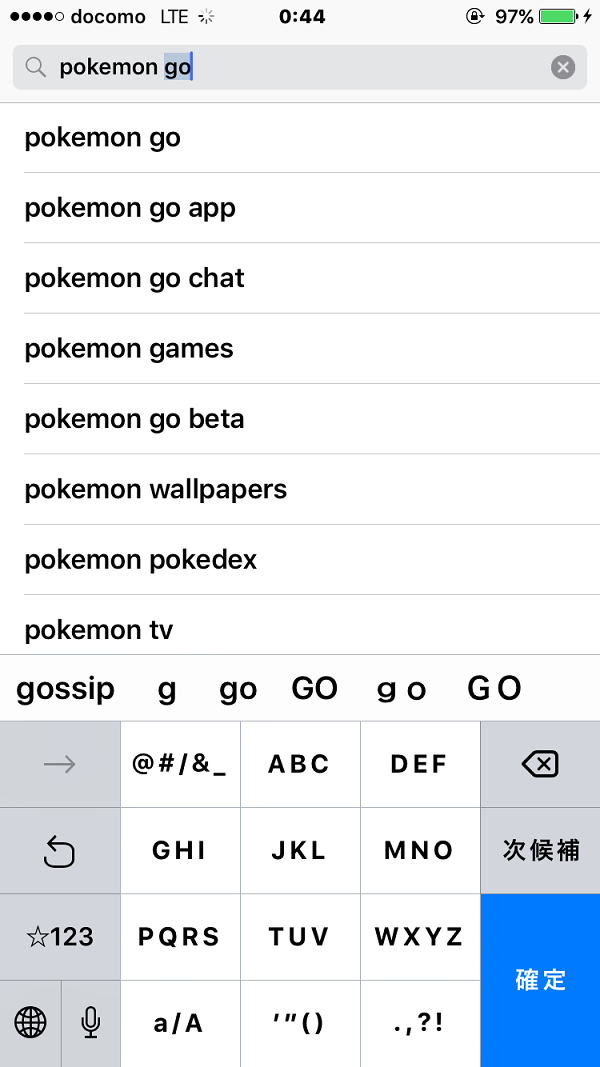
The game is only 110 MB in size, so it won’t take long to download. Once Pokémon Go is installed on your iPhone, you can start playing and catching Pokémon. I hope you all “catch it all.”
See also: How to play Pokémon Go: Beginner’s guide
Ready to play Pokémon Go in your country?
The game should work as expected, but gameplay may differ in countries where Pokemon Go is not yet available. You may find minor Pokemon, Pokestops, and even minor gyms nearby. However, I tried this game in India and everything worked fine. So if you want to get on board with the Pokémon GO hype, you’ll have to give the game a try and see what all the fuss is about. Please let us know your experience with the game in the comments section below.


![How to set up a Raspberry Pi web server in 2021 [Guide]](https://i0.wp.com/pcmanabu.com/wp-content/uploads/2019/10/web-server-02-309x198.png?w=1200&resize=1200,0&ssl=1)


