Minecraft is all about resource gathering. Whether you’re exploring Minecraft’s amazing biomes or collecting materials to build a Minecraft house, you’ll come across a huge number of items and blocks. Now you can place most of them in your world and pick them up again. However, if you know how to make a chest in Minecraft, you can safely place all your items in one place. Most players, except for beginners, already know how this item works. Therefore, if you want to join the masses, learn how to get and create chests in Minecraft.
Chests are the most basic storage item in Minecraft. Useful for beginners and veterans alike. So, use the table below to find out everything you need to know about chests in Minecraft. 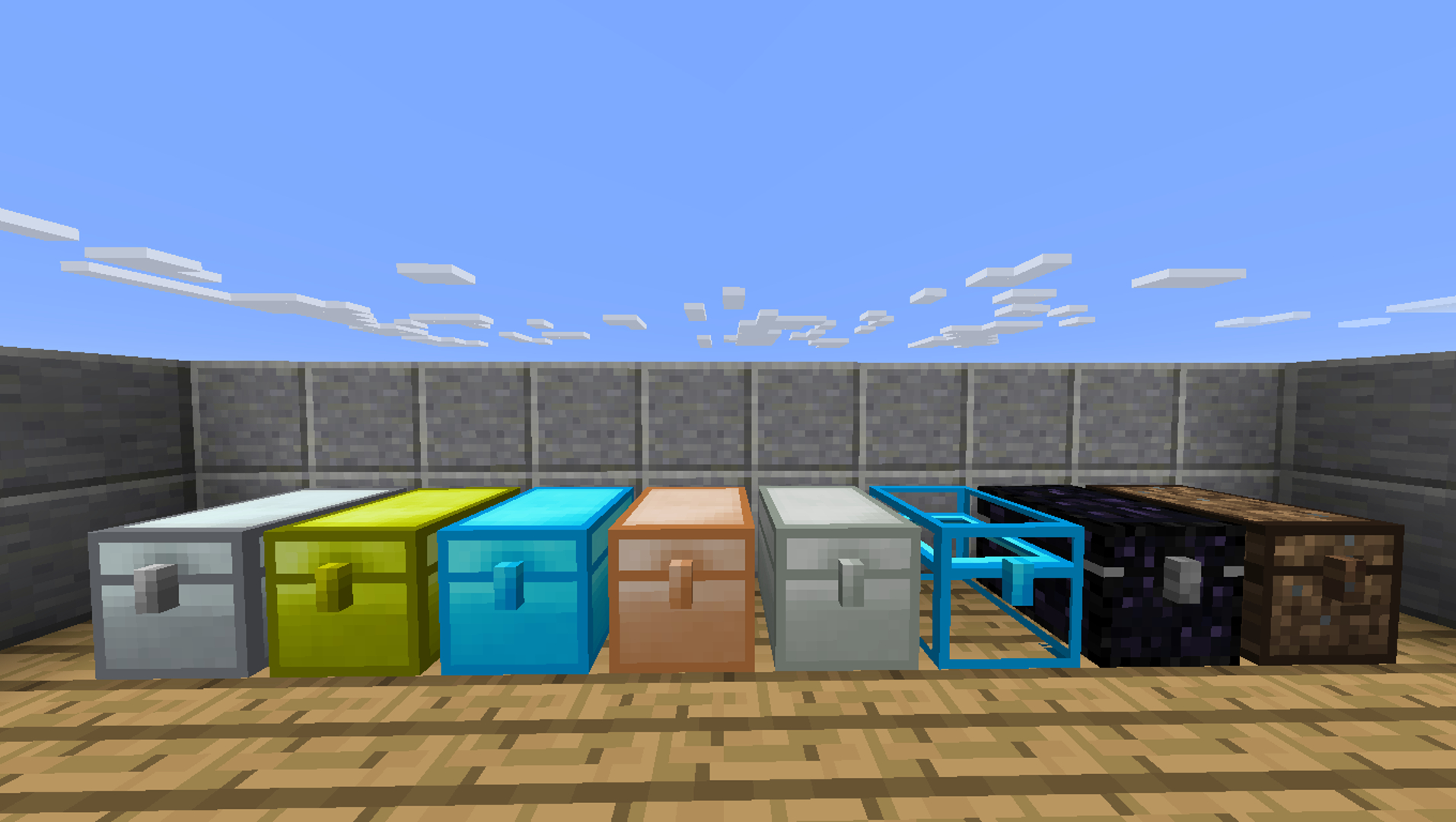
How to find chests in Minecraft
Chests are one of the most basic items in the game and spawn throughout the Minecraft world. The chests are located at:
- dungeon
- fortress
- village
- jungle temple
- desert temple
- nether fortress
- end city
- igloo
- Woodland Mansion
- shipwreck
- marine ruins
- buried treasure
- Marauder Outpost
- remains of a fortress
- ruined portal
- ancient city
Each natural chest in Minecraft has different loot, but any chest can be obtained by breaking it with or without tools. If you break a chest without emptying it, the stored items will fall out with the chest. 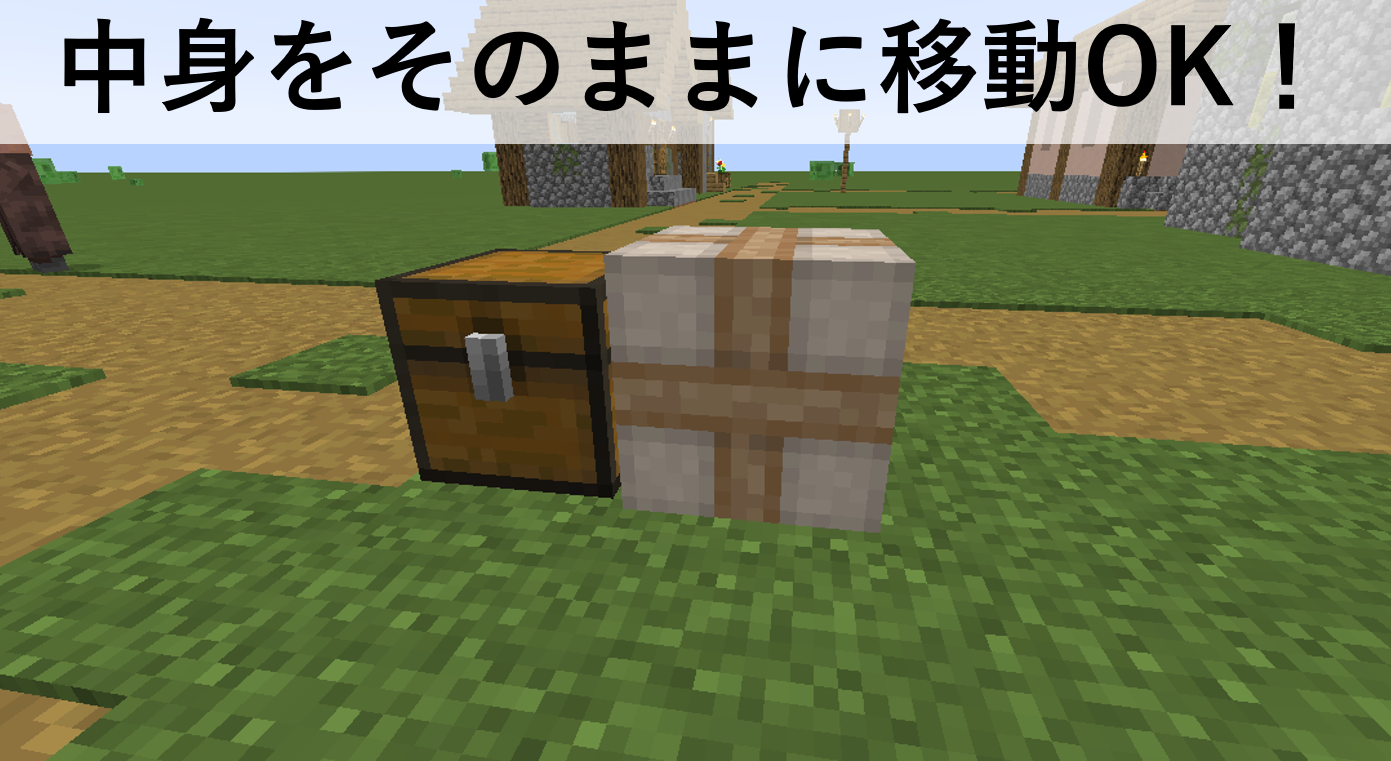
Items needed to create a chest
To create a chest in Minecraft, you only need two items:
- 8 boards
- workbench
To make a chest, you can use any type of wooden plank. It doesn’t even have to be the same type of wood. The final chest will always look the same. However, if you want to challenge yourself, we recommend purchasing new bamboo wood for your chest. To obtain a plank, place a log or block of wood in the crafting area and it will easily turn into a plank. 
Minecraft Chests: Crafting Recipes
Follow these steps to easily create a chest in Minecraft.
1. First, place your worktable on a solid surface . Then right-click or use the second action key.
2. Next, place wooden planks in all cells in the creation area except for the center cell. You can use any type of wooden plank here.
That’s it! You have successfully created a chest in Minecraft.

How to make a double chest in Minecraft
If you use the crafting recipe I just described, you will get a small chest. Although they can be used in a variety of ways, many players rely on large chests as their main storage option. However, there is no recipe for creating a large chest in Minecraft. Instead, you should create two small chests and place them horizontally next to each other .
The game will automatically turn the two small chests into one large chest. This mechanic will not work if you have more than one chest . However, using this method you can create a chest as large as you want. 
How to use chests in Minecraft
1. Storage
The most obvious way to use chests in Minecraft is to place them on the ground and put items inside them. A small chest has 27 item slots, each of which can hold one stack of any item, for a total of up to 1,728 items. Similarly, a large chest has 54 slots and can hold up to 3,456 items.
As for interactions, you can use the piston to push the chest, but this mechanic only works in Minecraft Bedrock Edition. Additionally, lava and water can move around the chest without affecting it. Even if fire appears above the chest, it will not burn out. All chests in Minecraft are fire and lava resistant. However, it can be destroyed by any type of blast.
2. Transportation
Chests placed in fixed locations are usually sufficient for bases, but are not suitable for mobility. However, you can counter this by placing chests on top of tamed donkeys , mules , llamas , and trader llamas . That way, you’ll have portable storage wherever you go. Additionally, you can create a llama caravan, turning your llama into the ultimate portal storage solution.
3. Creating other items
In Minecraft, you can use chests as crafting materials to create the following items:
- trap chest
- shulker box
- hopper
- boat with chest
- raft with chest
- minecart with chest
4. Christmas chest
To celebrate the spirit of Christmas, every year from December 24th to 26th, Minecraft chest textures are transformed into wrapped presents. Small chests will turn red and gold, and large chests will turn green, white, and red. This change occurs in all editions of Minecraft.
Additionally, you can trigger the Christmas Chest by manually changing the date on your computer to December 24-26. However, please note that this change is cosmetic only and does not affect how the chest works or functions.
Now that you know how to create a chest in Minecraft, you can stop worrying about storing your items and start collecting them all over the world. However, if you’re playing on one of these best Minecraft survival servers, building a simple chest might not be enough. Any player can break or steal the chest and its items. If that bothers you, you should create an ender chest in Minecraft instead of a regular chest.


![How to set up a Raspberry Pi web server in 2021 [Guide]](https://i0.wp.com/pcmanabu.com/wp-content/uploads/2019/10/web-server-02-309x198.png?w=1200&resize=1200,0&ssl=1)


