- In LEGO Fortnite, villagers help you unlock recipes, explore locations, craft resources and tools, and more.
- To recruit villagers, build a village square using 10 pieces of wood and 10 pieces of granite, then create an empty bed and interact with the villagers.
- In LEGO Fortnite, you can remove a specific villager by destroying the bed assigned to that villager.
The best thing about LEGO Fortnite is that as soon as you start the game, you’ll find lots of NPC friends called villagers. Once you start upgrading your village, you can recruit villagers. If you feel that a particular villager is not doing their part, you can also kick them out of town. Follow our guide to learn how to recruit and remove villagers in LEGO Fortnite.
Recruit villagers in LEGO Fortnite
Having villagers around will help you on your journey in this Fortnite game mode. Many villagers come to your village to rest for the night, but as you start progressing through the game you will have the opportunity to let them stay.
Here are the steps you need to follow to recruit villagers in LEGO Fortnite.
1. Build a village square
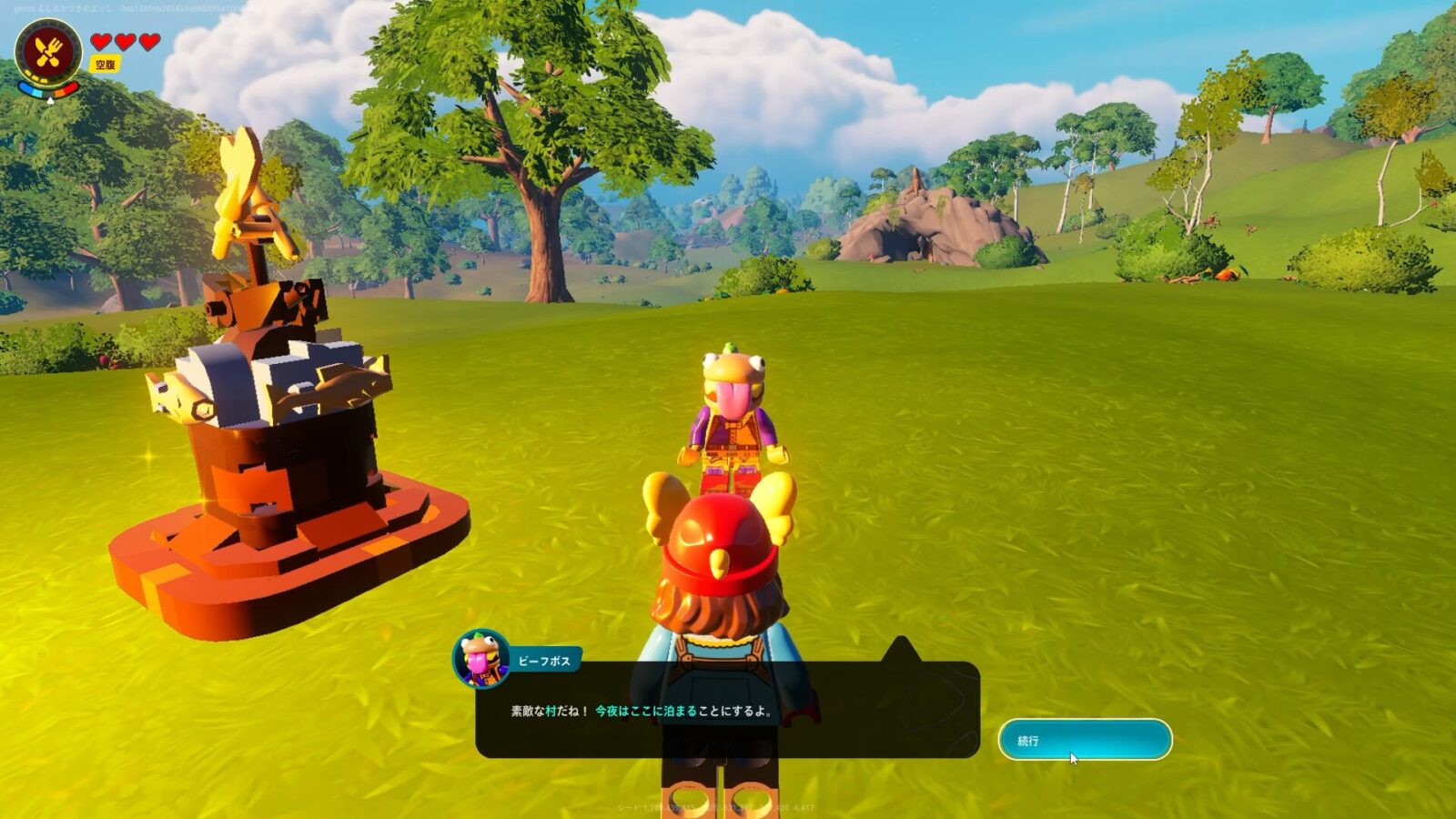
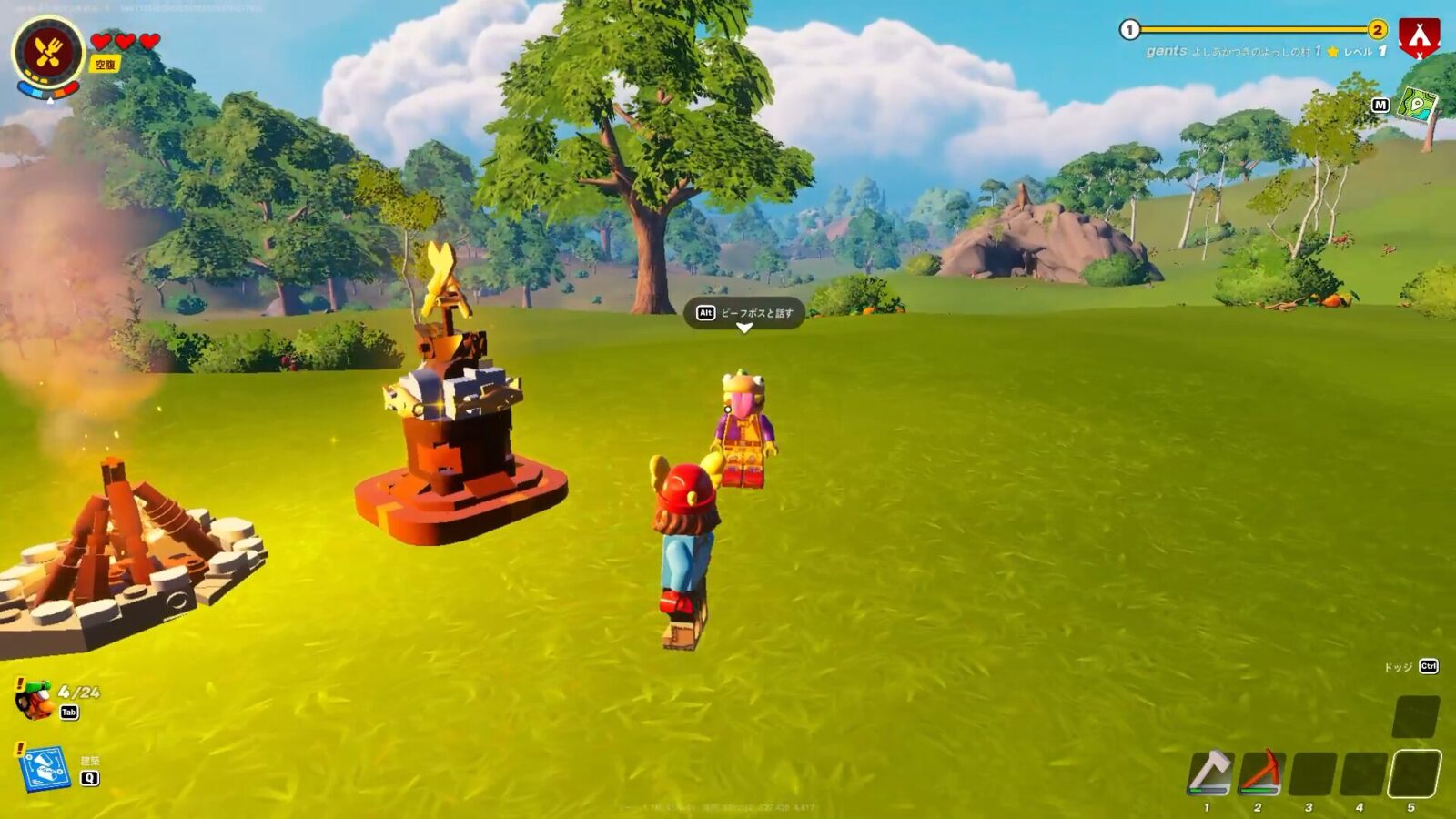
Village Square is an in-game utility that helps you unlock new buildings, recipes, and other villager recruitment options. If there is no village square, random villagers will not participate. To build a village square in LEGO Fortnite, you need to:
- First, collect 10 pieces of wood and 10 pieces of granite in your inventory.
- Then press the Build button (Q on PC, Circle on PS, B on Xbox).
- Find the village square next to the campfire in the utilities section.
- Click on it, place it on the ground, and you’re ready to capture villagers.
2. Make the bed
Once you’ve built your village square, move on to the next step: building beds for your villagers. If there are no extra beds for the villager you want to recruit, that villager will not join your village. So before you ask villagers to join your village, make a bed in Lego Fortnite.
Please leave your bed empty and be careful not to assign it to anyone else, including yourself. You need 10 pieces of wood to make a bed.
- To make a bed, press the Build button (Q on PC, Circle on PS, B on Xbox).
- Next, go to the “Furniture” tab in the build menu.
- Select a common bed and place it on the ground.
Common Bed in Furniture section select bed 
Setting a bed put the bed
3. Hire villagers
When you build a village square and make beds, a recruit bubble will appear above the villagers. To make a villager a part of your town in LEGO Fortnite, you need to select the appropriate option in the chat once you start talking to them. Follow the steps below:
- First, go to any villager and click the dialogue button (E on PC, Square on PS, X on Xbox).
- Continue chatting and select ” Live in my village!” “Optional.
- When finished, click Yes. Assign empty beds to villagers from chat.
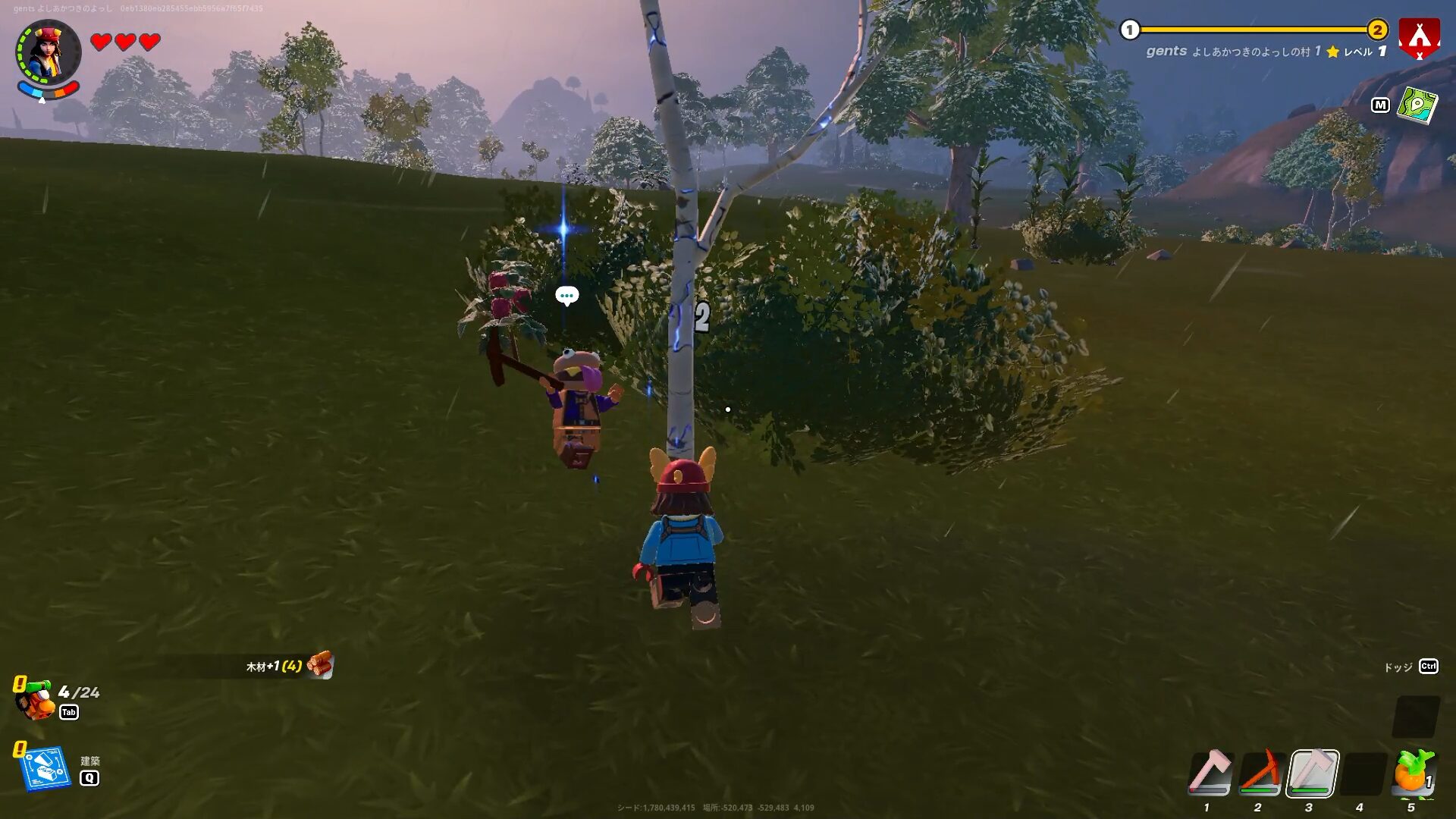
Recruit marker on villager talk to villagers 
Ask villager to live in my village ask to live in a village 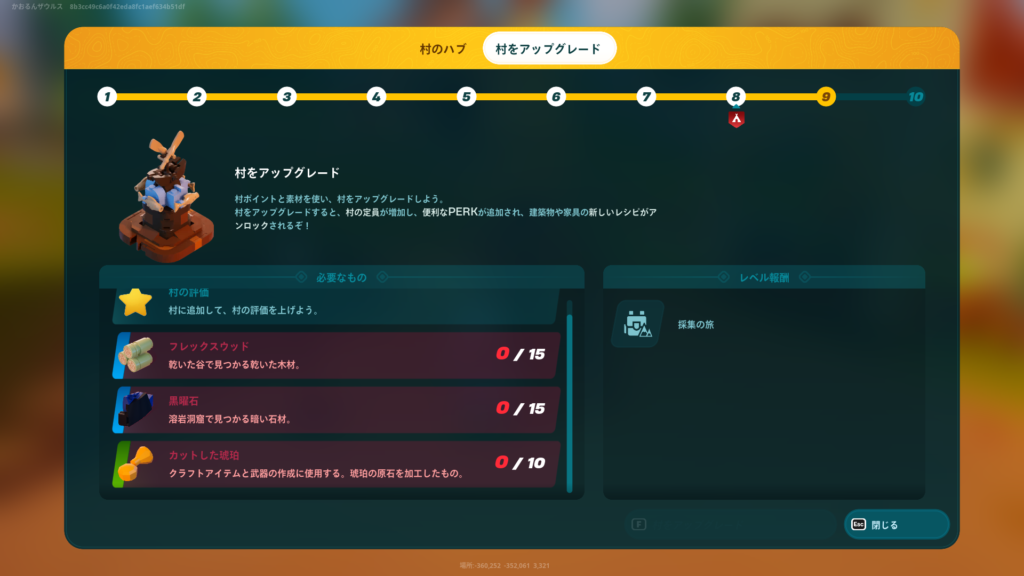
Assign the villager a bed in LEGO Fortnite Click “Yes!”
Delete villagers in lego fortnite
There are different types of villagers with unique skills and biome experience. This allows you to find better villagers to suit your village’s needs. That’s why Lego Fortnite gives you the option to kick villagers out of your village. To do this, follow the steps below.
- Go to the bed you assigned to the villager.
- Destroy the bed with your bare hands. With your bare hands, you will destroy the structures you build faster.
- When a bed is destroyed, villagers will display a bed marker in their chat bubble.
- Now, talk to that villager and find out how long it will be before they leave your village.
- If you build an empty bed before the exit timer ends, that bed will be automatically assigned to you.
Go to villagers bed Go to the villager’s bed 
Bed unassigned to LEGO Fortnite villager marker break the bed 
Villager leaving timer prompt Check the villager’s exit timer
This is how you add or remove villagers from your village. Just before you let them go, remember that if you assign tasks to villagers, they will help you with tasks around the village, such as making planks and gnarl sticks. This takes some of the burden off. That said, if you come across any unusual villagers in LEGO Fortnite, let us know in the comments.


![How to set up a Raspberry Pi web server in 2021 [Guide]](https://i0.wp.com/pcmanabu.com/wp-content/uploads/2019/10/web-server-02-309x198.png?w=1200&resize=1200,0&ssl=1)


