Whether you’re a content creator or a casual Instagrammer, you’re likely to see your follower count fluctuate. Every time, we wonder, “Who unfollowed me on Instagram?” Was it one of my closest friends? On Instagram, you won’t receive a notification if someone unfollows you. But it’s not difficult to see who unfollowed you on Instagram if you know the right steps. So, check to see if your friends are still following you. 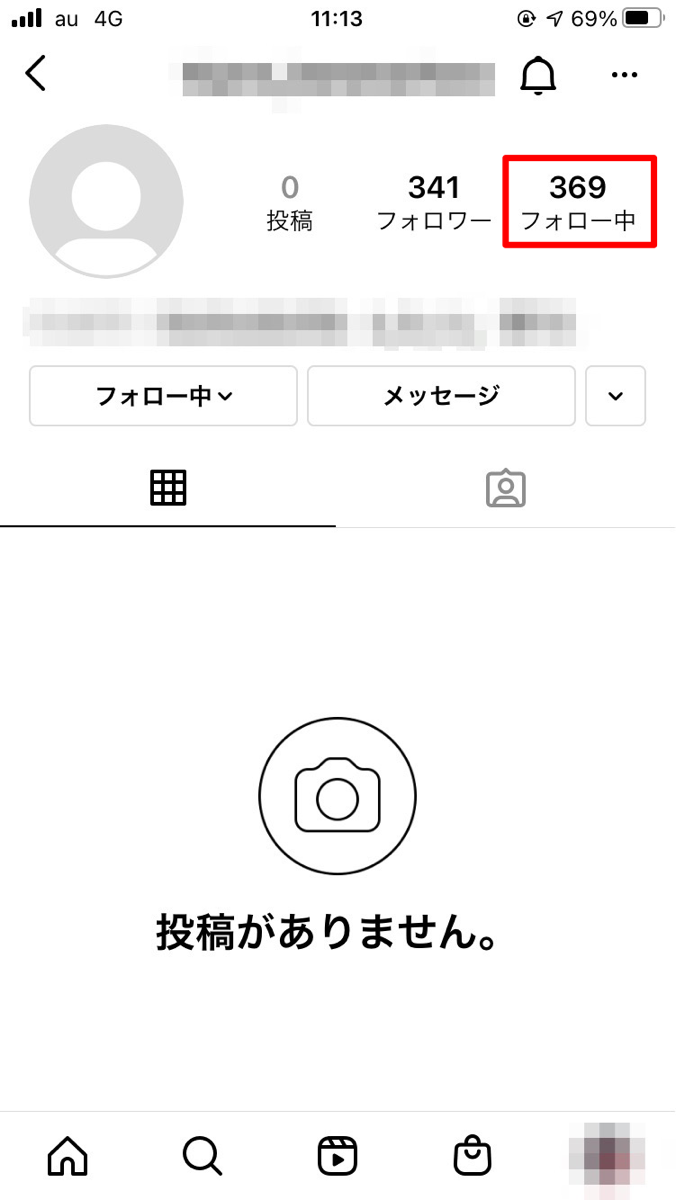
How to manually check who unfollowed you on Instagram
There are two ways to tell if someone unfollowed you on Instagram. The first is a manual method that lets you search for someone’s name to see if they unfollowed you. This is a bit tedious and only works if you have a name in mind. Second, third-party apps can help you pinpoint who has recently unfollowed you on Instagram. More on that later.
In this section, let’s see how to manually find out who unfollowed you on Instagram. Follow the steps below:
- Log in to the Instagram app on Android or iOS and go to your profile.
- Now, tap on the number of followers at the top.
- Then, tap the search bar to manually search for specific followers who may have unfollowed you.
- Even if they don’t show up in search results, you’ll know right away that they’ve been unfollowed.
You can also search for and remove followers from your account using the steps above. Search for your account and tap the Delete button next to its name to delete it. 
Third-party apps to see who unfollowed you on Instagram
Now, as for the third-party app method, I tested several apps, and in my experience, FollowMeter ( Android and iOS ) worked best. Here’s how to check your Instagram unfollow list using the FollowMetter app.
- After downloading the app, you first need to log in to your Instagram account.
- As soon as you log in, FollowMeter will start analyzing your account and extracting data.
- Once that’s done, tap “Unfollow” in the profile activity panel.
- You’ll also see the total number of people who unfollowed you here.
- Now, if you don’t want to see their posts or stories, tap “Following” to unfollow them immediately.
To see the latest data, simply tap the refresh icon in the top right corner of the app’s home page. There are lots of other things you can do with this app, like finding users who don’t follow you back or who you don’t follow. You can also get a list of new followers that your Instagram account has received.
Note : Please note that third-party apps are not licensed in any way by Instagram. Therefore, be careful when using such third-party apps and only download them from official app stores, as malicious apps can threaten the security of your Instagram account.
That concludes this guide. Let us know in the comments if you found this guide helpful. Additionally, if you feel the security of your account is at risk, follow our step-by-step guide to change your Instagram password immediately. If you also want to know if someone has blocked you on Instagram, we have a simple guide for that too.


![How to set up a Raspberry Pi web server in 2021 [Guide]](https://i0.wp.com/pcmanabu.com/wp-content/uploads/2019/10/web-server-02-309x198.png?w=1200&resize=1200,0&ssl=1)


