In Python, you can use the not equal and equal operators to check whether two Python objects have the same value. This tutorial explains how to use these operators with lots of sample code.
In this tutorial you will learn:
- Syntax and usage examples for the not-equal (
!=) operator, - Equality operator (
==) syntax and examples - Check the identity of two Python objects using the
isandis notoperators.
Let’s get started.
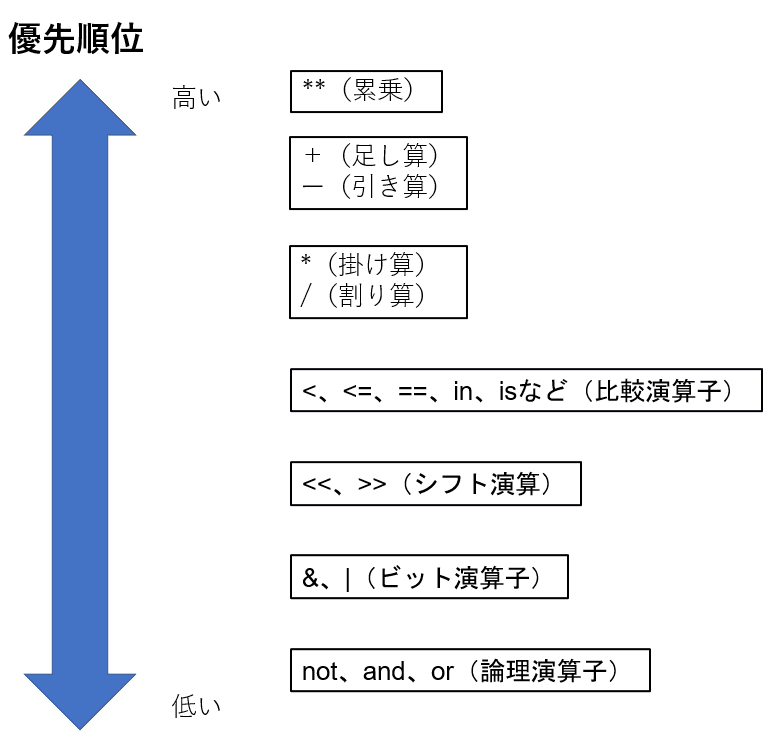
Python inequality operator syntax
For any two Python objects obj1 and obj2 , the general syntax for using the not-equal operator is:
<obj1> != <obj2>- Returns
Trueif the values ofobj1andobj2are not equal; - Otherwise returns
False.
Note : As mentioned above,
obj1andobj2can be integers, floating point numbers, strings, lists, etc.
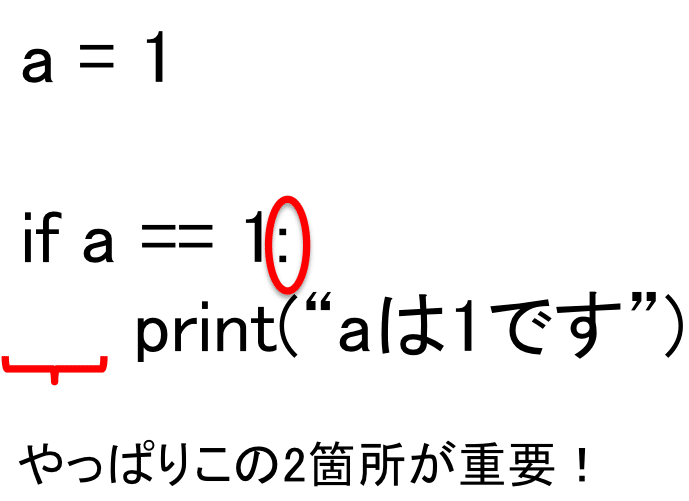
Python inequality operator code example
In this section, let’s code some examples to better understand the inequality operator.
Use Python’s inequality operator for comparisons
This is the first example.
 num1 = 27
num2 = 3*9

num1 != num2

# Output: False
You can run code examples directly from your browser in the Python IDE. Alternatively, you can choose to run it on your local machine.
The values of num1 and num2 are equal because num1 = 27 and num2 also evaluates to 27 ( 3*9 = 27 ). Therefore, != operator returns False .
Let’s look at another example.
In the code below, num1 is set to 7. Also, num2 is set to the string 7. Because they are different data types, the not-equal operator returns True .
 num1 = 7
num2 = "7"
num1 != num2

# Output: True
Cast the string to an integer as shown below.
 num1 = 7
num2 = int("7")

num1 != num2

# Output: False
In this case, we know that the result returned is False because num1 and num2 are equal to the integers 7.
You can also use the inequality operator with Python collections such as lists, tuples, and sets.
Note : For collections of data, such as lists, the inequality operator works by checking the values of individual items. For example, two lists
list1andlist2(each with lengthnare equal if and only iflist1[i] == list2[i]foriin{0,1,2,3,..n-1}It will be.
For example:
 list1 = [2,4,6,8]
list2 = [2,4,6,9]

list1 != list2

# Output: True
In the example above, list1 and list2 differ by only one element. And the not equal != operator returns True as expected.
Using Python’s inequality operator in conditional statements
You often use the inequality operator as part of conditional statements in Python.
For example, the code snippet below shows how to check whether a number is odd.
A number that is not divisible by 2 is odd . And this results in the condition
num%2 != 0.
 num = 7
if(num%2 != 0):
  print("The number is odd.")
else:
  print("The number is even.")

# Output: The number is odd.
If you want to keep only list elements that meet a certain condition, you can also use conditional statements in list comprehensions . In the example below, odd_10 is a list of all odd numbers less than 10.
 odd = [num for num in range(10) if num%2 != 0]
print(odd)

# Output: [1, 3, 5, 7, 9]
This concludes our discussion of the not-equals ( != ) operator. ✅
As you may have noticed, the equal to operator produces the opposite effect of the not equal to operator.
More details in the next section.

Python equality operator syntax
The syntax for using the Python equal operator is:
<obj1> == <obj2> #where <obj1> and <obj2> are valid Python objects- Returns
Trueif the values ofobj1andobj2are equal; - Otherwise returns
False.
Python equality operator code example
The equality operator ( == ) can be used in a very similar way to the inequality operator.
Let’s code the following example.
- To check if two strings are equal, use
- Check if the number is even,
- To use conditional statements in list comprehensions
Use Python’s inequality operator for comparisons
In the code snippet below, str1 and str2 have the same value. Therefore, the equality operator ( == ) returns True .
 str1 = "coding"
str2 = "coding"

str1 == str2

# Output: True 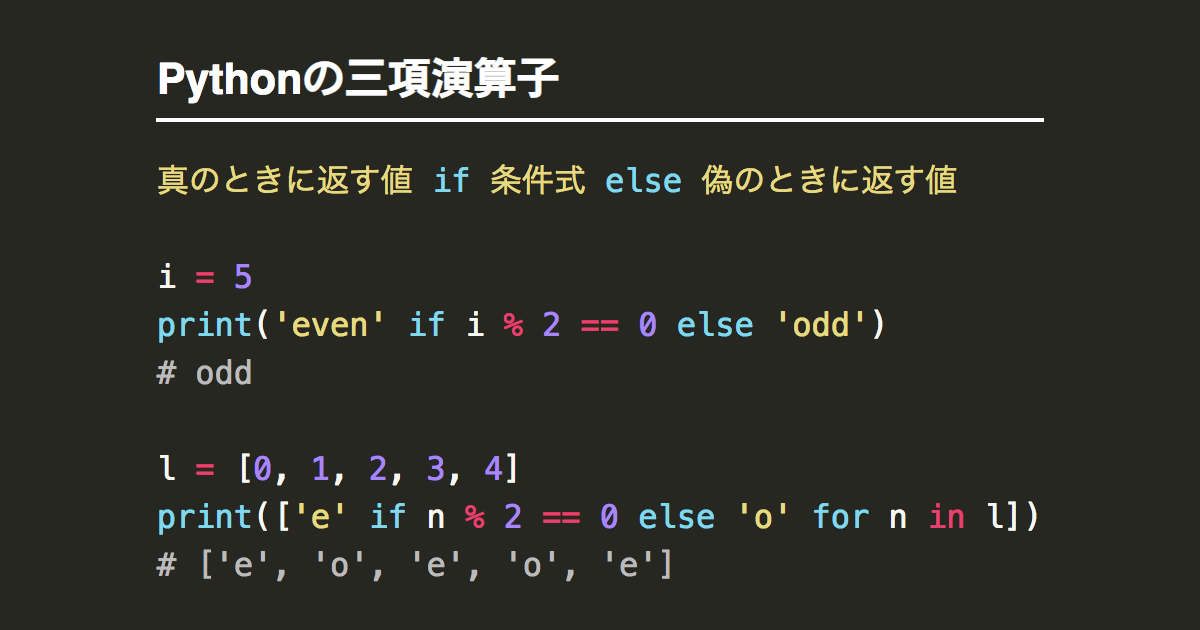
Next, let’s use the equality operator in a conditional expression.
Note : A number that is evenly divisible by 2 is an even number . In the code, this becomes the condition
num%2 == 0.
 num = 10
if(num%2 == 0):
  print("The number is even.")
else:
  print("The number is odd.")

# Output: The number is even.
Building on this example, let’s use Python’s list comprehension to get all even numbers less than 10.
 even_10 = [num for num in range(10) if num%2 == 0]
print(even_10)

# Output: [0, 2, 4, 6, 8]
In the above example,
-
range(10)returns a range object that can be looped over to get all integers from 0 to 9. - Condition is
Trueonly ifnum%2 == 0even number. - So
even_10is a list of all even numbers less than 10.
So far, you have learned how to check for equality using the not equal ( != ) and equal ( == ) operators.
In the next section, you will learn how to verify the identity of two objects. Checks whether two Python objects are identical .
How to use Python’s is and is not operators
If you are new to Python programming, you may be confused between == operator and is operator. Let’s make that clear in this section.
In the previous section, we saw an example where str1 and str2 are equal and the == operator returns True .
Then run the following code snippet.
 str1 = "coding"
str2 = "coding"

str1 is str2

# Output: False
You can see that str1 is str2 returns False .
Let’s take a step back and understand what Python’s is operator does.
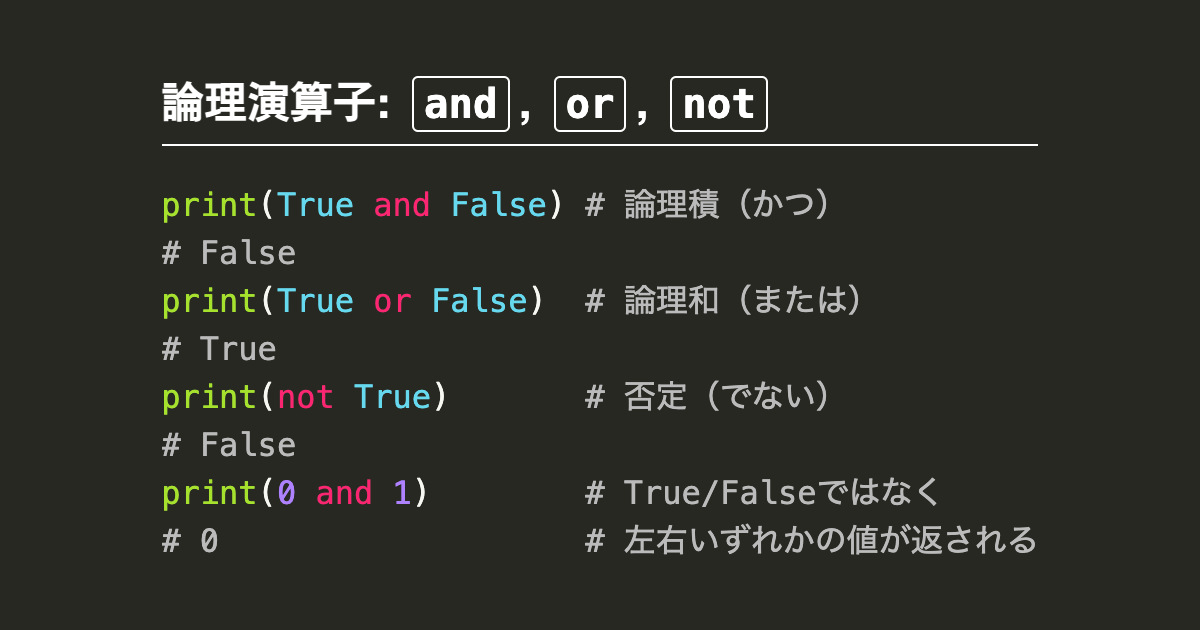
isoperator operates on any two Python objects.
ReturnsTrueonly if the two objects are identical , that is, they refer to the same object in memory.
str1 is not str2 even if str1 is equal to str2 . Therefore, they have different identities.
In Python, you can get the ID of an object using id() function.
▶ Run the following code cells to get the IDs of str1 and str2 .
 id(str1)

# Sample output: 139935398870320

id(str2)

# Sample output: 139935398871344
As you can see, str1 and str2 have different IDs. And str1 is str2 returns False as expected.
put it together,
 <obj1> is <obj2> # returns True if and only if
id(<obj1>) == id(<obj2>) # returns True
Let’s quickly check this as shown below.
 str1 = "coding"
str2 = str1

print(str1 is str2)
print(id(str1) == id(str2))

# Output
True
True
Intuitively, the is not operator does the opposite of is operator.
The
is notoperator works on any two Python objects.
It also returnsFalseonly if the two objects are identical , meaning they refer to the same object in memory. Otherwise, returnsTrue.
In the code example above, replace is is not and check the result.
Conclusion👩💻
I hope this tutorial was helpful.
To summarize, I learned the following:
- How to use the equality (
==) and inequality (!=) operators to check whether two Python objects have the same value - The difference between equality and identity of Python objects, and
- How Python’s
isandis notoperators help you check whether two Python objects are the same.
Learn how to calculate time differences and create a snake game in Python.
See you in the next tutorial. Until then, enjoy learning and coding!🎉


![How to set up a Raspberry Pi web server in 2021 [Guide]](https://i0.wp.com/pcmanabu.com/wp-content/uploads/2019/10/web-server-02-309x198.png?w=1200&resize=1200,0&ssl=1)


