- Android users can now take advantage of WhatsApp’s multi-account feature.
- This feature will allow WhatsApp Android users to add a second WhatsApp account to their devices without duplicating the app or relying on third-party apps.
- To use this feature, go to the WhatsApp app > the vertical three-dot menu in the top-right corner > Settings > the down arrow button next to your name > Add account.
WhatsApp has started rolling out its long-awaited multi-account feature to all devices. With this feature, you will finally be able to use two WhatsApp numbers on one device. This feature is especially useful if you use different WhatsApp accounts for personal and office use.
Previously, you had to rely on a secondary phone, your Android device’s app cloning feature (if available), or third-party apps that aren’t exactly secure. Now that we have an official solution, let’s see how to use multiple WhatsApp accounts on one phone. 
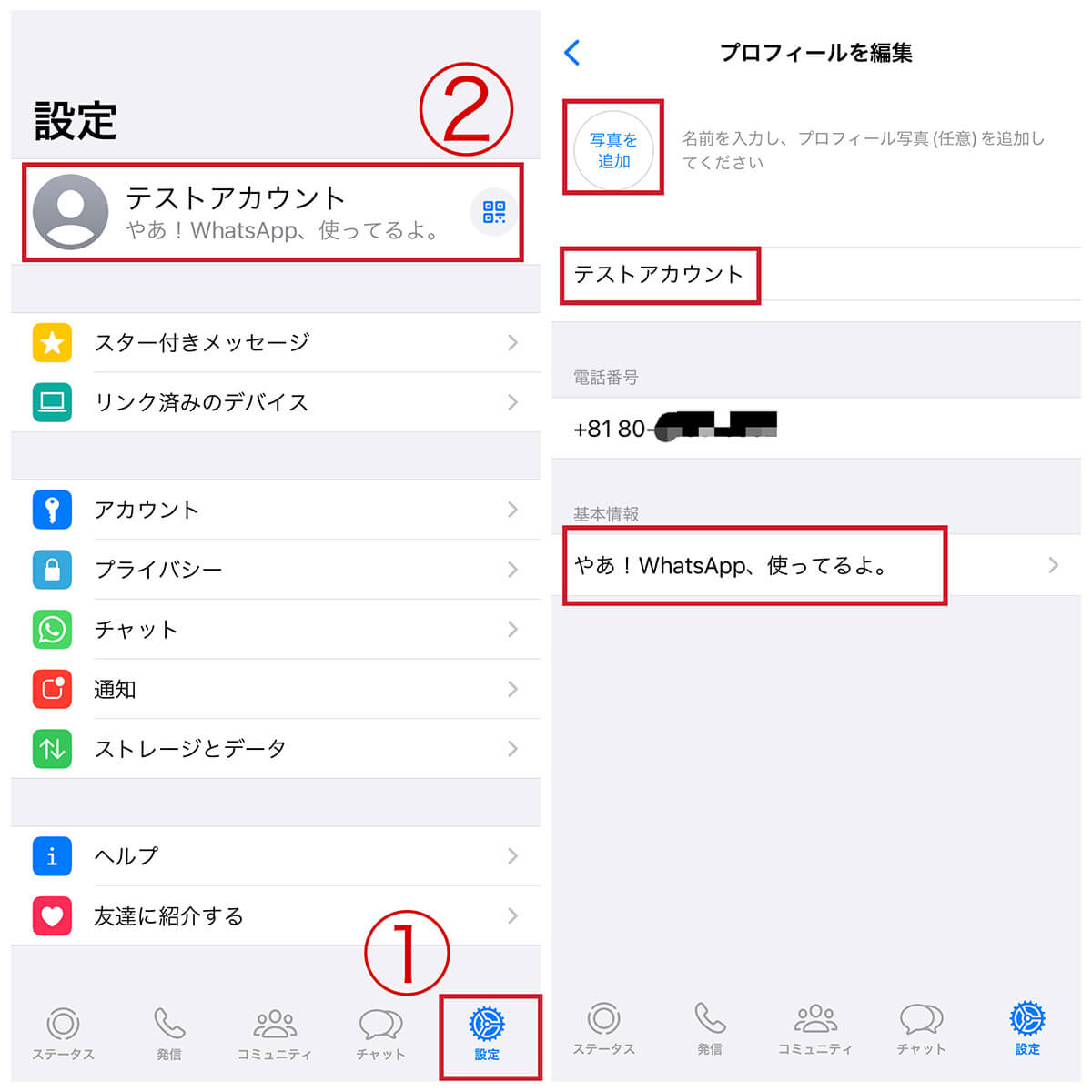
How to log into your second WhatsApp account
At the moment, WhatsApp’s multiple accounts feature is only available to Android users. iOS users will also be able to get it soon. So, to use this feature, follow these steps:
1. Open WhatsApp and tap the three vertical dots icon in the top right corner of the screen.
2. Then select the Settings option.
3. Here, at the top, you’ll see a small downward arrow next to your name. Tap on it.
4. Once tapped, a small pop-up window will appear at the bottom. Now tap Add Account .
5. On the next page, tap Agree and Continue . Next, enter the number associated with the second WhatsApp account you use on your primary phone.
6. A phone number confirmation page will appear. If you tap Continue now, WhatsApp will call you to confirm. Alternatively, you can select the “Authenticate another way” option to get the verification code via SMS.
Note:
If the device you plan to use your WhatsApp account on doesn’t have a second SIM card, just enter the code you received via SMS and WhatsApp will verify your number.
7. Next, enter your name, add a profile picture, and follow the usual steps you do when setting up a WhatsApp account, then click Next .
You can now use your second WhatsApp account on the same phone as your first account. However, keep in mind that you can only add two numbers using this feature . However, Android users are well aware that the app’s clone feature allows you to use four accounts on one phone. Can your iPhone do that? 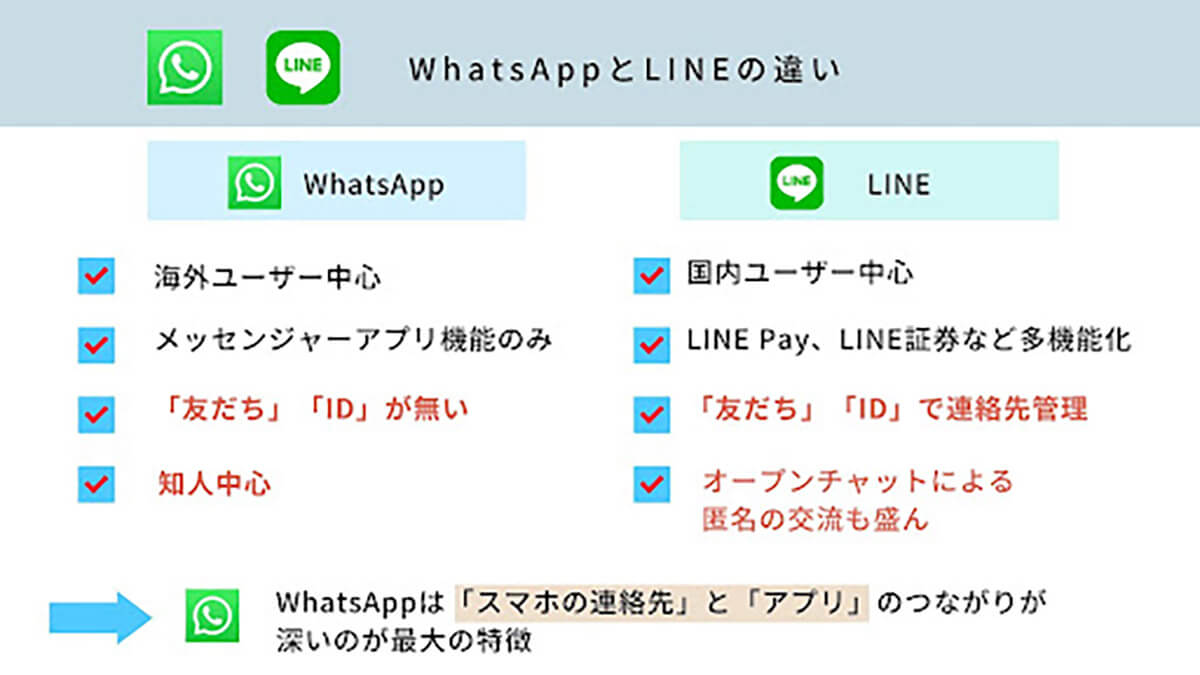
How to switch Whatsapp accounts
Now that you know how to add a second number to WhatsApp, you should also know how to easily switch between the two numbers. Open WhatsApp and tap the three vertical dots icon. Then select the “Switch Account” option.
An account switching popup will appear from the bottom. Select another account here and you’re ready to go. If you want to switch accounts, you can follow the same steps as when adding a second WhatsApp account, but it’s a pain. You will be directed to the same account switching tool.
If you use WhatsApp’s multi-account feature, you must be wondering how notifications such as messages and calls are handled. As the company says on its official FAQ page, “You’ll receive notifications for new messages and calls,” but they won’t automatically switch to your respective account.
If you’re using your first account and receive a notification on your second account, WhatsApp will display it, but you’ll be asked to switch accounts to see the message or answer the call. A “Switch account” button will appear in the notification. Once you do this, you will be able to answer, answer calls, and perform other functions with the second account.

How to delete your second WhatsApp account
If you don’t want to use your second WhatsApp account anymore or on another device, you can also easily delete it by:
1. First, switch to the account you want to delete and go to the app’s settings.
2. In Settings, select the “ Account- > Delete Account ” option.
3. Next, tap the “Delete Account” button below the number associated with your account. Just tap Delete in the small confirmation window that appears.
This is how you can add and use two numbers on WhatsApp on your mobile phone. This is a highly requested new feature that will benefit many people in countries like India and Brazil. Moreover, it should not be confused with using the same WhatsApp account on two mobile phones. This is another useful feature.
Meanwhile, in case you weren’t aware, similar to Discord, you can also share your screen on WhatsApp and organize voice chats on the messaging app. If you face any issues while setting up the multi-account feature, let us know in the comments section below.
The multi-account feature allows you to add up to two numbers to WhatsApp on the same phone. This is useful if you are using two SIM cards in the same device. However, if this feature is not enabled, you can also clone WhatsApp on your Android device and add more than two numbers to one device.
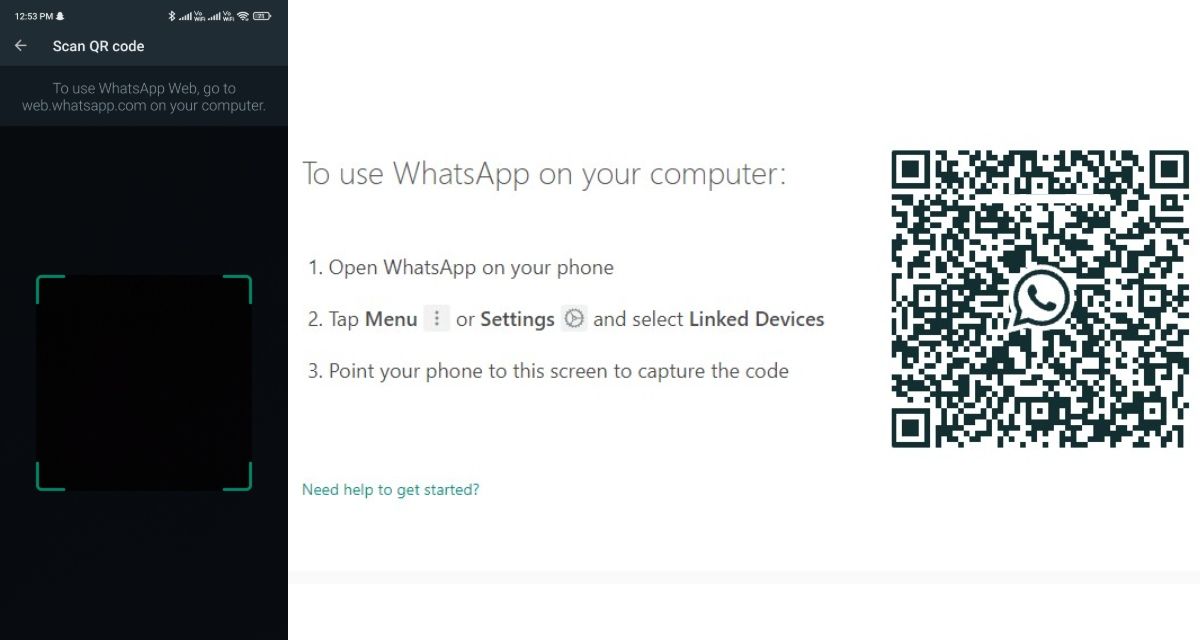
The Linked Devices feature allows you to link up to four devices to your WhatsApp account and use it on those devices at the same time.
If you don’t link your WhatsApp account to someone else’s device, no one will be able to access your messages. If you think someone else is using your linked device, go to WhatsApp, tap Linked devices -> Signed-in device, and log out.


![How to set up a Raspberry Pi web server in 2021 [Guide]](https://i0.wp.com/pcmanabu.com/wp-content/uploads/2019/10/web-server-02-309x198.png?w=1200&resize=1200,0&ssl=1)


