Update [26/10/18]: The new update (0.9.0.9635) for PUBG Mobile looks much better in terms of both graphics and anti-aliasing on the Tab S4.
The original content is as follows.
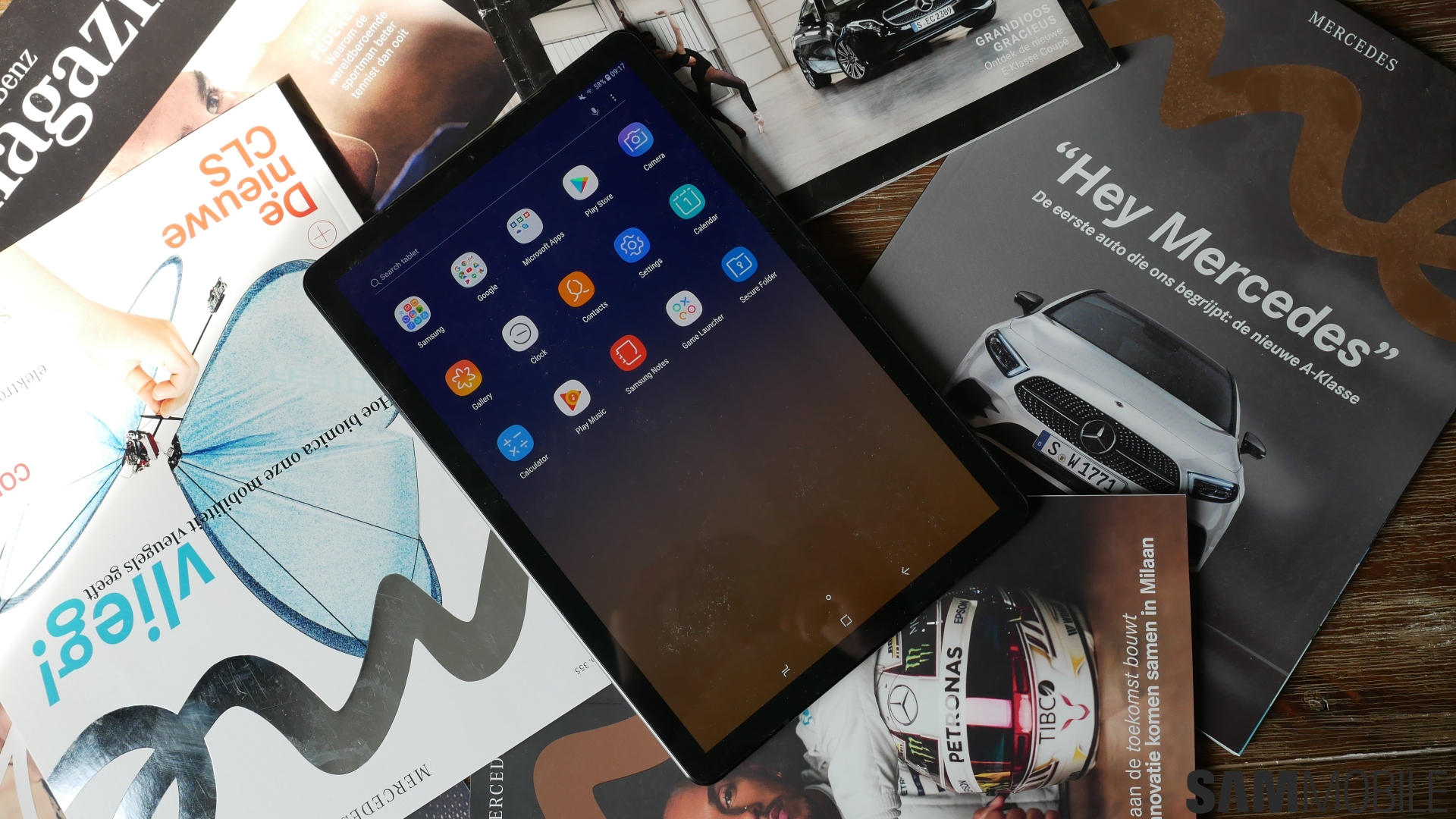
Samsung’s recently launched Galaxy Tab S4 (Rs 57,900) may be powered by last year’s Snapdragon 835, but it’s by no means a poor performing tablet. It can handle any task you throw at it and will never let you down. However, when it comes to tasks you can perform on your tablet, if you were thinking about playing PUBG and making a quick chicken dinner on the Tab S4’s large 10.5-inch sAMOLED display, you’re in for a bit of a shock. 
PUBG Mobile on Tab S4 looks terrible
Don’t get me wrong. This headline makes it sound like PUBG Mobile doesn’t run with the best graphics or anything, but it actually does. PUBG Mobile runs on the Tab S4’s best graphics with ultra frame rates and won’t break a sweat. However, it may look unsightly and you may want to destroy it.
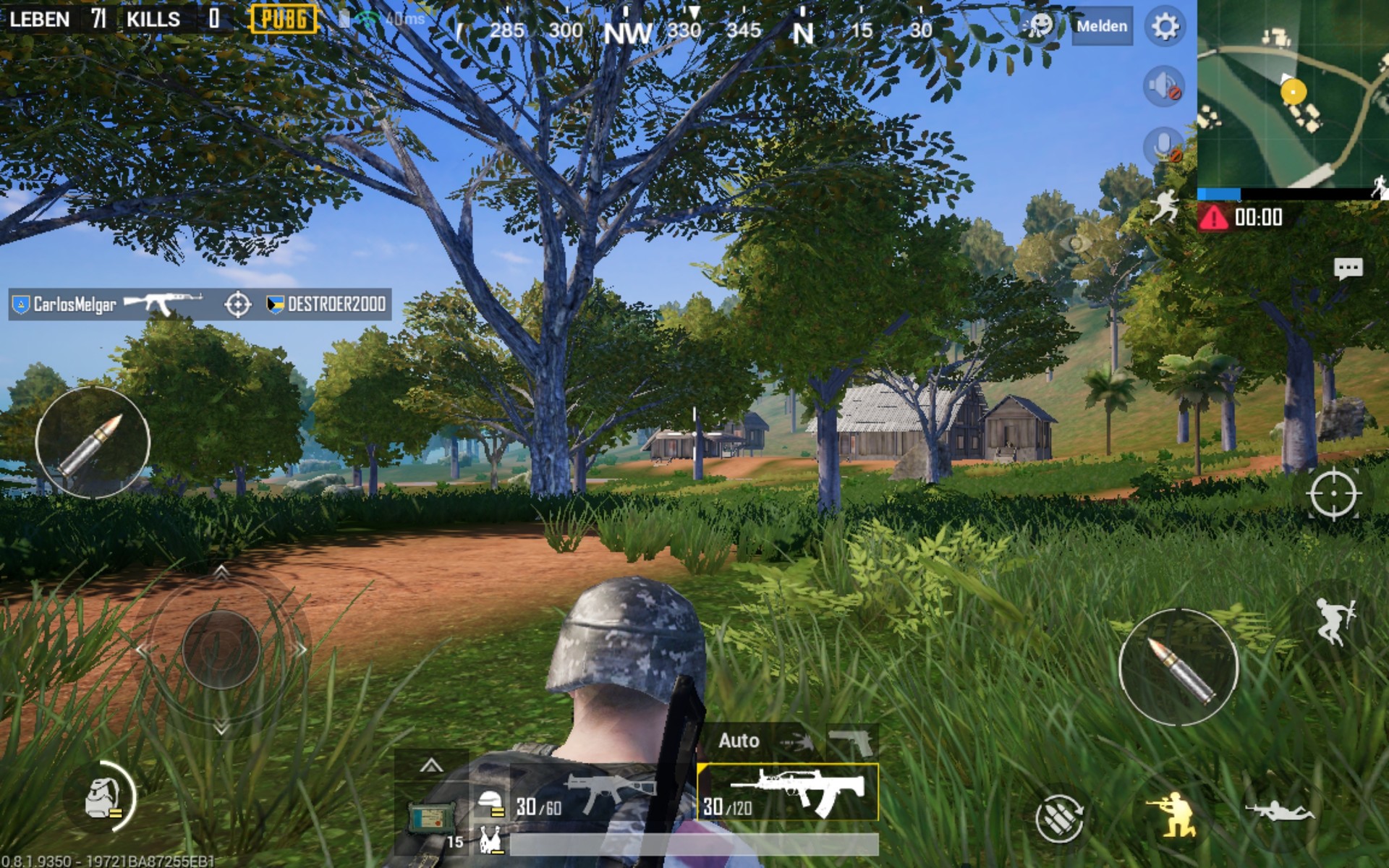
See the screenshot below. See the giant HUD icon? Does it look like the kind of setup you want to play? If so, please enjoy! But I think for the majority of people that’s not good, and that’s kind of obvious. The fire button is so large that you end up tapping it unintentionally , and there’s basically no space to drag your finger around to aim properly. If you end up playing War Mode on the Tab S4 and fall into the sniper round, you’re screwed. Really. I ended up firing my Kar98 at the most inopportune times, and when I did spot the enemy, I couldn’t aim properly the first time, and once I did, I ended up reloading the rifle. It is more likely that That’s just bad.
Not to mention the obvious problems when playing on a tablet, using the buttons inside the display isn’t all that easy since your fingers can’t quite reach them. Honestly, it takes conscious effort to properly tap the many controls here.
Let me make one thing clear here. By no means is this an issue caused by the Tab S4. No, this is simply an issue caused by the way PUBG Mobile has decided to handle this tablet’s large display. Rather than taking full advantage of the larger display and giving players more area to view, PUBG Mobile simply stretches the game across the display. This results in unusually large icons, buildings with obvious anti-aliasing issues, and noticeable blurring . There is a tearing effect across the HUD.
If you don’t think this is the developer’s fault, take a look at Fortnite on the Tab S4. As you can see in the screenshot below, the HUD size is perfect in Fortnite, and while Fortnite on Android is a terrible mess, it’s a much better experience on the Tab S4 than PUBG Mobile, at least for now. Masu.
I’m sure Tencent’s games will look great on this huge 2560×1600 sAMOLED display once they optimize their games for larger screens like the Tab S4, but until that happens ( Playing PUBG Mobile on Tab S4 (Rs. 57,900) will continue to be an exercise in frustration.


![How to set up a Raspberry Pi web server in 2021 [Guide]](https://i0.wp.com/pcmanabu.com/wp-content/uploads/2019/10/web-server-02-309x198.png?w=1200&resize=1200,0&ssl=1)


