
With everyone confined to their homes due to the spread of the coronavirus disease (COVID-19) pandemic, mobile phone manufacturers are launching new initiatives to boost sales in India. Xiaomi has already debuted Mi Commerce, which brings offline retail stores online, allowing you to buy Redmi phones from the comfort of your home. Today, Samsung followed suit with the launch of its new ‘Experience Samsung at Home’ service.
As the name suggests, this service allows customers to not only receive a demo, but also have their favorite Galaxy smartphones, tablets, and wearables delivered to their door. The service is “another initiative to create new shopper journeys as we leverage our deep retail presence in India to help maintain physical distancing,” Samsung said in an official blog post. states. 
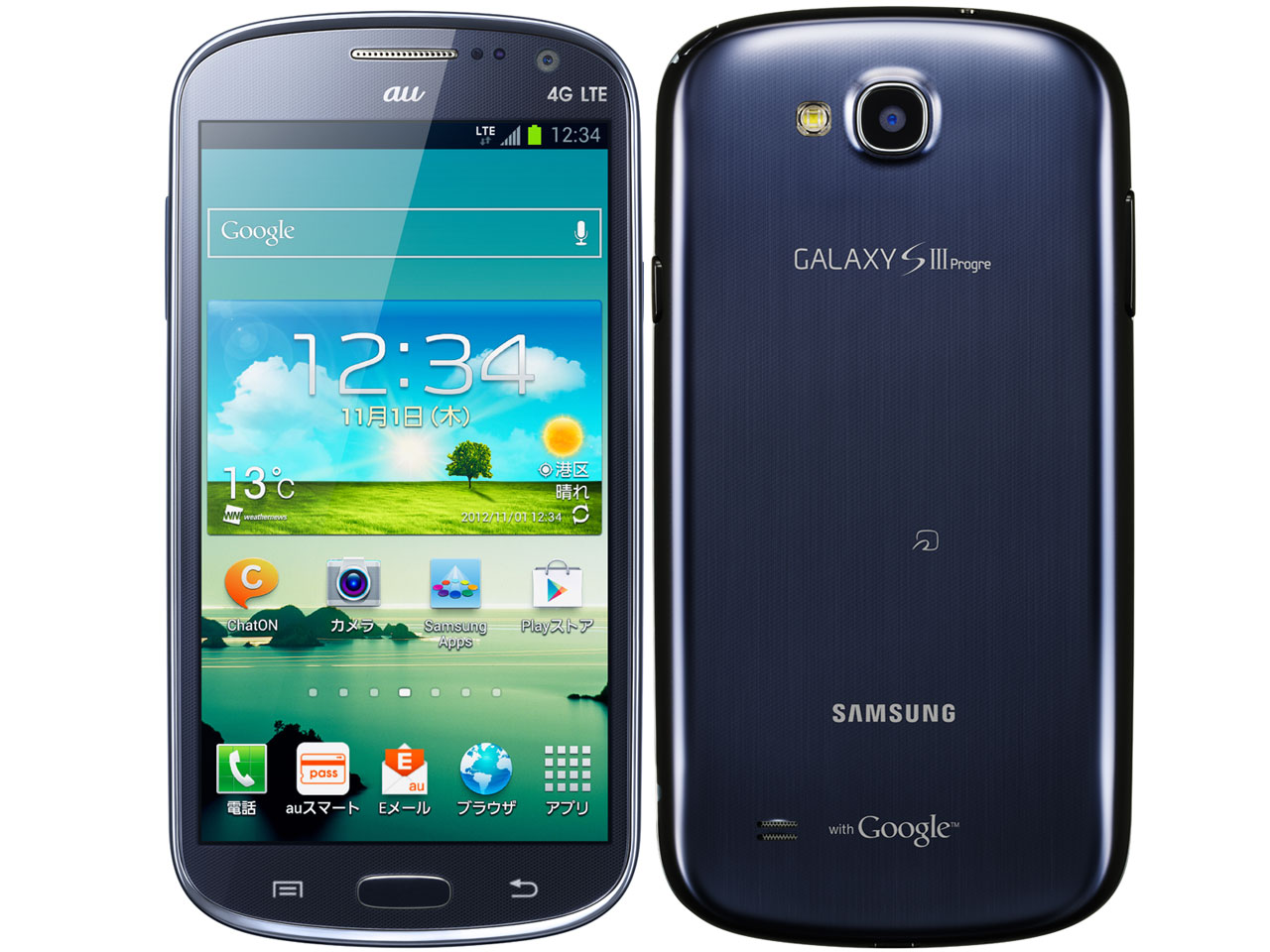
How to get a home demo for your Samsung Galaxy phone
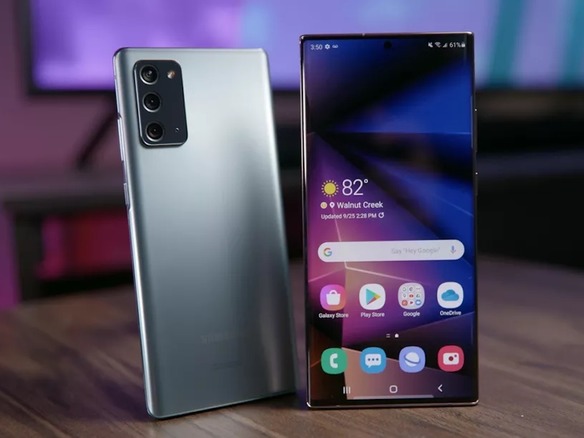
For example, let’s say you’re planning to buy the newly released Galaxy Note 20 Ultra and want to try it out before you buy. You don’t want to go to the store because you don’t know how many people walk in and try out the device.
So now you can get the demo at home. Here are the steps you need to follow to book the same:
1. Visit the online “Experience Samsung at Home” portal and enter your contact details to book an in-home demo or delivery.
2. Select the nearest Samsung Exclusive Store in your area.
3. Your contact details will be shared with this store in real time and you should receive a confirmation call within 24 hours. You can share the device you need a demo for.
4. A Samsung Experience Consultant (SEC) will visit your home for device demo or delivery. They will follow all safety protocols to limit the spread of COVID-19. All users will also receive a feedback link to rate their experience after the demo.
The Korean giant is currently rolling out its ‘Experience Samsung at Home’ service across 900 luxury retail stores in India. We plan to expand similar services to more locations in the coming months. That’s right, if you want to try out Galaxy Buds Live or Note 20, you can actually do so from the comfort of your living room.


![How to set up a Raspberry Pi web server in 2021 [Guide]](https://i0.wp.com/pcmanabu.com/wp-content/uploads/2019/10/web-server-02-309x198.png?w=1200&resize=1200,0&ssl=1)


