Bethesda Game Studios’ Starfield is one of the upcoming games to look forward to in 2023. One of the reasons for the hype is the fact that this is the first major Bethesda RPG title in a while. And given how big the game is, players want to know how big the game’s download size is. Now that the developers have officially announced the details of Starfield’s preload, we’ll give you a complete overview in this guide. We have explained the preload time, download size, and steps to download Starfield.
Fortunately, Xbox and Bethesda recognize the pain that comes with having a game so large. After all, no one wants to wait all day to download a game, especially if they don’t have a fast internet connection. Now let’s take a look at the details. 
Starfield preload date and time
First, Bethesda shared the preload dates for Starfield for both the Xbox/Windows and Steam versions. Unfortunately, PlayStation gamers will have to wait to play Starfield, as this is an Xbox exclusive title. The official preload dates for each platform are:
- August 17, 2023 – Xbox consoles and Windows PCs
- August 30, 2023 – Steam
The preload dates for both platforms were shared via the official Bethesda X (formerly Twitter) account, along with the announcement of the game going gold.
As of this writing, Starfield preloads are live for Xbox and Windows (purchased or Game Pass), allowing you to download the game to your console or PC, respectively. For those interested, the game’s preload went live at 12 a.m. PST.
Unfortunately, Steam users will have to wait a little longer before they can download Starfield to their PC. Neither Bethesda nor Xbox have shared official timing, so we’ll have to wait for that information. Starfield will be available for download at midnight in each time zone. If Steam revise the Starfield listing with a countdown or other details, check here for updates. 
Starfield preload installation size
Many influencers and media outlets have already received game review codes, and many have revealed how much storage space they need to preload Starfield. Unfortunately, Starfield requires a significant amount of free space on your SSD.
Steam’s official page states that the game requires a whopping 125GB of space to install on your PC, but Starfield appears to require several gigs more than that. As pointed out by Twitter user HazzaadorGamin and many others, the official preload install sizes for Starfield clocks are:
- Starfield Xbox Install Size: 126.1 GB
- Starfield PC installation size : 139.84 GB
The preload file is usually the entire game without any executables, so you should not expect it to reduce in size under any circumstances. It is expected that the game file size will increase. Since the Day 1 patch is a significant one (it was rolled out to fix some last-minute issues), we expect Starfield to receive it as well. Past Bethesda titles have never been shy of post-launch bugs, and no matter how polished this game is claimed to be, there are always going to be some issues. 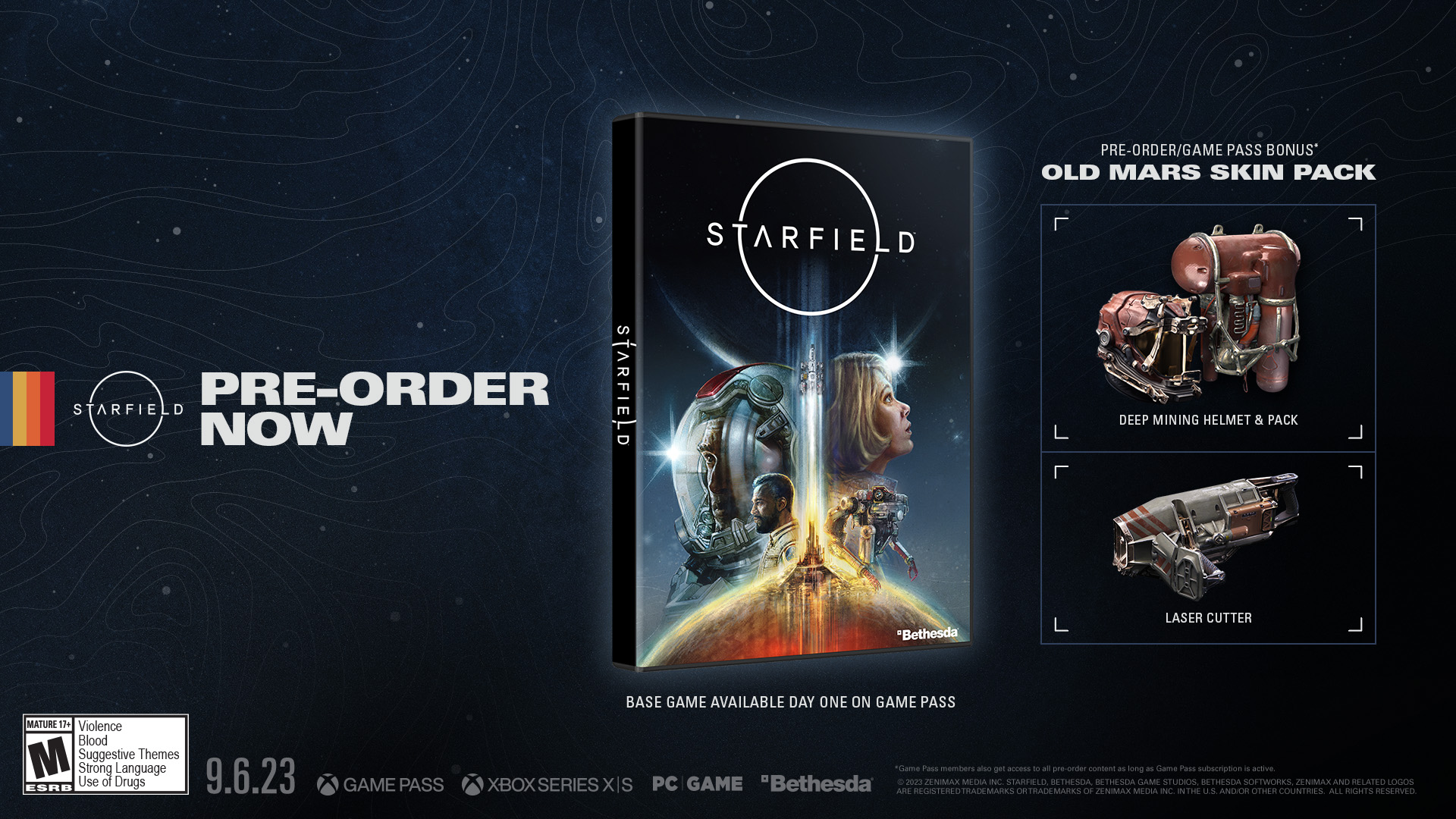
How to preload Starfield on Windows and Xbox
There are only a few ways to preload Starfield on each platform. Steam pre-order owners will have to wait until August 30th, but the Xbox and Windows Store versions of the game will be available for download immediately. Here’s how:

On Windows via the Xbox app
- Search for Xbox in the search bar to open the Xbox app in Windows.
- You’ll see a Starfield banner just above the front page. Click.
- If you pre-order the game or have an active Xbox Game Pass subscription, the app will show a ” Pre-install ” button. Click on it and the app will ask you to download the game file.
For Xbox consoles
- If you have an Xbox Series X/S console, open the Xbox Store and search for “Starfield.” It should appear on your store page.
- If you pre-order the game, you will have the option to download and pre-install the game before its release. Click the “Preinstall” button to download it to your device.
Preloaded on Steam
The game’s preload will only be available on Steam one day before Early Access begins (August 30th), but the process for installing Starfield is similar here. Here’s what you need to do:
- If you pre-ordered the title, it should be available in your library. If so, search for the game in your library.
- Click on the game and press the ” Preload Game ” button. If you download the title on release day without preloading it, it will say “Install”.


![How to set up a Raspberry Pi web server in 2021 [Guide]](https://i0.wp.com/pcmanabu.com/wp-content/uploads/2019/10/web-server-02-309x198.png?w=1200&resize=1200,0&ssl=1)


