Reading through long text documents, web pages, and e-books can be tedious because of the constant scrolling. Wouldn’t it be great if there was a solution to automatically scroll pages? Well, thankfully, there is a solution. Thanks to the new accessibility features introduced in Android Nougat (7.0), the Easy Scroll app automatically scrolls the screen at regular intervals.
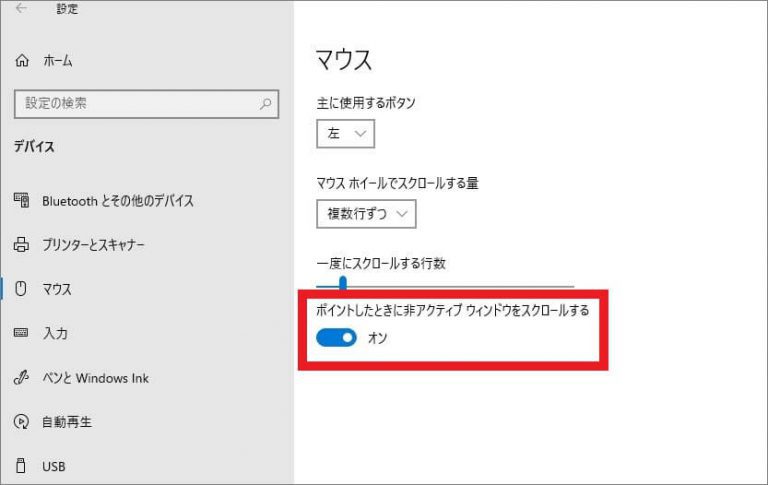
Easy Scroll is very easy to use, as the name suggests. Just give it accessibility permissions and permission to override other apps. That’s it. A widget will appear on the app screen and can be scrolled automatically . The scroll speed can be set from 1/10 screen/second to 1/6 screen/second. You also have the option to display your app over any content, including scrollable content. Alternatively, you can choose the app yourself.
Easy Scroll uses Nougat’s accessibility settings, so it only works on devices running Android Nougat (7.0) or later. Still, this app works very well on most devices in its beta state. That said, when I tried the device on a Nokia 8 running Android Oreo (8.0), it seemed to crash. Nevertheless, the developer seems to be very proactive regarding this app and we have no doubt that updates will be released soon. In the meantime, if you’re using Android Nougat and are tired of constantly scrolling, be sure to try Easy Scroll.


![How to set up a Raspberry Pi web server in 2021 [Guide]](https://i0.wp.com/pcmanabu.com/wp-content/uploads/2019/10/web-server-02-309x198.png?w=1200&resize=1200,0&ssl=1)


