Java is a very popular programming language, used almost everywhere, including Android apps, game consoles, and supercomputers. It is known for its simplicity and amazing portability. In today’s article, we will be covering the top 10 best Java IDEs of all time. An integrated development environment (IDE) is an all-in-one software that allows you to edit and compile code, as well as manage resources, provide deployment and version control options, and use advanced debugging features for your entire project.
Best Java IDE
1. NetBeans
netbeans
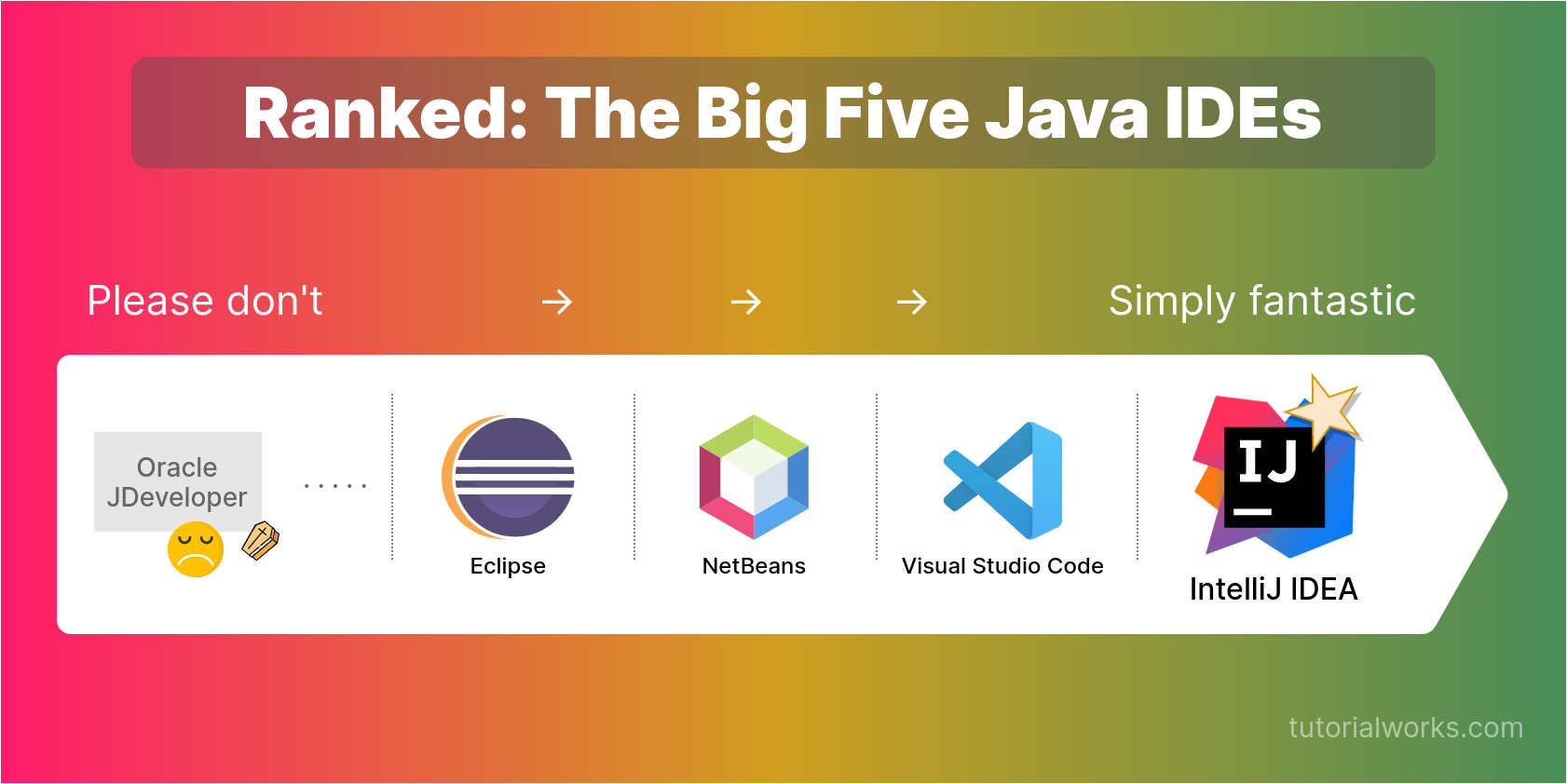
NetBeans, formerly owned by Sun Microsystems and now owned by Oracle, is one of the best IDEs of the past decade. NetBeans is completely modular, with all IDE functionality contained in packages called modules. Easily integrates with version control software. NetBeans was open sourced by Sun, so anyone can contribute to its development. It’s free and works on most operating systems and platforms.
Developer: Oracle
Platform: NetBeans is a cross-platform IDE that supports Windows, Mac, and Linux.
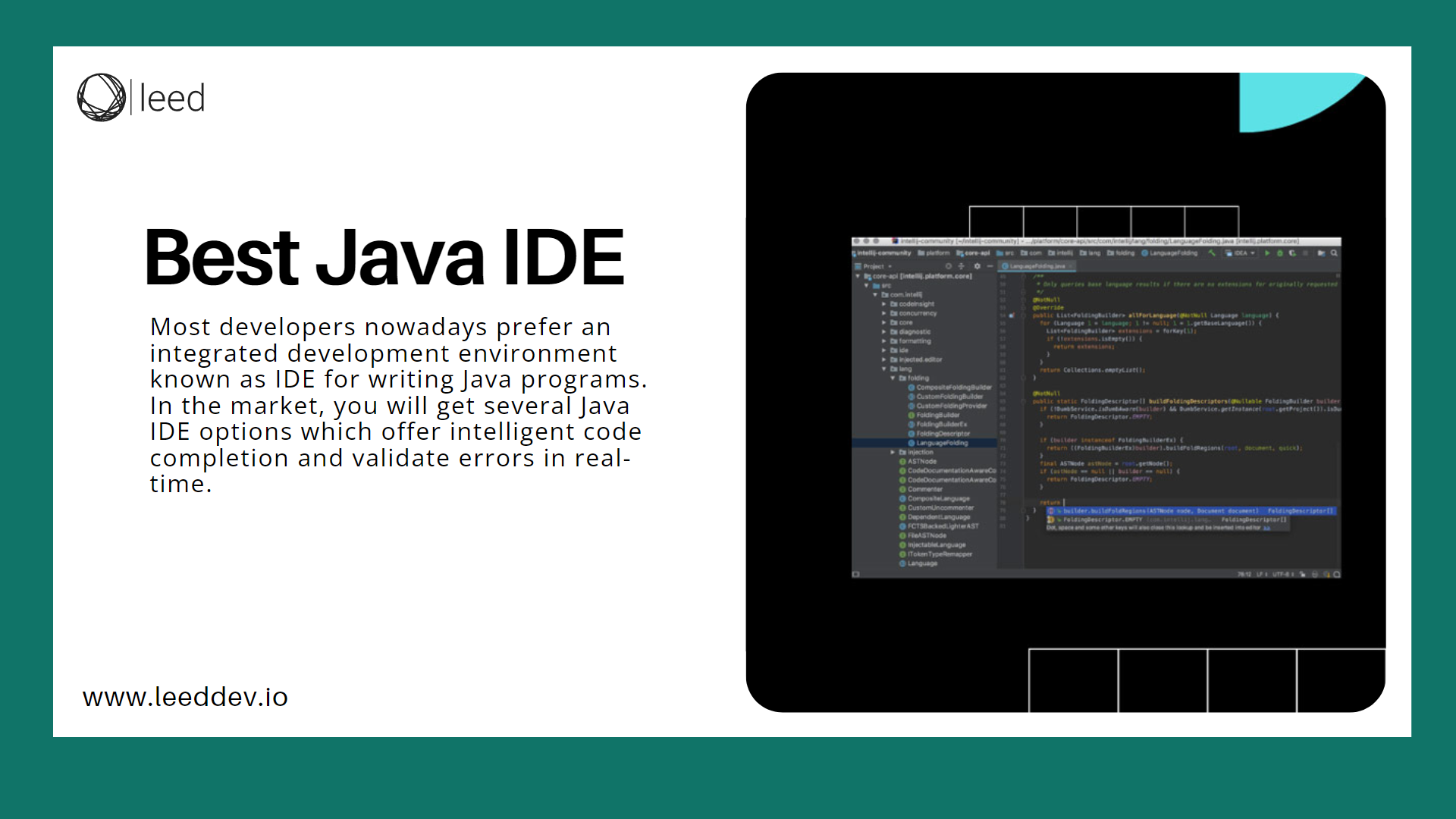
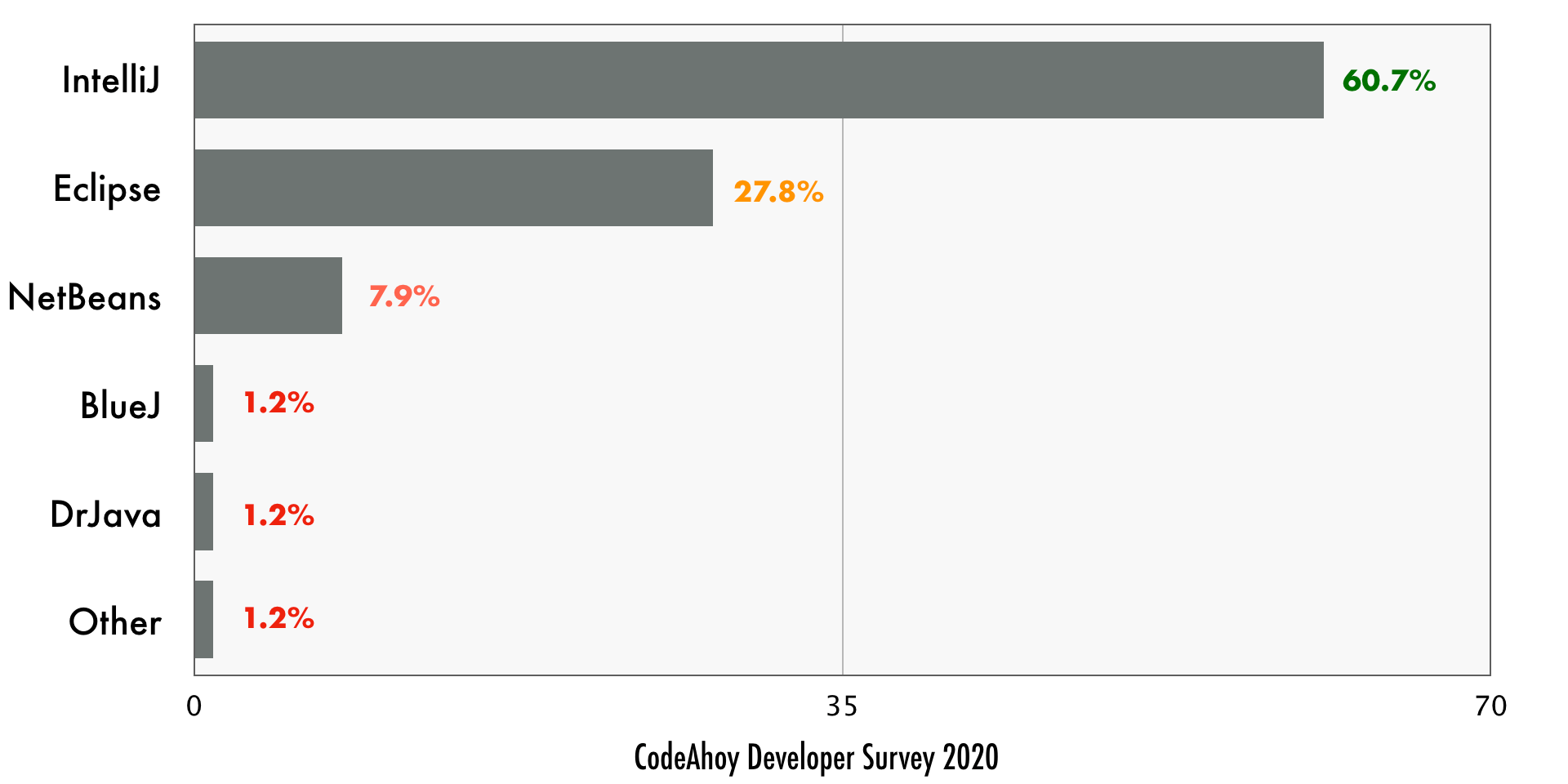
IntelliJ is a closed source Java IDE and one of the “big three” Java IDEs (the other two being Eclipse and NetBeans). IntelliJ IDEA has a nice and modern UI. It was chosen as the base IDE for Android Studio, a new all-in-one software for Android app development developed by Google.
IntelliJ is available in two versions. The Community Edition is free, and the Ultimate Edition is fully featured and requires a paid license to use.
Developer: JetBrains
Platform: OS X, Linux, Windows
Price: Paid ($199 for individual user license). Free for students and open source projects.
Size: 180 MB for Community Edition, 290 MB for Ultimate Edition
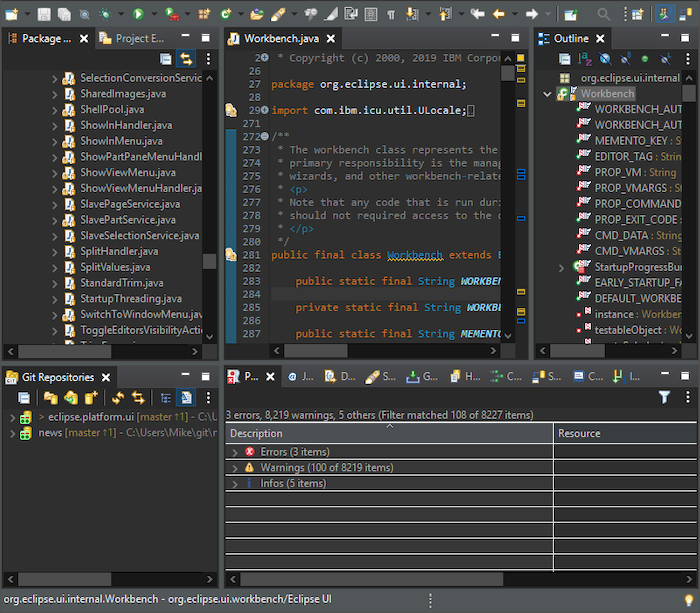
Eclipse is one of the most popular IDEs and supports not only Java but also C++ and PHP. Eclipse is an open source tool and has a great community of developers. It also features a huge library of plugins, all created by users. Eclipse’s most recent major release was released last year with Eclipse Luna, which provides support for Java 8. Eclipse was also the base IDE for the old Android SDK (Software Development Kit).
Developer: Eclipse Foundation
Platform: Eclipse is available for Windows, Mac, Linux, and OSX
Price: Free
Size: The Eclipse Luna download package for Java developers is (approximately) 155 MB.
JDeveloper is a completely free IDE released by Oracle. JDeveloper provides several features such as refactoring, version control, auditing and metrics, debugging, and profiling. Ant support and Maven support. It comes in two editions: a Studio edition with a complete set of tools for writing programs in Java, and one without J2EE, ADF, UML, and database functionality. But it’s much smaller and faster. The Java Edition includes all the core functionality needed for Java and should satisfy most beginner and intermediate Java coders.
Dr. Java is a lightweight Java IDE maintained on Sourceforge. It is primarily designed for students and beginners, but also has advanced features for Java professionals. It’s free and open source. The Java Doctorate is managed by the JavaPLT group at Rice University. Its interface is designed using the Swing toolkit developed by Sun Microsystems.
BlueJ is an open source Java IDE built for educational purposes. It is also suitable for developing small software projects. BlueJ’s interface is very basic, so even beginners can use it. Provides a clear visual representation of classes and objects. Since BlueJ’s main purpose is to teach object-oriented programming, it lacks the clustered nature of other professional IDEs, making it powerful and a great tool for new learners.
jCreator is a fast and efficient Java IDE written in C++ (which is believed to make it faster than other IDEs written in Java). It has an interface similar to previous versions of Visual Studio, and you can customize it to your liking. jCreator is a paid IDE, but a free version without features such as automatic code completion is also available. jCreator only provides Windows support, but can be run on Linux using Vine.
jGrasp is also an ultra-lightweight Java IDE that focuses on software visualization. There are features such as UML class diagrams that help improve the readability of your code. jGrasp automatically generates visualizations and also has a data structure identification mechanism, a dynamic object viewer, and several other features that present Java code in an easy-to-read, textbook-like view.
Greenfoot is an almost entirely interaction-based educational Java IDE. It relies heavily on data structure visualization and is optimized for creating simple programs and 2D Java games. Greenfoot has very nice online sharing features built directly into the IDE. Users can share their programs online for others to view and receive help and feedback. You can edit shared projects directly online. Overall, Greenfoot is perfect for beginners.
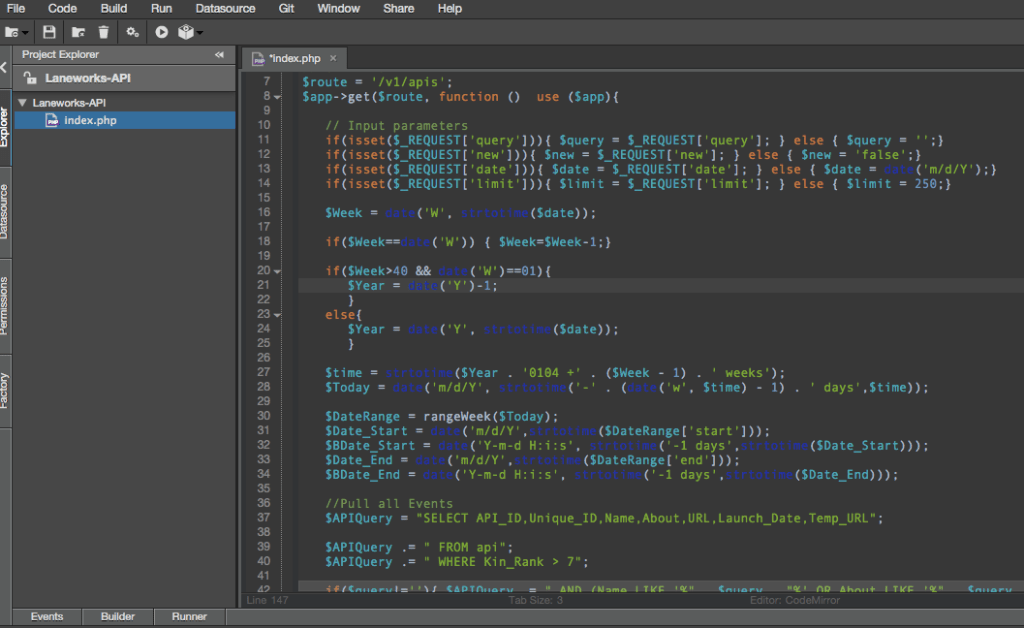
The last entry on the list is Codenvy. It is purely cloud-based, unlike all the other IDEs we have discussed so far. No installation required. Codenvy has all the bells and whistles of a full-featured “offline” IDE, including a build/run/debug environment. The ability to collaborate in real time is one of the desirable features of Codenvy. Codenvy has a nice interface and several workspace options. You can use it by paying a monthly usage fee. Codenvy’s community edition is free to use.
Detailed information:
Developer: Codenvi Co., Ltd.
Platform: Cross-platform (browser-based)
Price: Community edition is free. Premium version subscriptions start at $1 per month.




![How to set up a Raspberry Pi web server in 2021 [Guide]](https://i0.wp.com/pcmanabu.com/wp-content/uploads/2019/10/web-server-02-309x198.png?w=1200&resize=1200,0&ssl=1)


