Whether you’re working on a computer vision project or working with machine learning systems, AI video annotation tools are part of standard practice.
Video annotation tools, as the name suggests, are specialized tools that help users add additional information to videos. Adding this information is known as “annotating” and allows users to annotate videos during the recording session or before or after video recording.
With the right video annotation tool, you can annotate videos in minutes. These greatly contribute to improving the algorithm by giving it more context. In addition to that, it also improves the efficiency of visual learning.
If done correctly, annotating videos will increase engagement by making them more interactive and smartly segmented for searching without wasting time.
Additionally, annotating your videos, or adding visual cues like captions and notes, to your videos can enrich your viewers’ viewing experience. There are many video annotation tools available on the market today, but not all of them are as powerful as claimed.
In this article, we have handpicked some top video annotation tools to enhance your visual data and eliminate clutter. Read on to find out.
What are video annotation tools?
Video annotation is the process by which users label or tag video clips to enable training of computer vision models and object detection. As mentioned earlier, video annotation tools are tools that help annotators easily annotate videos.
Properly annotating videos creates an accurate reference database. With such databases at their disposal, AI-powered systems will be able to more quickly and accurately identify objects such as cars, people, and animals.
Key features to look for when choosing a video annotation tool
Before choosing a video annotation tool, you should ensure that the following essential features are present:
#1. Multiple annotation types
Video annotation tools should support a variety of annotation types, including bounding box, semantic segmentation, rapid annotation, polygon annotation, and key point annotation.
#2. User-friendly UI and ease of access
The tool should have a simple, intuitive UI that is easy to navigate. Not if users have to spend years getting used to a tool.
#3. easy sharing
A good video annotation tool should allow users to share videos with their team and create time-stamped notes in real-time. This ensures that each team member stays on the same page and produces the best possible results.
#4. integration
The tool should be easily integrated with other platforms and tools. This pushes the software beyond its limits to become more efficient.
#5. dynamic classification
An ideal video annotation tool should be able to classify frames and events. Such action-based or event-based classification helps annotators describe what an object is doing over a set number of frames.
Now that you know a few things about video annotation tools and what to look out for when choosing one, let’s take a look at some of the best options out there.

Veed
VEED’s online video editor is perfect if you’re looking for an easy way to annotate videos online without creating an account.
An easy-to-use video editor allows annotators to draw and add text, circles, progress bars, arrows, and more within minutes.
You can also add images to your videos. In addition to annotations, VEED’s online video editor also lets you add subtitles, background music, translations, and more to your videos.
Being a web-based tool, there is no need to download VEED to your device. Simply access VEED from your favorite web browser and start annotating. This tool supports numerous video platforms such as .mp4, .avi, and .mpeg.
Moreover, this video editor is compatible with PC (Windows, Linux, macOS, etc.) and mobile platforms. All you need is a stable internet connection and you’re ready to use anytime, anywhere.
VEED’s online video editor has a free plan for short-term, quick, one-time projects. If you want more features, you can purchase paid plans starting at $18 per user per month.
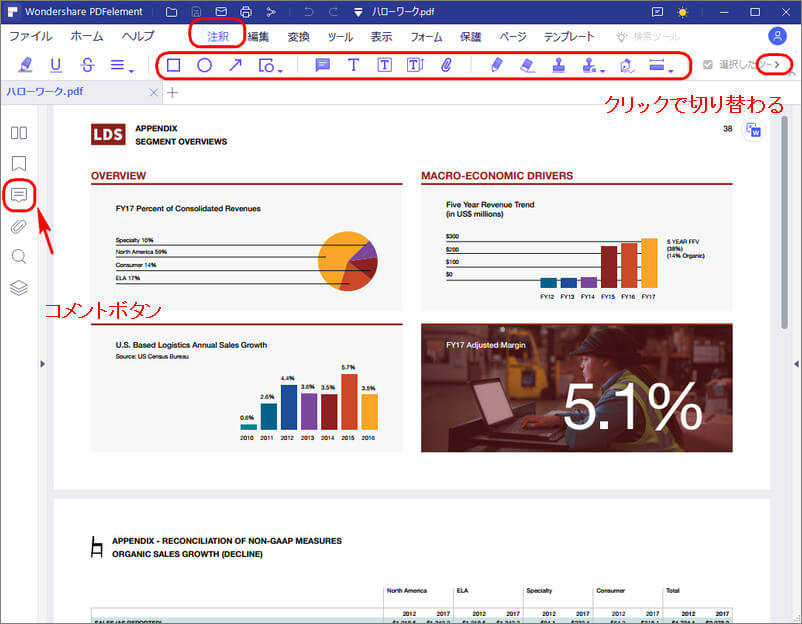
Adobe Premier Pro
Adobe Premiere Pro is a great tool for automatically adding captions to your videos. Help users reach a wider audience by enhancing accessibility and increasing engagement.
Adobe Premiere Pro uses speech recognition to generate captions. These captions are fully customizable. Therefore, you are free to change them.
Premiere Pro uses speech-to-text technology to recognize audio and instantly transcribe audio in video files. AI-powered speech recognition algorithms can accurately transcribe 14 different languages.
After making any changes you want, you can create captions from that transcript with one click. Additionally, you can stylize your caption by adjusting the font and choosing a color.
Adobe Premiere Pro currently offers premium plans starting at $20.99 per month. However, for anxious customers, we offer a 7-day free trial before purchasing.
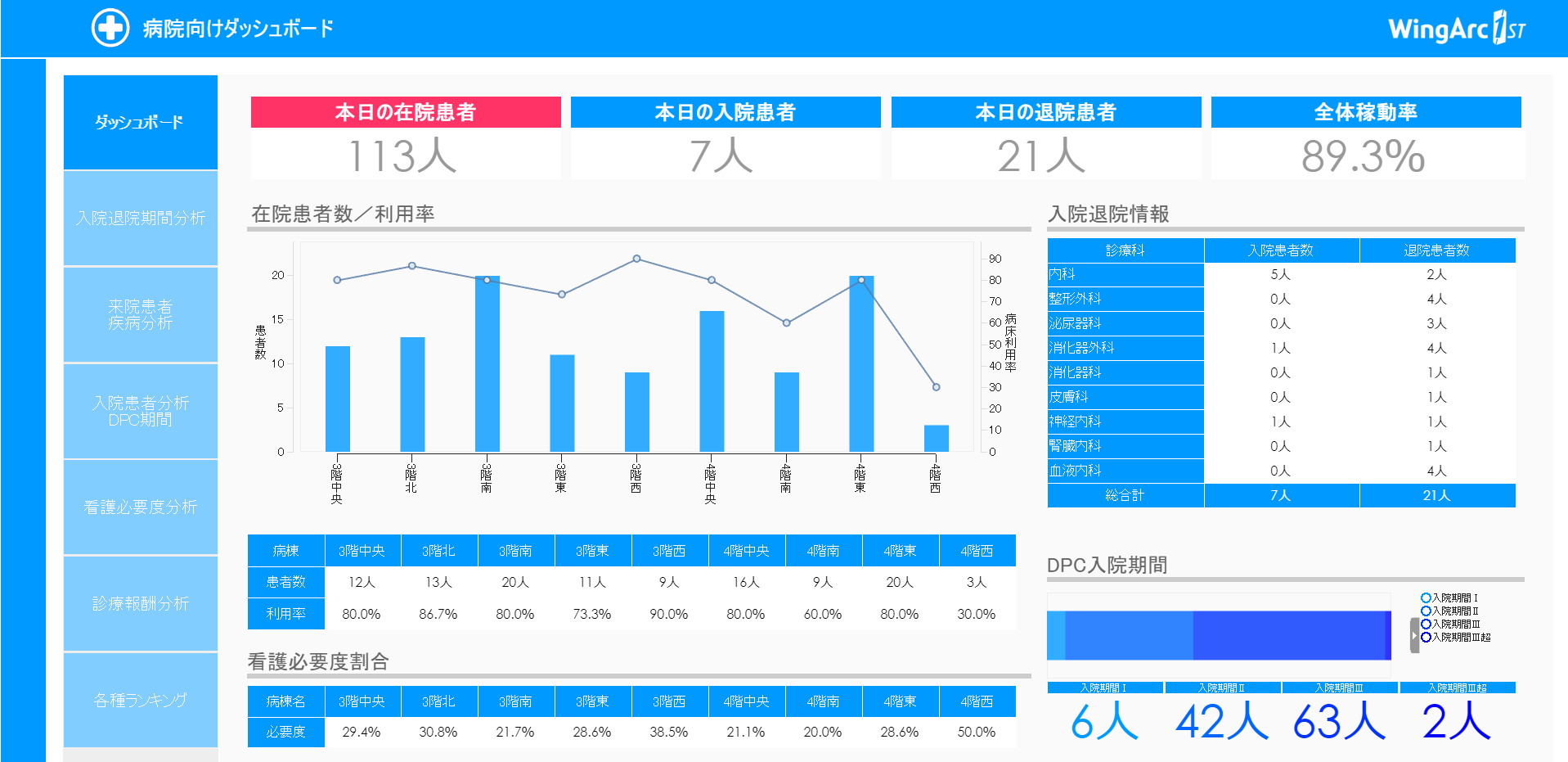
Flixier
Flixier allows annotators to easily annotate on videos directly from their browser. Use Flixier’s video annotation tools to draw on your videos and add text, motion titles, images, shapes, and more.
Flixier is so intuitive and minimal that even people with no video editing experience can master the web-based tool after a while. Accurately annotating your videos will ensure increased user engagement and help you communicate information to your audience more effectively.
Interestingly, Flixier gives users the freedom to choose from a wide variety of brushes, fonts, and customizable shapes. Users can also add their own fonts. If the video you want to annotate has already been uploaded to YouTube, you can simply copy and paste the link to import it into Flixier.
Additionally, it supports all major video formats including .mp4, .avi, .mkv, and more. Flixier is currently available for free to all users.
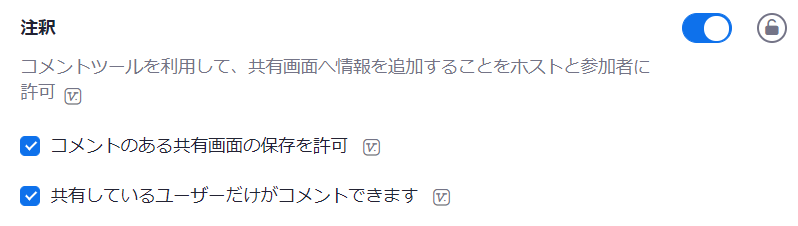
label box
Labelbox is an easy way to annotate videos for machine learning systems. Labelbox’s video editor allows you to label the entire video or specific frames. Annotation tools have everything you need, including polylines, bounding boxes, and segmentation masks.

Its video segmentation tools are perfect for accurately annotating objects in videos. Additionally, you can copy and paste masks between frames, enabling an accurate and hassle-free AI development workflow that saves you time.
Labelbox’s automation features also make the labeling process easier. Additionally, you can add text, images, overlays, custom HTML widgets, and more.
At the time of publication, Labelbox offers a free plan with limited functionality. For advanced needs, we offer a variety of paid plans based on upload and usage.
VGG Image Annotator (VIA)
VGG Image Annotator is a manual open source annotation tool that can assist you with your video annotation needs. As a web tool, users do not need to install or configure any software.
Interestingly, the entire VGG Image Annotator tool is delivered as an HTML page that is less than 400 KB. Plus, it works offline with almost all major browsers.
VIA makes it easy to annotate videos in minutes. For your information, Visual Geometry Group (VGG), the developer of VIA tools, released it under the BSD-2 Terms license. Therefore, you can utilize its annotation tools for academic and commercial projects.
Now you can access VGG Image Annotator without spending a dime.
MarkUp.io
MarkUp.io makes it easy to annotate videos. Drop comments on video content and share it for review. Instant visual feedback is great for avoiding noise and saving time.
MarkUp.io’s feedback tools reduce the likelihood of review loops by 80%. This will help your team be more focused and deliver their best game every time.
Whether you’re just starting a build or putting the finishing touches on it, MarkUp.io makes feedback and collaboration a simple and easy process. There is also a Chrome extension that allows users to launch MarkUp.io directly from the Chrome browser.
MarkUp.io currently has a free plan with limited functionality. If you want more features, you can purchase paid plans starting at $59 USD per month.
Deepen AI
Deepen AI’s video annotation tool is a smart way to annotate your videos to generate the best training data. From bounding boxes to polylines, semantic segmentation, and scenario labeling, Deepen AI supports every unique case imaginable.
This video annotation tool ensures the highest standards by validating the quality of your labeled data.
Additionally, users can assign and manage multiple team members on a single platform. Additionally, you can easily track and monitor how annotation work is progressing and employee performance in real-time.
If you would like a quote, please feel free to contact us via email or phone. You can also use the contact form on our website. We will respond within 2 business days.
file stage
Filestage is a versatile video review and collaboration tool that allows users to share videos and collect feedback using automated timestamps. Automatic timecode capture makes it easy to jump to a specific frame by simply clicking on the comment.
Annotate directly on top of the video to make your feedback clearer and more accurate. Reviewers can track each approval and change request in real-time with one click.
Needless to say, this saves a lot of time and effort and makes the whole process easier. Please continue to share new versions until you receive approval for the best possible results.
Filestage offers a free trial, after which you can choose a premium plan starting from $24 USD/seat/month.
last word
In conclusion, there are many video annotation tools available today. Here we have carefully evaluated and handpicked the top video annotation tools to enhance your visual data. These tools include both free and paid options.
Be sure to read the article before choosing the ideal tool. Consider features, efficiency, and everything else before choosing a particular tool. Choosing the right video annotation tool is important as it can make or break your video. As you already know, proper annotation is a surefire way to increase engagement and provide your viewers with a better viewing experience. Very lucky!
Read about the best website annotation tools that make our lives easier.


![How to set up a Raspberry Pi web server in 2021 [Guide]](https://i0.wp.com/pcmanabu.com/wp-content/uploads/2019/10/web-server-02-309x198.png?w=1200&resize=1200,0&ssl=1)


