Are you looking for a digital art platform to call Procreate for Windows? There are several competitors when compared to Procreate.
When we talk about visual art on handheld devices, there’s no doubt that Procreate is something special. For advanced and modern iPad devices only. But artists around the world who use Windows and other operating systems also want to enjoy creating with Procreate.
We provide the ultimate list of Procreate alternatives for Windows to meet the demands of talented and extraordinary artists around the world. Try one of these without thinking twice and create the amazing illustrations, comics, video game characters, and more your audience wants.
Procreate: A powerful app for visual artists
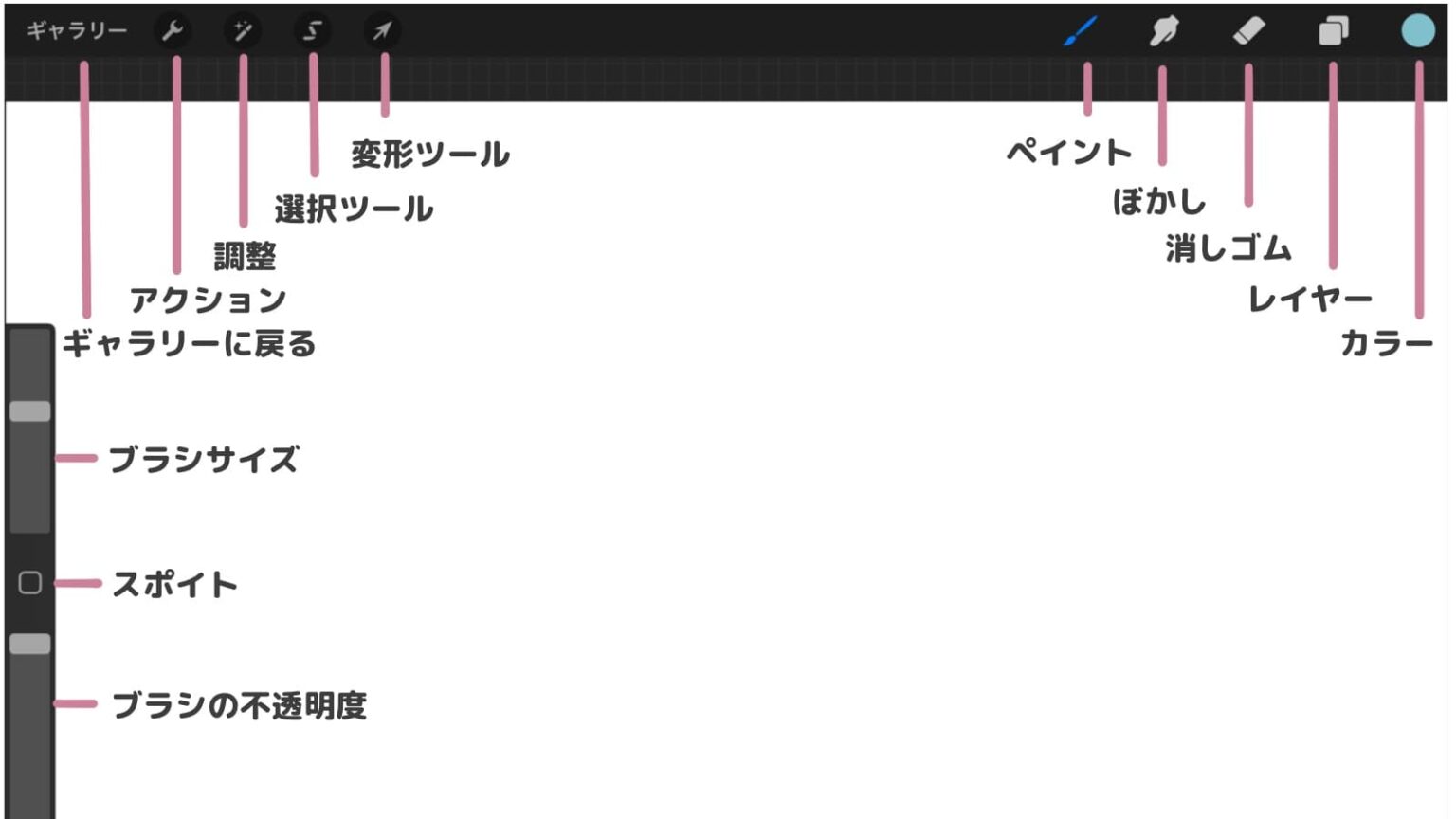
Procreate is a complete visual art solution that lets you create rich paintings, expressive sketches, beautiful animations, and gorgeous illustrations. Instead of packing up your entire art studio, just install the Procreate app on your compatible iPad device.
That’s it! Now you have everything you need for art while on vacation or traveling. Procreate has everything you need: brushes, graphite pencils, paints, paint palettes, masking tape, sponges, brayer, stencils, and more. But these are all in digital format.
Here’s why Procreate is a robust virtual art studio that every beginner and seasoned artist covets.
Extensive library of paint brushes
To create painterly textures, you’ll need a real paint brush. Procreate’s brush library consists of realistic paint brushes for ink, pencil, charcoal, shapes, wet mix, grain, and more.
colors you can dream of
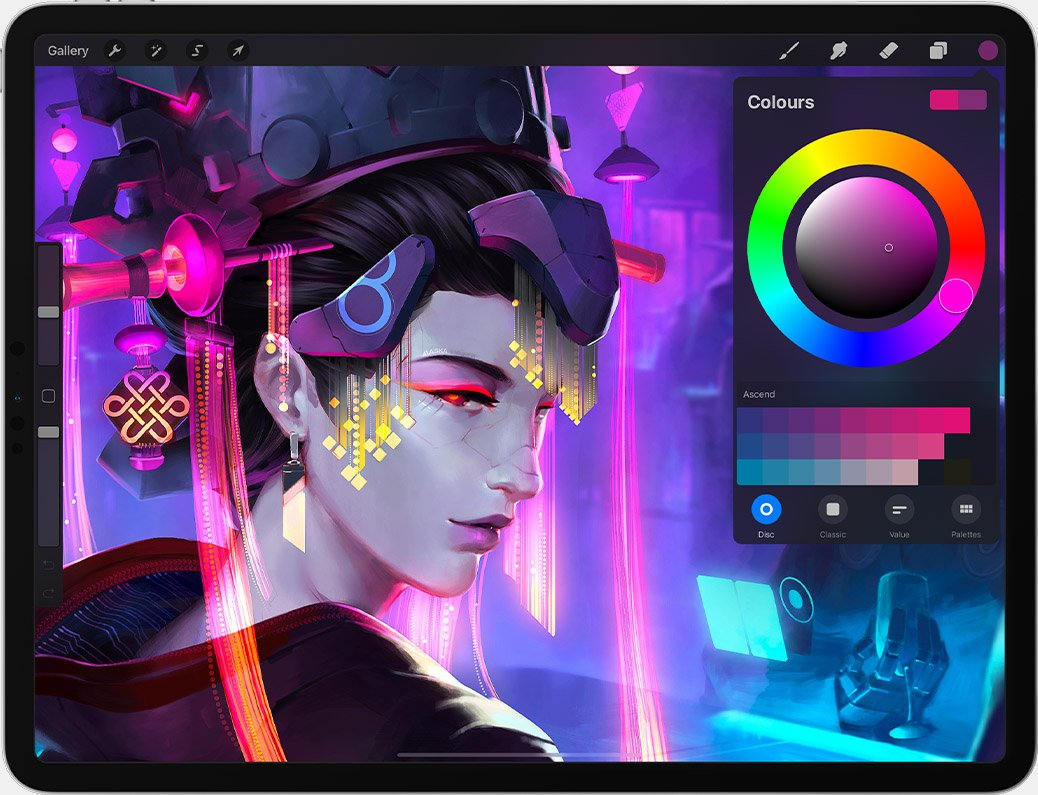
It comes with an easy-to-use color wheel so you can create color combinations that artists dream of. Its color tools are Color Dynamics, Color History, Color Harmony, and Color Companion. All of these allow you to stay on the drawing canvas instead of mixing colors by trial and error.
Fast and complex touch moves
Draw anything you like using your finger or Apple Pencil. Comes with multiple touch sensor points. So you can do the same things you would do in a real art studio, such as mixing colors with your finger, drawing sharp lines with a pencil, and drawing textures with your finger.
Stroke stabilization
Procreate’s graphics engine can sense things like pressure and gestures to draw lines, shapes, and textures. The engine also stabilizes every stroke, so there’s no color bleeding at all, which is exactly what you want.
Painting 3D models
Import your 3D models into Procreate and turn them into stunning 3D illustrations by adding textures, colors, and more.
page assist
You can turn your Procreate app into an open storyboard by activating Page Artist Mode. Page Artists are perfect for movie directors, comic book creators, storyboard creators, or just to visualize all your ideas on one big canvas.
graphics processing performance
Valkyrie’s graphics engine makes full use of the M1 chip to achieve smooth graphics rendering and 120FPS rendering speed.
Digital art superpower
It’s also packed with cutting-edge, next-generation art features like QuickShape, Drawing Assist, ColorDrop, StreamLine, and collaborative art.
Special FX
You can also add special FX to your artwork. For example, use Bloom, Perspective Blur, and Finishing filters to brighten up your art.
Procreate platform limitations
Procreate by Savage Interactive is only available on the following models of iPad devices:
- iPad Pro 12.9 inch ~ 5th generation
- iPad Pro 11 inch ~ 3rd generation
- iPad Air up to 5th generation
- iPad Pro 10.5 inch
- iPad mini up to 6th generation
In addition to the models listed above, some other iPad devices are also compatible. If you see this app in your device’s App Store with a Get button, you can use it. However, the app performs great on an iPad with an Apple M1 chip, 8-core GPU, 8-core CPU, Apple Neural Engine, and 8GB RAM.
This app is not yet available for Windows, Android, and Linux users. However, some people try to run Procreate using an emulator on unsupported operating systems.
Since emulators are third-party unofficial apps, it is unclear whether these apps are suitable for fresh and unique visual art ideas. Security breaches that steal concepts and art can occur.
Also, you are an artist, not a software cracker. Your mission is to invest yourself in creativity. If you spend too much time on complex emulator tools, you might not get any results at all.
Web apps considered for Procreate for Windows
Here are some great apps you can use instead of Procreate.

adobe fresco
Procreate is only compatible with high-end iPads, while Adobe Fresco supports a wide variety of devices. For example, once you purchase it, you can use the tool on multiple operating systems, including Windows, iOS, and iPadOS.
The main features of the art studio are:
- Live brushes for nature painting
- Raster and vector brushes
- Digital Art Studio is suitable for animators, sketchers, artists, illustrators, and more.
- Thousands of creative paintbrushes from master Kyle T. Webster and Adobe Photoshop
- Changing the artboard allows you to use watercolor and oil on the same canvas
- Give smudges and swirl effects to art and illustrators
- Virtual color thickness to visualize 3D textures with height and depth
- With cloud-based artboards, you can start drawing on your iPhone and finish on your Windows PC, or vice versa.
The app is currently available as a 30-day trial period. After your trial ends, you can continue creating amazing artwork, animations, and illustrations by paying $9.99 per month.
corel painter
Corel Painter is a trusted, professional-grade tool for digital artwork. Draw, paint, or illustrate with unparalleled proficiency thanks to realistic brushes, superior blending, and art tools.
This platform gives you world-class photo art tools to paint on a blank canvas. With the help of digital art brushes and Natural-Media emulation, you can turn your imagination into reality. The app also allows you to customize brushes, textures, patterns, and palettes to your liking.
A unique tool with brush control, canvas control, color mixing, customization, and more. This is a subscription-based tool, but you can opt for a 15-day free trial. Additionally, new subscribers receive 285 free brushes along with the creative photo bundle.
sketchbook
Sketchbook takes your creativity to the next level with the ability to draw quick sketches and complete your artwork. Considering all the professional features, you can easily name it for Windows.
Users can achieve defined precision and style with a large collection of customizable brushes, rulers, guides, and stroke tools. This tool’s layers and blending modes give you the flexibility you need to explore different areas of drawing and color.
Sketchbook comes with a clean interface that provides the feeling of drawing on paper. Users can smoothly use tools such as brushes and pens, giving them full control. If you don’t need them, you can also hide tools and palettes from the app’s interface to focus on your artwork.
inkscape
Are you looking for an open source application that works like Procreate for Windows? If yes, Inkscape is a great choice for both professional and amateur artists, illustrators, and web designers.
For drawing, pencils, pens, and calligraphy tools are provided for straight lines, curves, freehand drawings, and calligraphy strokes. The shape tool is another useful feature of this application that allows you to add any shape to your creations.
Other operations you can perform with this software include scaling, rotation, Z-order operations, object grouping, alignment, and layers. For coloring, you can use color picker tools such as color picker, pattern fill, gradient editor, and path markers.
Inkscape is also compatible with all outline fonts installed on your system, so you can include multiple lines of text in your artwork. Additionally, the app allows you to create and edit SVG files while supporting PNG, OpenDocument Drawing, DXF, sk1, PDF, and EPS for artwork export.
affinity designer
Affinity Designer is another Procreate for Windows app for editing illustrations and photos for Windows, Mac, and iPad. This is an award-winning professional software ideal for graphic designers.
Use it to create best-in-class concept art, logos, icons, UI designs, print projects, and mockups. Artists who want to seamlessly combine 2D and vector design tools. Pan and zoom your work at 60fps to see details as you work.
Artists can preview all transforms and curve edits before final saving. This tool also provides real-time previews of blend modes. Effects, live gradients, and adjustments are other important features of Affinity Designer.
It also supports seamless management of thousands of objects without any delays. Even if you’re working on a complex design, you can use color tagging and layer groups to stay organized.
concept app
Another professional sketching app with realistic creativity is Concepts App . This is a visual ideation tool for anyone who needs:
- Quick sketches to visualize artistic concepts
- Create storyboards for movies and comics
- Plan your creative graphics online
- Collaborate on visual content production
Some of the notable features of this digital art studio are:
- advanced conversion
- custom brushes
- In-house library of royalty-free objects and brushes
- Iterative art workflows with drag-and-drop gestures
This is the most compatible app so far as it supports most of the popular device ecosystems. For example, you can get apps for Android, iOS, Windows, and Samsung devices.
So if you’re a creative professional running small or medium-sized gigs in a distributed setting, this is the perfect business app for visual arts. Purchase as many licenses as you need without worrying about device compatibility.
Kurita
Creative arts virtual studio apps require a significant investment. If you are an apprentice artist or are struggling to make a name for yourself in the visual arts field without much financial backing, you can give Krita a try. This is an open source app with commercial and personal use licenses.
The main features you get from Krita are:
- Customizable panels and docker in artboards
- Over 100 professional brushes
- Brush stabilizer for people with shaky hands
- Vector tools and text to quickly create comic panels
- Brush engine for custom brushes
- Seamless and unlimited patterns and textures
- Import creative tools from other artists on the same platform
Krita is a product of the KDE community, which develops open source computer software for the world. We established the Krita Foundation to manage funding for all development activities at Krita.
clip studio paint
Another all-platform virtual art studio called Procreate for Windows is Clip Studio Paint. Available for Windows, macOS, iPadOS, iOS, Samsung Galaxy, Android, and Chromebooks.
This app is suitable for the following types of artwork:
- concept art and paintings
- Character drawing and art
- Illustrations of letters, patterns, abstract themes, etc.
- Webtoons, comics, manga, etc.
- animated content
Sync your work across devices, so you can capture your artistic thoughts on a virtual canvas whenever you want. You can also start drawing on your Android or iPhone while commuting. When you arrive at your home or office, you can pick it up from wherever you left using your Macbook, Chromebook, or Windows PC.
For tasks such as illustration, character art, and concept art, you can start with Clip Studio Paint Pro, a $49.99 plan. But if you want to feel the full power of visual art, get Clip Studio Paint EX.
Altrazi Vitae
Artrage Vitae is the number one choice for artists who want to create realistic nature paintings. This application acts as an artist’s digital studio containing a complete collection of necessary drawing tools.
Here you can blend rich oils to create natural color gradients. On the other hand, artists who prefer pencil sketching can take advantage of this tool’s features such as pencils and shades. Additionally, you can create watercolor paintings with delicate strokes.
Whether you are an amateur or a professional, you can choose this app with confidence. This software is available at the Microsoft Store for $79.99.
last word
So far, we’ve talked about some great tools for Windows workstations where you create sketches and illustrations on a regular basis.
If you want to bring Procreate-like performance and creativity to your visual art projects, try one of the tools mentioned above. After using it, I can say that these visual art tools are just as good as Procreate for Windows.
You may be interested in 3D animation design software to become a professional designer or animator.


![How to set up a Raspberry Pi web server in 2021 [Guide]](https://i0.wp.com/pcmanabu.com/wp-content/uploads/2019/10/web-server-02-309x198.png?w=1200&resize=1200,0&ssl=1)


