After months of contemplation and waiting with bated breath, Counter-Strike 2 has finally been released to positive reviews. However, the much-awaited game did not arrive on the macOS platform. Many expected CS2 to make its way to Apple systems as well. Unfortunately, Valve has confirmed that Counter-Strike 2 will not launch on Apple’s Mac personal computer lineup, which uses the macOS operating system. There are various reasons for this. Let’s find out why and how you can play CS:GO on macOS through different versions. 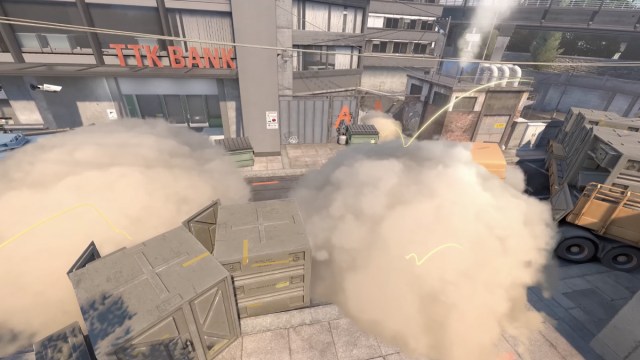
Counter-Strike 2 is not coming to macOS. Check the valve
On its Steam Support FAQ page , Valve describes Counter-Strike 2 (CS2) as the ” biggest technological breakthrough ” in the series’ history. However, the new game is more difficult to run than CS:GO as it requires additional power due to system specifications. Another major reason is that gamers playing CS:GO on macOS only make up about 1% of the active base. Therefore, Counter-Strike 2 will not be coming to the macOS operating system as Valve has officially discontinued support for the macOS platform .
In addition to this, Counter-Strike 2 (CS2) is only supported on 64-bit Windows operating systems and Linux OS . Graphics cards that support the DirectX 9 API and 32-bit Windows are also not supported by CS2. GPUs that support the new DirectX API don’t have to be very powerful, but they work just fine (I got 60-100FPS using the highest CS2 settings on my Intel integrated graphics laptop).
In the future, there may be a way to play Counter-Strike 2 on Mac using Windows. We will update you if that happens, but that is not possible at this time. Players who purchased Prime status upgrades in CS:GO or CS2 are eligible for a refund until December 1, 2023 . This means that if you purchased Prime between the day the CS2 beta started (March 22, 2023) and CS2 is officially released, you will receive Prime status for $14.99 after release (September 27, 2023). You can request a refund for your upgrade. Gifts, CD keys, and banned accounts are not eligible for refund. 
CS:GO legacy version available to all users
As you know, CS:GO is an old Counter-Strike game that was removed from the Steam store. However, CS:GO legacy versions can still be installed. To do this, simply go to Counter-Strike 2’s properties in your Steam library. Then under “Beta” select csgo_legacy under the drop-down menu. The CS:GO legacy version will start downloading and when you launch the game, you will see an older version based on source 1.
CS:GO Legacy version can be played on macOS, Windows, and Linux. Starting January 1, 2024, CS:GO legacy versions will no longer be supported by Valve. Because of this, the CS:GO Legacy version is playable, but without dedicated matchmaking . To play with guns in your CS:GO inventory, you will need to play CS2 which will migrate all previous items to the Source 2 engine.

Still, many will be grateful to Valve for not removing CS:GO from Steam entirely. Players will be able to play Counter-Strike with bots on the old map, and community servers may still be hosted within that map. Honestly, I wish Valve had put more effort into supporting the macOS platform, even if the player base was smaller. Apple’s ARM-based M-series chips are powerful enough, but creating new games with them requires effort from game developers. What do you think about Counter-Strike 2 not launching on macOS? Let us know in the comments below.


![How to set up a Raspberry Pi web server in 2021 [Guide]](https://i0.wp.com/pcmanabu.com/wp-content/uploads/2019/10/web-server-02-309x198.png?w=1200&resize=1200,0&ssl=1)


