Did you know that Google Cloud is one of the top cloud computing platforms and offers the gcloud CLI to manage and automate your infrastructure?
Imagine you want to view your GCP resources and provision your infrastructure without logging into the Google Cloud Console. gcloud is useful in many ways.
What is gcloud?
gcloud is a desktop command-line tool for Google Cloud Platform. Literally everything you do in the cloud console, you can do in gcloud.
For a quick explanation, here is a list of commonly used commands and a glimpse of their structure. Run gcloud cheat-sheet or refer to the official cheat sheet .
You can manage a variety of things, including:
- Compute engine (VM)
- cloud dns
- Kubernetes engine
- Cloud SQL
- Cloud Dataproc
- Cloud introduction
- Deploying App Engine applications
- Manage authentication
- Customize local configuration
There are many others…
gcloud is a cross-platform SDK that can be installed on your favorite OS, including Windows, macOS, and Linux.
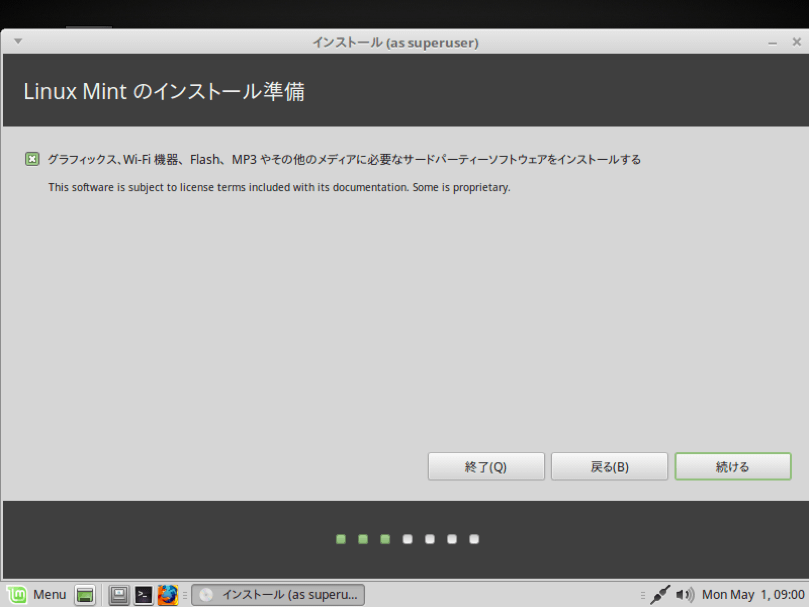
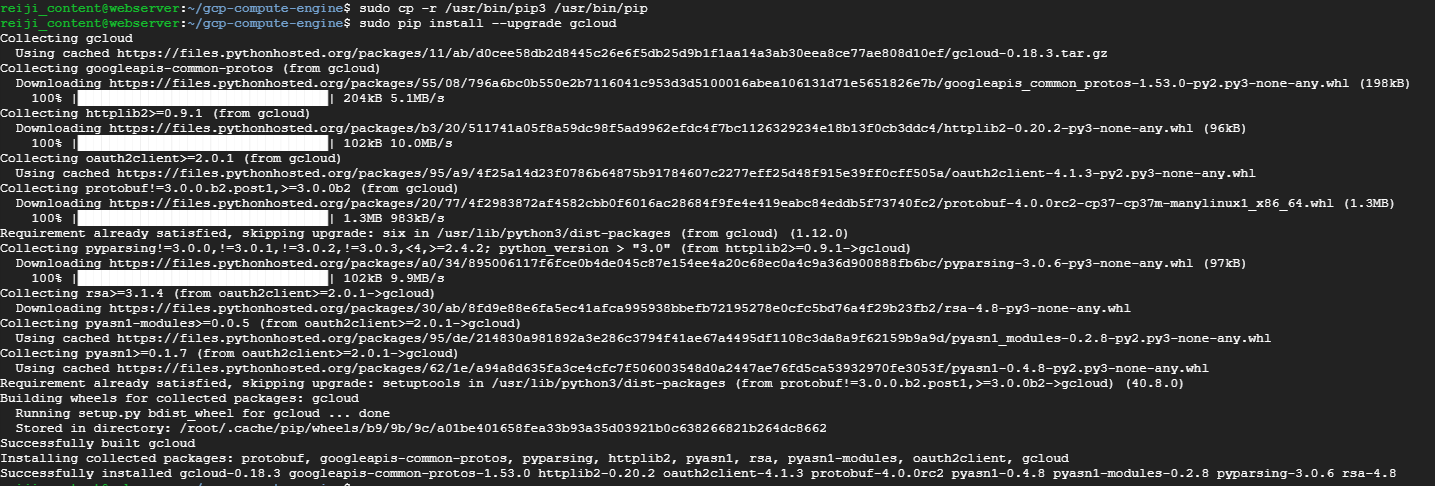
Installing gcloud on Linux
Python is a prerequisite for installing gcloud, so make sure you have it installed on your computer or server. If you need to install it, please refer to this Python installation guide .
- Depending on your OS, you can download 32-bit or 64-bit packages from the official download page .
64 bit example
curl -O https://dl.google.com/dl/cloudsdk/channels/rapid/downloads/google-cloud-sdk-342.0.0-linux-x86_64.tar.gzAnd for 32 bits
curl -O https://dl.google.com/dl/cloudsdk/channels/rapid/downloads/google-cloud-sdk-342.0.0-linux-x86.tar.gz- When you unzip the downloaded file, a new folder
called google-cloud-sdkwill be created. - Run the
install.shfile
./google-cloud-sdk/install.sh
- Restart Terminal for the changes to take effect.
- Run the following command to initialize the gcloud SDK.
gcloud init Installing gcloud on Windows
As always, things are much easier on Windows. Just download and run the Cloud SDK installer for Windows.
Or, if you prefer the terminal method, open a PowerShell terminal (not CMD) and run the following PowerShell command:
 (New-Object Net.WebClient).DownloadFile("https://dl.google.com/dl/cloudsdk/channels/rapid/GoogleCloudSDKInstaller.exe", "$env:Temp\GoogleCloudSDKInstaller.exe")

& $env:Temp\GoogleCloudSDKInstaller.exe
2- The installer, which is signed by Google LLC, will prompt you for the next steps; follow them.
If you prefer, you can also enable screen reader mode for a more streamlined screen reader experience. Check the Turn on screen reader mode option . For more information about the Cloud SDK screen reader experience, see the Accessibility Features Guide .
3- Cloud SDK requires Python, so you need to install Python and all other required dependencies. Supported versions are Python 3 (recommended, 3.5-3.8) and Python 2 (2.7.9 and later). This means that although the SDK currently uses Python 3 by default, you can use your existing Python installation. To do this, uncheck the “Install bundled Python” option.
4- Once the installation is complete, you will have several options to choose from.
Please be sure to select:
- Start the Google Cloud SDK shell
- Run
gcloud init
An SDK terminal window appears and automatically runs the gcloud init command.
5- Therefore this installation is the default. It does not include the App Engine extensions required to deploy applications using gcloud commands. These components can be installed in the Cloud SDK component manager.
troubleshooting:
- If the installation fails because
findcommand was not recognized, make sure your PATH environment variable is set to include the folder containingfind.C:\WINDOWS\system32; - If you have just uninstalled the Cloud SDK, you must restart your computer to install the new Cloud SDK.
For macOS
1- Like other OS, macOS also requires Python in its SDK. Supported versions are Python 3 (recommended, 3.5-3.8) and Python 2 (2.7.9 or later). Additionally, you can also choose macOS 64-bit with a packed Python installation.
Check your current Python version by running the following command:
python -VFor more information about choosing and configuring a Python interpreter, see gcloud topic starting .
2- There are 4 packages. Please download the one appropriate for your OS below.
| macOS 64 bit (x86_64) | google-cloud-sdk-342.0.0-darwin-x86_64.tar.gz | 86.0MB |
| macOS 64 bit (arm64) | google-cloud-sdk-342.0.0-darwin-arm.tar.gz | 85.9MB |
| macOS 64-bit bundled with Python (x86_64) | google-cloud-sdk-342.0.0-darwin-x86_64-bundled-python.tar.gz | 127.9MB |
| macOS 32-bit (x86) | google-cloud-sdk-342.0.0-darwin-x86.tar.gz | 89.8MB |
Run uname -m from the command line to determine the appropriate machine hardware name.
3- Now unzip the file to any path in your file system. We recommend unzipping it in your home directory. To do this on macOS, simply open .tar.gz archive file you downloaded to the desired location.
If you are replacing an existing installation, delete the existing google-cloud-sdk directory and extract the archive to the same location. If you have an existing installation and want to replace it, delete the old google-cloud-sdk directory and extract the new package to the same location.
4- Optionally, you can use the installation script to install additional Cloud SDK tools in the same PATH . You can also contribute command completion for usage statistics collection and/or shell command completion, if desired.
Run this script from the exact root of the folder where you extracted the SDK.
./google-cloud-sdk/install.shIt can also be run non-interactively using a script or by running the following command and specifying the environment settings as flags:
./google-cloud-sdk/install.sh --helpTo turn on screen reader mode and run the installation script:
./google-cloud-sdk/install.sh --screen-reader=trueNow restart your terminal for the changes to take effect.
6- To initialize the SDK, run gcloud init .
./google-cloud-sdk/bin/gcloud initoption:
- Install additional SDK components from the Component Manager.
- Install the latest Google Cloud client libraries and libraries for supported languages.
Using Gcloud
The above steps install default Cloud SDK components such as gcloud, gsutil , and bq command-line tools.
After you install Cloud SDK, use commands from the gcloud component command group to manage and use your installation. This includes viewing installed components, installing and removing components, upgrading to a new version of Cloud SDK, and even downgrading to a specific version.
To install additional components, use the gcloud components install command or install the appropriate deb or RPM package.
Gcloud for mobile
To use gcloud on your smart phone, install Google Cloud Console.
For iPhone: Google Cloud Console | App Store .
For Android: Google Cloud Console | Google Play .
Just open the shell black icon.
conclusion
Follow these steps to use gcloud however you like, on your browser, computer, or simply on your smartphone. It is clear that the entire process is very easy to implement, no matter what the operating system.


![How to set up a Raspberry Pi web server in 2021 [Guide]](https://i0.wp.com/pcmanabu.com/wp-content/uploads/2019/10/web-server-02-309x198.png?w=1200&resize=1200,0&ssl=1)


