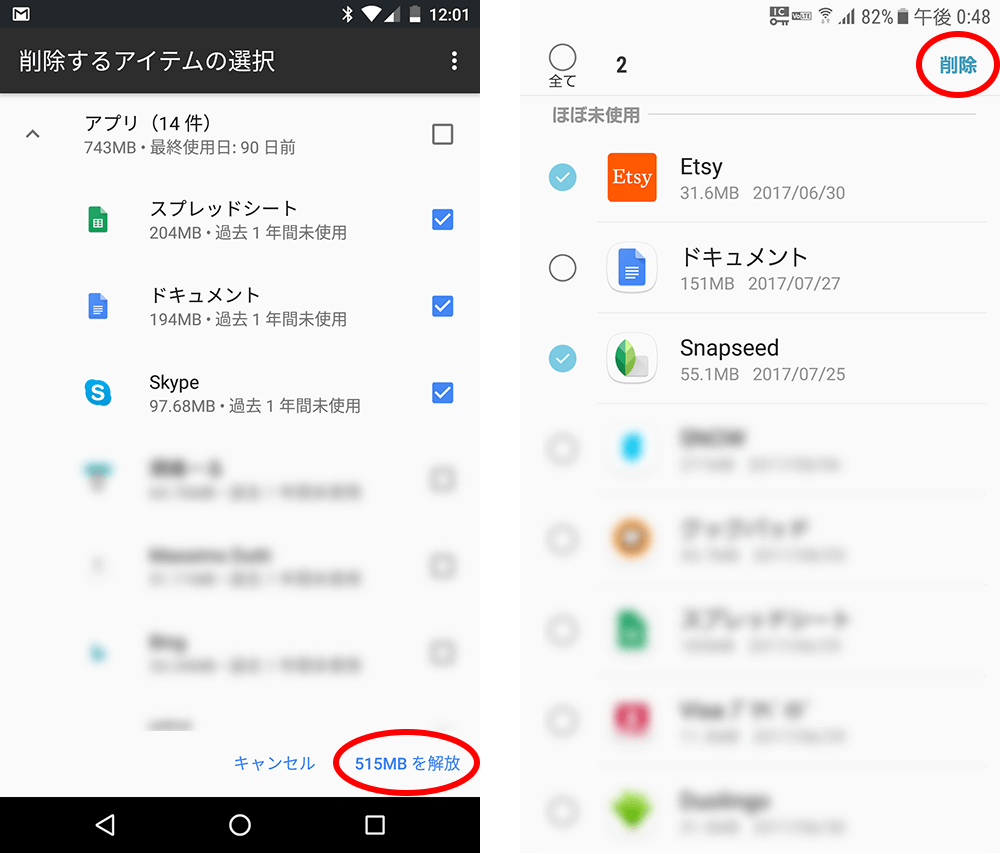
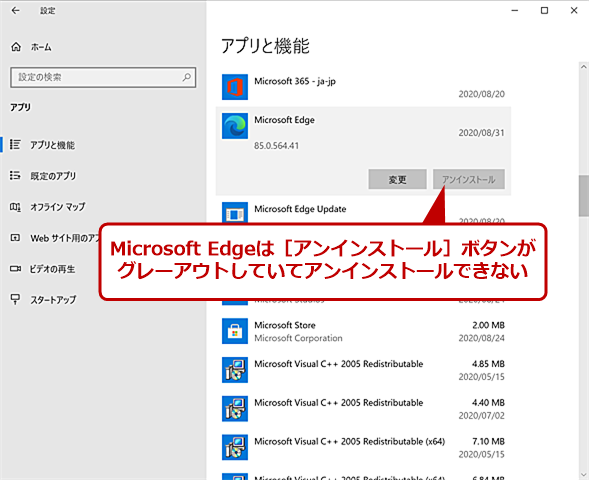
Microsoft recently released a new canary build of Windows 11 . This allows users to remove more built-in apps than previously allowed. When a user boots Windows 11 for the first time on a new machine or performs a clean install of Windows 11 on a system, there are many built-in apps. These include apps like Camera, Cortana, OneDrive, Photos, and People. With the latest Insider builds, Microsoft has relaxed the rules to allow users to uninstall more of these built-in apps. 
Uninstall built-in Microsoft apps for a bloatware-free experience
With this new update, users can finally uninstall more built-in apps than ever before. This is great news because many people never use these built-in apps. In these situations, these apps can become “bloatware” and run silently in the background, consuming valuable computational resources.
For some users, uninstalling built-in apps means taking up more storage space. Even if they don’t take up any meaningful amount of storage, some people want to uninstall as many apps as possible because space on their operating system drive is limited. Either way, removing these built-in apps will make your Windows 11 experience less bloated .
Personally speaking, I don’t use apps like Photos, Cortana, People, or the Remote Desktop app at all. Currently, most users cannot uninstall these apps on current Windows 11 builds. Once the Insider Preview changes are reflected in stable builds of Windows 11, users will eventually have the option to uninstall these system apps.
Until then, read our dedicated guide on how to speed up your Windows 11 experience. We’ve also included instructions on how to use certain third-party apps to de-bloat your PC, if you’re interested. What do you think about this new change in Windows? Let us know in the comments section below.


![How to set up a Raspberry Pi web server in 2021 [Guide]](https://i0.wp.com/pcmanabu.com/wp-content/uploads/2019/10/web-server-02-309x198.png?w=1200&resize=1200,0&ssl=1)


